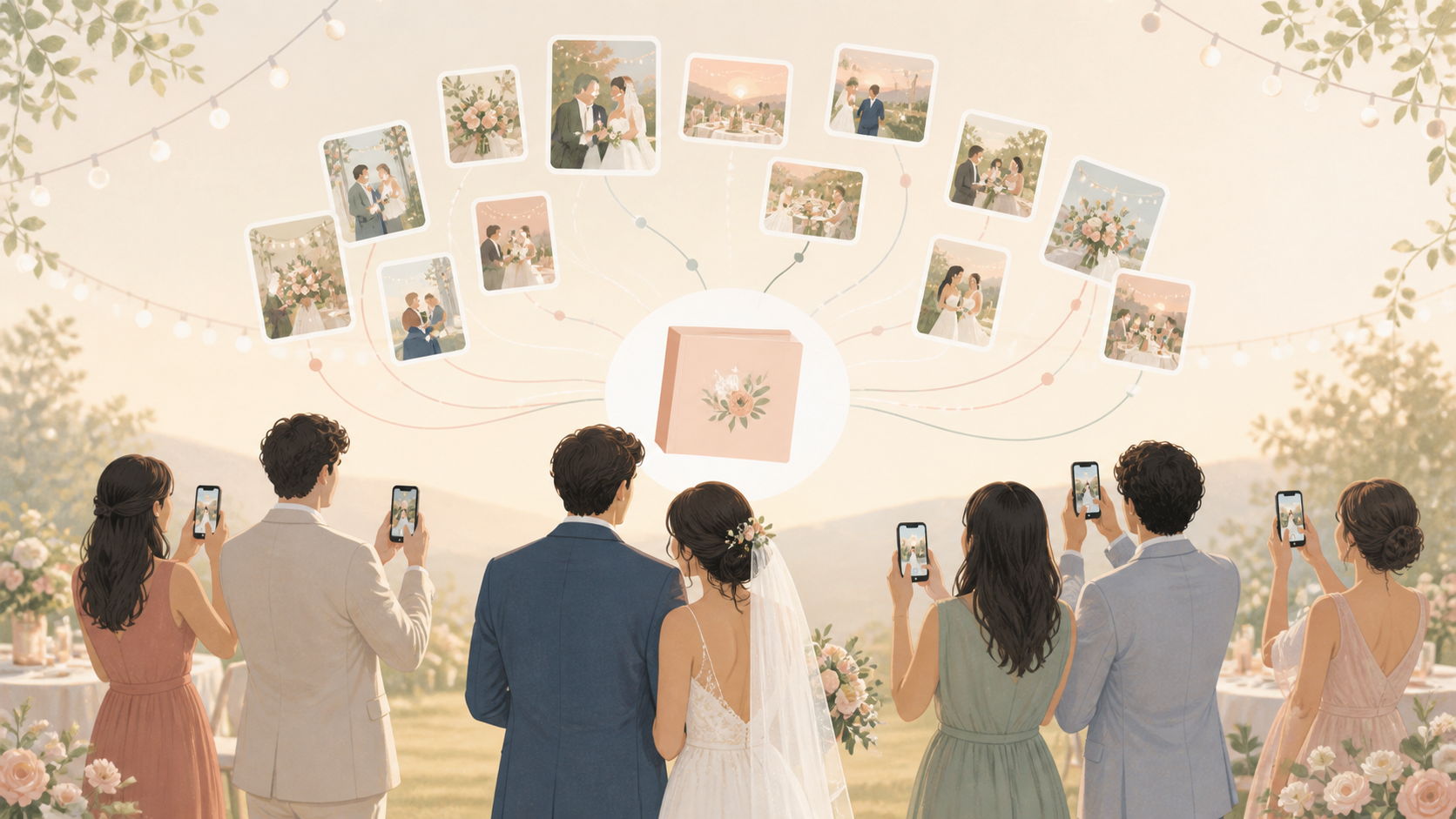
Your wedding day is full of photos your photographer may never see: ceremony nerves, reception hugs, dance-floor chaos, table selfies, and after-party snapshots. sync.camera gives you and your guests one private place to collect those pictures, whether they use iPhone, Android, a QR code, or an invite link.
What is hard right now
- We know guests took great pictures, but we have no easy way to collect them all.
- Our wedding photos are split across group chats, AirDrop, Instagram, and people who forget to send them.
- We want guest photos without making everyone create an account or download another app.
Scenarios
The ceremony
Before the ceremony starts, your guests can scan the wedding QR code or open an invite link in their browser. They can add aisle photos, vow reactions, family hugs, and quiet in-between moments into the same private event album.
If you do not want photos distracting from the day, reveal timing lets you keep the gallery hidden until later. Your guests can still contribute, and you can enjoy the ceremony without watching pictures scatter across separate chats.
The reception
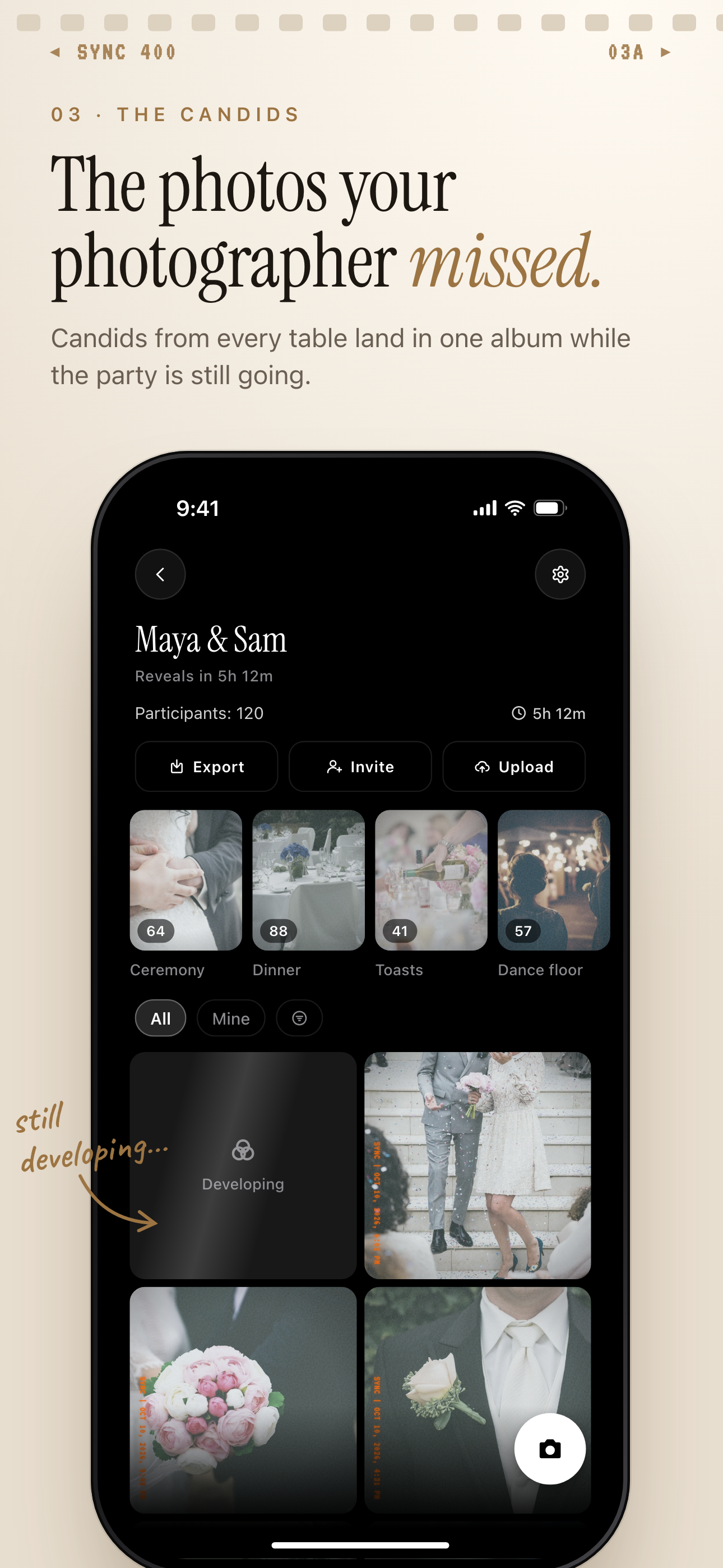
At the reception, every table sees a different part of the night. One friend catches the speeches, another gets the cake cutting, someone else has the first dance, and a cousin has the best dance-floor candids.
With a shared event album, those photos flow into one place instead of staying buried in phone galleries, DMs, and cloud folders. Guests do not need an account to join, so sharing stays simple while the celebration keeps moving.
The after-party
The late-night part of the wedding often has its own story. With Moments, you can keep after-party photos separate from the ceremony and reception while still keeping everything connected to your wedding album.
Create a Moment with its own QR code and reveal timing, then let guests add photos from the browser or app. You get a cleaner album later, and your guests do not have to switch tools just because the night moves to a new place.
Features that make this work
QR code guest joining
Your wedding guests can join from a QR code or invite link, so you do not have to collect phone numbers or explain a complicated upload process.
Shared event albums
All guest photos collect in one private wedding album, making it easier to find candid pictures without searching through texts, DMs, or cloud folders.
Reveal modes
You can let guests see photos live during the reception or keep the gallery locked until after the celebration.
Moments
Ceremony, reception, and after-party photos can be grouped by phase, each with its own QR code and timing.