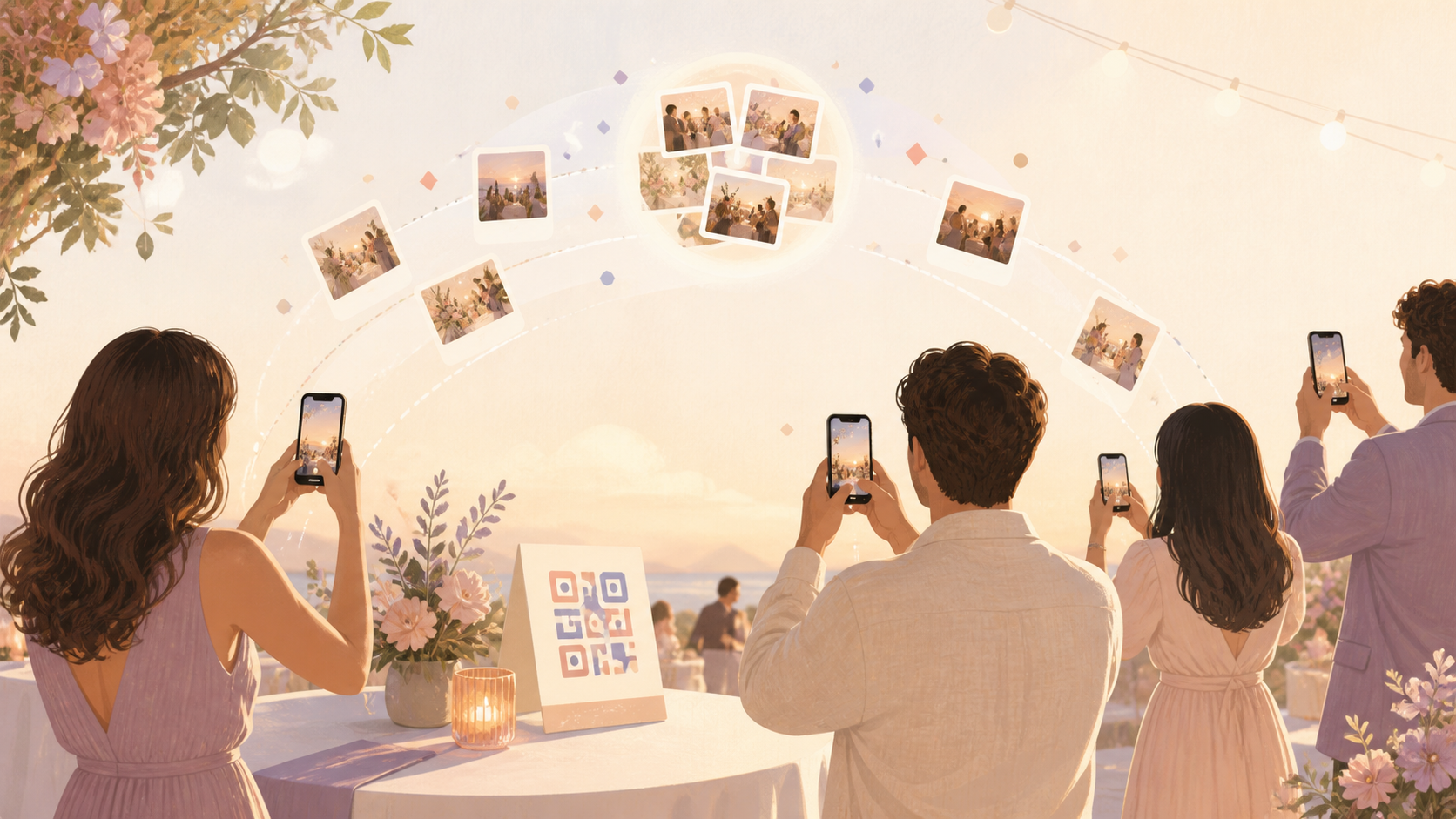
You want the full story of your event, not just the photos that make it into one group chat. With sync.camera, you can give your guests one QR code, let them join from a modern phone browser without an account, and collect the candid iPhone, Android, and camera-roll moments into one private event album.

What is hard right now
- I know guests took great photos, but I never get half of them.
- Our group chat turns chaotic, and people on different phones get left out.
- I do not want private event photos scattered across social media or random links.
Scenarios
Birthday Parties
You are lighting candles, checking on food, greeting relatives, and trying not to miss the moment everyone starts singing. Meanwhile, your guests are taking photos from every angle: the cake close-up, the kid grinning at the table, the cousins laughing in the background.
Print the sync.camera QR code and place it on the snack table, gift table, or entryway. Guests scan, join from their phone browser if they do not want to install anything, and add photos to the same birthday album while the party is still happening.
Weddings And Receptions
Your photographer captures the formal shots, but your guests catch the in-between moments: table selfies, grandparents dancing, friends getting ready, and late-night photos after the photographer has packed up. Those photos usually end up split across private camera rolls and chats.
With sync.camera, you can use one event album for the day and organize bigger phases with Moments, each with its own QR code and reveal timing. Guests can contribute during the ceremony, reception, and after-party while you control whether photos appear live, after the event, or after a delay.
Corporate Events
At check-in, panels, networking sessions, and team dinners, attendees are already taking useful photos. Without a shared place to put them, those shots get buried in Slack threads, personal galleries, or one-off cloud links that only a few people see.
Put the QR code on badges, table signs, presentation slides, or the registration desk. Your guests can join the private event album without account setup, contribute from modern phone browsers, and help your team collect one organized set of event photos after the room clears.
Features that make this work
QR Code Guest Joining
You can place one QR code at the event so guests can join quickly from a modern phone browser, with no account required.
Shared Event Albums
Every guest contributes to one event album, so you are not collecting photos from separate texts, cloud links, social posts, and camera rolls afterward.
Private Event Sharing
Your event photos stay scoped to the event, with no ads, no selling of photos, and no third-party tracking.