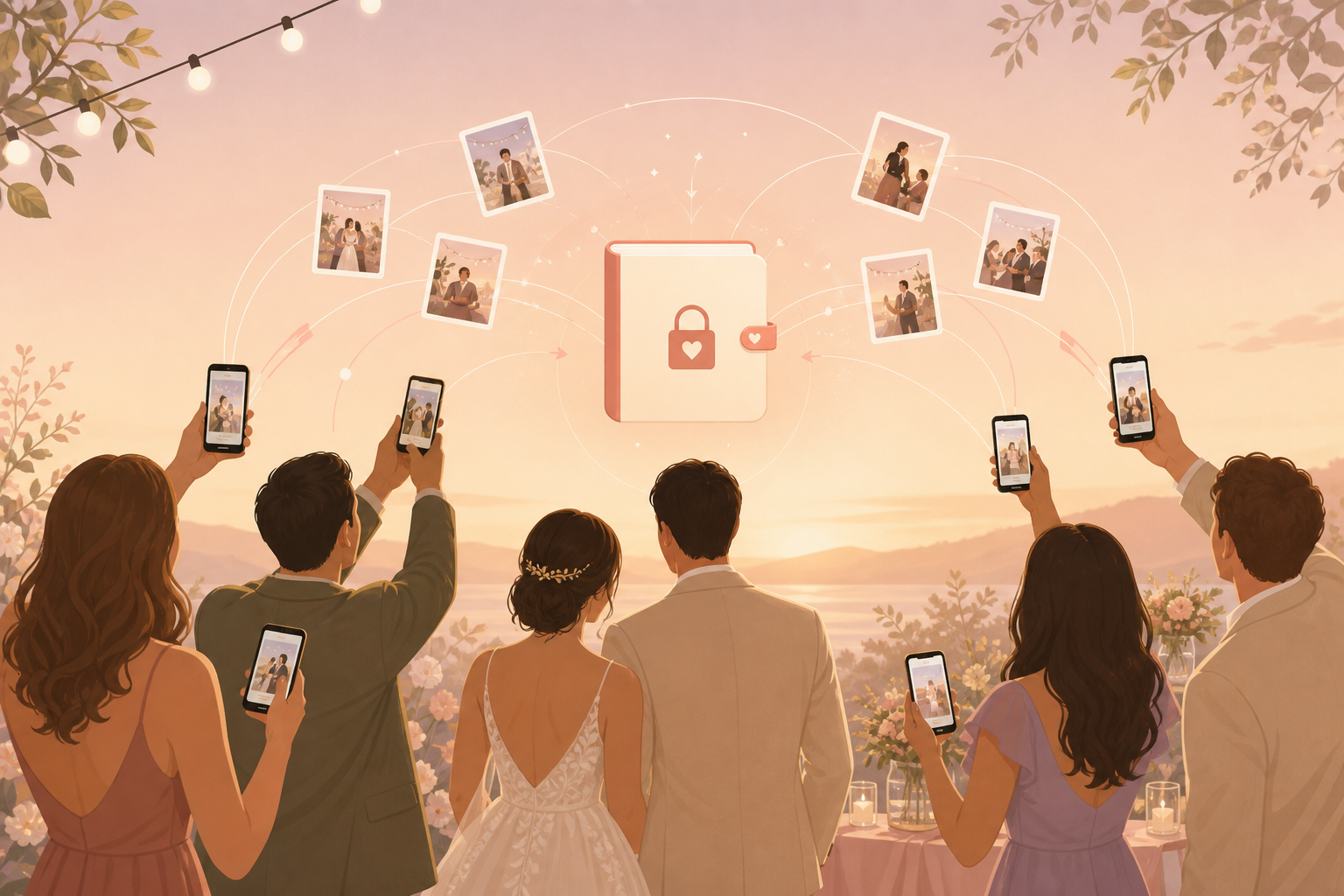
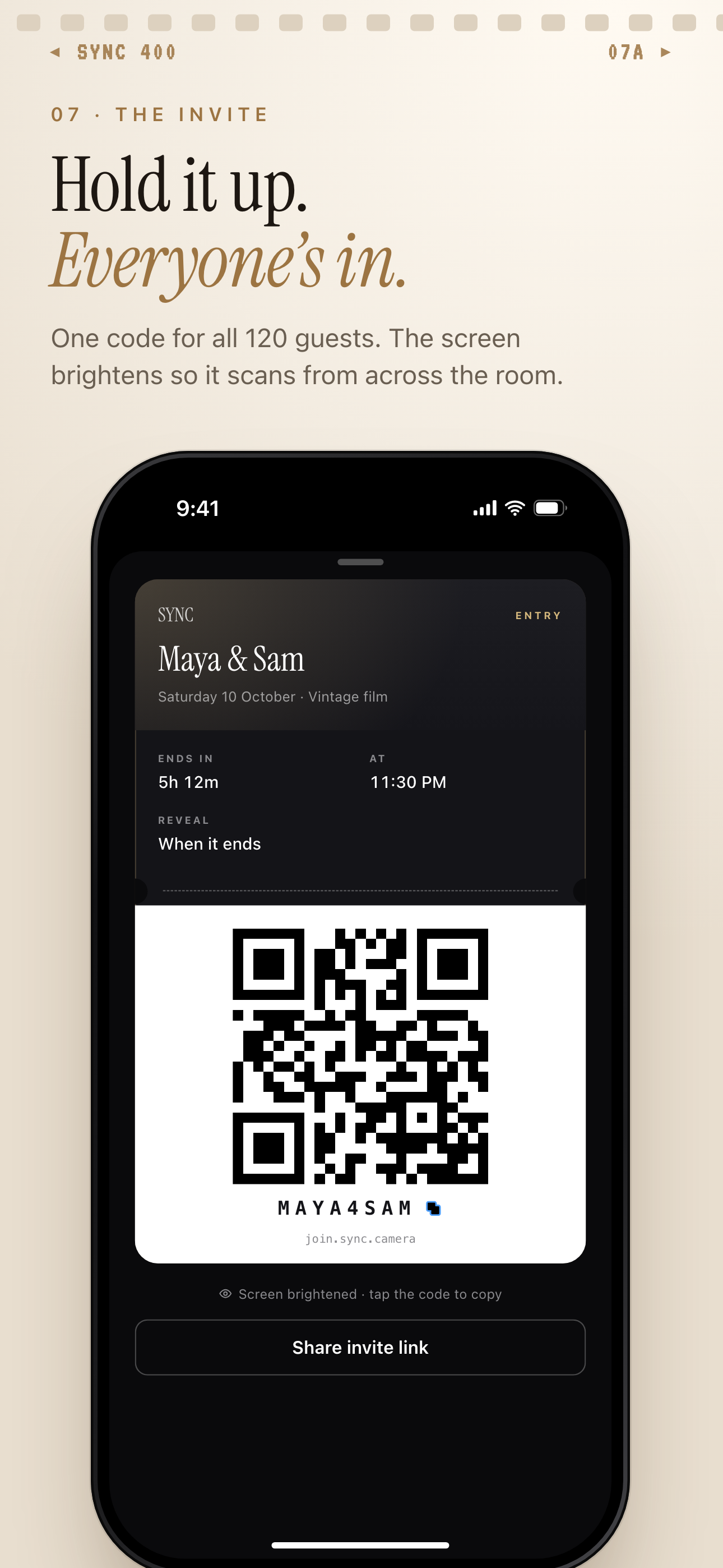
You want the candid wedding pictures your guests naturally capture: aisle reactions, table selfies, dance floor clips, and quiet family moments your photographer may miss. sync.camera gives your guests one simple QR code so iPhone, Android, grandparents, cousins, and last-minute plus-ones can all add photos to the same private wedding album without turning your day into tech support.
What is hard right now
- We do not want to chase guests for photos after the honeymoon.
- Our guests will use different phones, apps, and group chats.
- We want candid wedding pictures without making everything public.
- We need something easy enough for grandparents and last-minute guests.
Scenarios
Ceremony reactions
During the vows, your photographer may be focused on the aisle, the officiant, or the two of you. Meanwhile, a cousin might catch your parents tearing up, your grandmother smiling from the front row, or your friends reacting from the back.
With one QR code for wedding pictures, guests can add those ceremony photos to the right private album instead of leaving them buried in camera rolls. You get the candid angles around the room without asking everyone for uploads later.
Reception tables
Every reception table becomes its own little photo booth. Guests take selfies, food shots, centerpiece photos, and group pictures with people you may not get to visit for long during dinner.
Put the sync.camera QR code on table cards, menus, or signage so your guests know exactly where those pictures should go. iPhone and Android guests can contribute to the same shared wedding album without finding a link in a group chat.
Dance floor moments
Late in the night, the best guest photos are often blurry, funny, and real: friends singing along, relatives dancing together, and the moments that never make it into the formal gallery.
Because the QR code stays tied to your wedding album, those reception pictures can keep flowing in while the party is still happening. You can choose whether guests see the photos live or wait for a reveal after the event.
After-party and next morning
Your wedding photos do not always stop when the official schedule ends. Guests may keep taking pictures at the after-party, hotel lobby, brunch, or the next morning with family.
Use event moments or timing settings to keep after-party photos separate from ceremony memories while still collecting everything under your wedding. You do not have to rebuild the weekend from text threads after the honeymoon.
Features that make this work
QR code guest joining
Your guests get one clear action: scan the wedding QR code and add photos to your event album without hunting for a link.
Shared wedding album
Your iPhone, Android, family, and friend photos stay together so you are not rebuilding the day from scattered messages.
Private event access
You can collect candid wedding pictures from guests without making the whole celebration public on social feeds.
Reveal timing
You decide whether guests can see photos live during the wedding or after the celebration ends.