You're hosting a birthday party, for a kid, a partner, a milestone or yourself. Twenty people will take photos on their own phones, and you want all of them in one place without sending twenty follow-up texts. You'd also like to start for free, keep the album private, and not ask guests to install anything or make an account at a party.
What is hard right now
- Everyone took photos, but I only ever get the five that landed in the group chat. The best candids stay on guests' phones.
- Half my guests are on Android and half on iPhone, and the shared-album tools I've tried only work well for one of them.
- I don't want to ask grandparents and friends to sign up for an app just to send me a photo of the cake.
- I don't want party photos of my kid posted somewhere public or fed into ad targeting.
- I want a free way to try this before I commit, not a paywall at the first guest.
Scenarios
The kid's birthday at the park
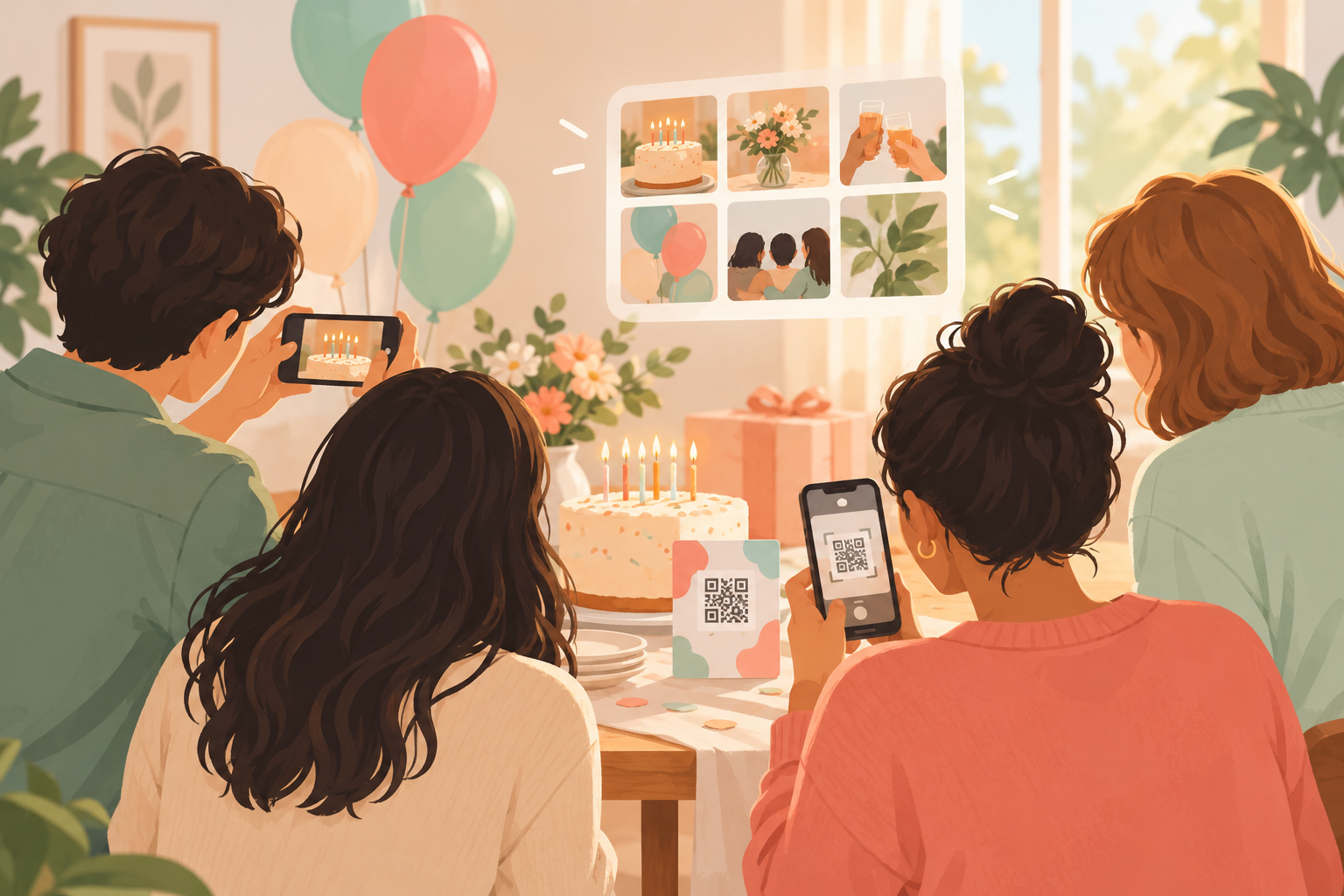
You create the event, name it and pick an end time. Then you print the QR code and tape it to the table next to the cake. Parents scan it with the camera on any modern phone and join from the browser. No account is required, and nobody has to install anything while a kid is mid-piñata swing.
Photos of the piñata, the cake and the chaos around it arrive in one album instead of staying scattered across guests' camera rolls. The free tier covers up to 7 guest uploaders per event, which is plenty for a small crowd of parents. For more ideas on the day itself, see our kids birthday party page.
The surprise party where the photos should stay hidden
A surprise party falls apart if the guest of honor can scroll through a live feed halfway through. Pick the "After the event" reveal mode and the gallery stays locked until the party ends. The guest of honor doesn't see photos mid-party, and then everyone sees them together afterward.
If you'd rather have a different rhythm, there are two alternatives. "During" lets guests see photos live as they're taken. "Additional delay" unlocks the gallery a set number of hours after the event ends, which works well if you want a morning-after reveal. Read more about reveal modes.
The milestone birthday with a dinner and an after-party
A big birthday often runs in stages. Split the night into Moments, such as the dinner and the after-party, each with its own QR code and reveal timing. Guests move between them without switching apps, so the toast photos and the dance floor photos each end up where they belong.
If the guest list outgrows the free limit, SYNC PRO is a one-time purchase per event, not a subscription. It expands the guest and photo limits for that single event, and you upgrade again only when you create a larger one.
Afterward: finding the good ones
Once the party is over, the album is one place to look instead of twenty camera rolls. Filter by photographer to see one guest's shots, then export your favorites.
The album stays private to your event. If you ever delete your account, it removes the events you own and their photos within 30 days.
Features that make this work
QR code photo sharing
You get one code to put on the cake table. Guests join from the QR code or an eight-character invite, with no account required, and they can use any modern phone browser on iPhone or Android. Installing the app is optional.
Free QR code for your event
Start free, with up to 7 guest uploaders per event, and upgrade for that event only if the guest list grows.
Reveal modes
Choose During, After the event or Additional delay, so a surprise party or a big reveal stays a surprise.
Private event albums
Birthday photos stay in an event-scoped album. sync.camera doesn't sell your photos or data, has no ads and does no cross-app tracking.