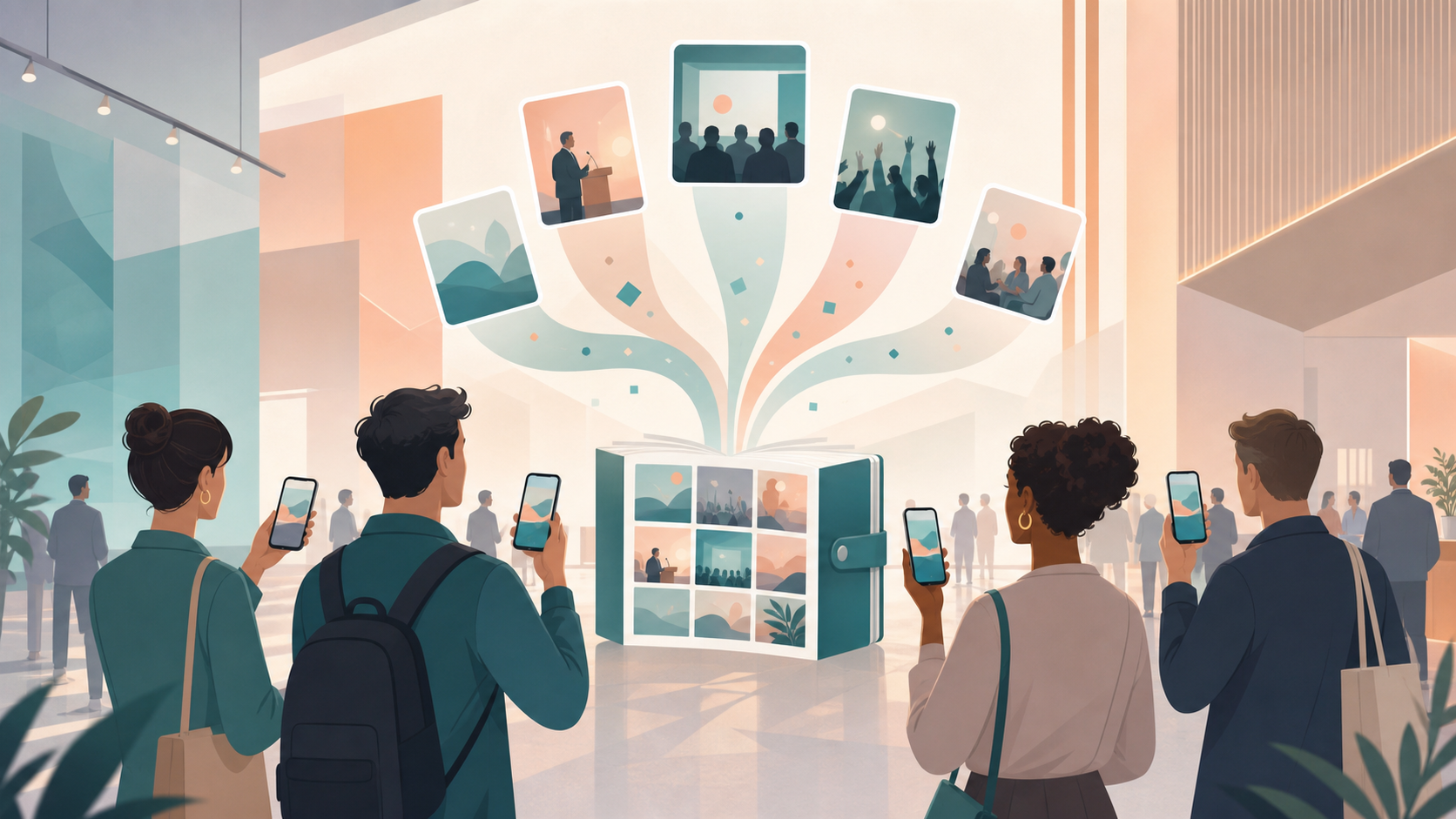
You're organizing a conference — maybe 200 attendees, three tracks, two days, a dozen breakout rooms. Your AV team captures the main stage, speakers share their slide decks, and attendees are photographing whiteboards, badge-booth moments, and candid networking shots throughout. By the time the event ends, those photos live on forty different phones, across three Slack workspaces, and in a WhatsApp group that hit its media limit on day one. You need a single place to collect everything — for the post-event recap email, the sponsor report, and the LinkedIn highlights reel — without emailing every attendee asking them to 'please send your photos.'
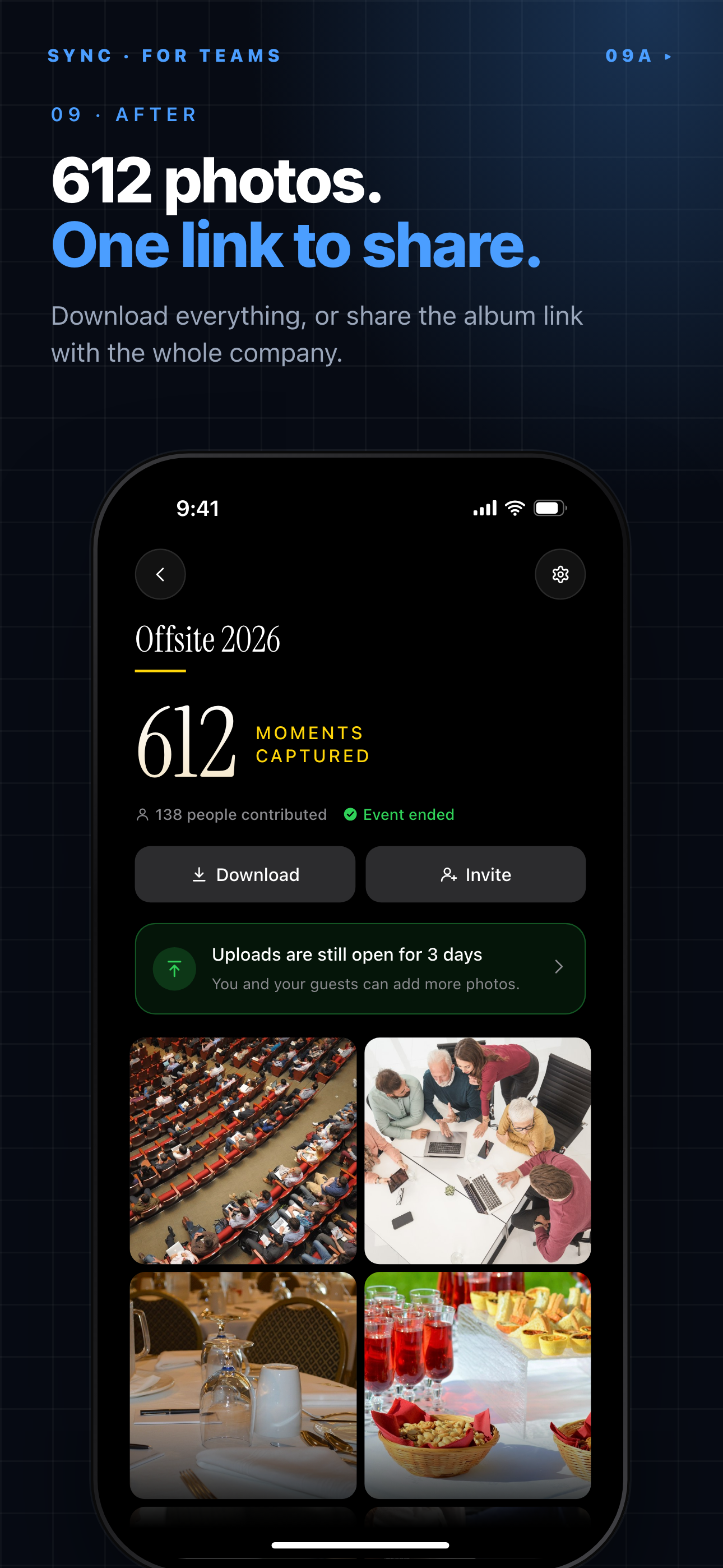
After the event, the whole album can be downloaded or shared as one link.
What is hard right now
- Photos end up scattered across attendee phones, Slack channels, and a WhatsApp group nobody can scroll back through — making it nearly impossible to pull together a post-event recap.
- Asking attendees to 'send me your photos' means chasing down 50 people, getting inconsistent file sizes, and waiting until three weeks after the event when nobody cares anymore.
- Your official photographer gets the stage shots, but every candid moment — the hallway conversation that turned into a partnership, the standing ovation, the crowd at the sponsor booth — disappears because casual attendees never share what they captured.
- Different attendees use different platforms: some are on iOS, some on Android, and a few international guests don't have iMessage or Google Photos set up. A single group chat excludes someone every time.
Scenarios
Opening keynote and main-stage moments
Your AV team is shooting from the front row, but 300 attendees behind them are capturing their own angles — wide shots, reaction shots, speaker close-ups from the middle of the room. The AV team uploads to Google Drive. The attendees do nothing, because there's nowhere obvious to put their photos.
With SYNC, you put a QR code on the opening slide. Attendees scan it, and their shots go straight into the event album in real time — no app download, no account creation, no group chat to join. By the time the keynote ends, you have 80 photos from 40 different vantage points. Your marketing team can pull a same-day social post before the first breakout session starts, without sending a single follow-up email.
Networking happy hour and after-hours events
The informal moments are the ones that make the best LinkedIn content — and the ones most likely to vanish forever. The badge-swap joke, the sponsor booth demo that drew a crowd, the dinner where two founders decided to collaborate. At a networking happy hour, no one is thinking about 'sending photos to the organizer.'
With SYNC's persistent QR code printed on your event badge or lanyard card, attendees can tap-upload a photo any time during the two-day event. The album fills passively. Your marketing team watches it update live and can pull highlight shots for the recap post before the event even closes — so the sponsor report shows documented booth traffic, not just an attendance headcount.
Breakout sessions and workshop documentation
A workshop facilitator photographs the whiteboard output from each table exercise — critical for the follow-up resource doc. A session speaker captures the room for their own post-event newsletter. An attendee grabs a shot of the slide they want to reference later. Right now, those three people never find each other. The facilitator sends a Slack message that gets buried; the speaker's shot lives in their camera roll; the attendee's photo is never shared at all.
With SYNC, the breakout room's QR code collects all three shots automatically into the event album. The facilitator can export the whiteboard photos as a batch for the post-session summary. The speaker gets credited. The organizer gets documentation across all twelve breakout rooms without hunting down each facilitator individually after the event.
Features that make this work
QR Code Guest Upload
Conference attendees don't want to install another app. A QR code on your event badge, agenda PDF, or welcome slide lets anyone — iOS, Android, or web — upload photos to the event album in seconds, no account required. You get contributions from the full room, not just the tech-forward attendees who were willing to jump through hoops.
Real-Time Shared Album
As attendees upload throughout the day, photos appear in the album instantly. Your marketing team can pull highlight shots for a same-day social post, your recap email can go out 24 hours after the event closes instead of two weeks later, and sponsors can see their booth traffic documented in real time — not in a batch dump after the event.
Private Event Access
Conference photos often include attendees who haven't consented to public posting — badge holders, VIP guests, speakers who asked for no photography. SYNC keeps the album private to the event code or QR link. Nothing indexes on search engines. You control who sees the album, and you can share a read-only export link with sponsors or speakers after the event without making anything public.
Bulk Export for Recap Content
When the event ends, you don't want to download 400 photos one at a time. SYNC lets you export the full album as a zip — full resolution, organized by upload time — so your marketing team, AV vendor, and sponsor report all get what they need from one download, not 40 separate 'can you send me your photos' threads.