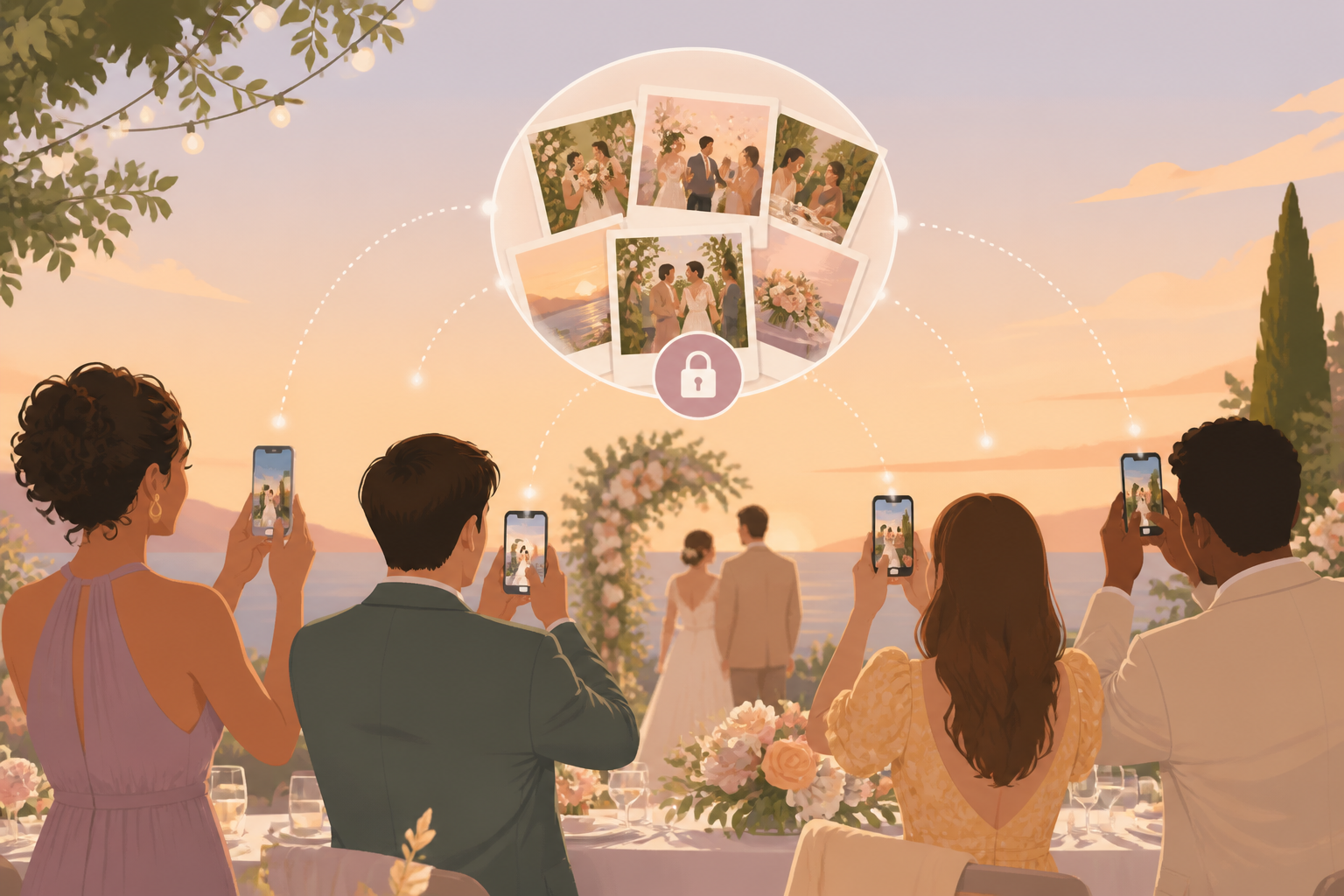
You want the candid wedding photos your guests are already taking: your grandmother smiling during the ceremony, college friends at the reception table, cousins on the dance floor, and late-night after-party moments that never make it into the formal gallery. sync.camera gives iPhone and Android guests a simple way to add those photos to one private wedding album without accounts, one-by-one texts, or scattered group chats.
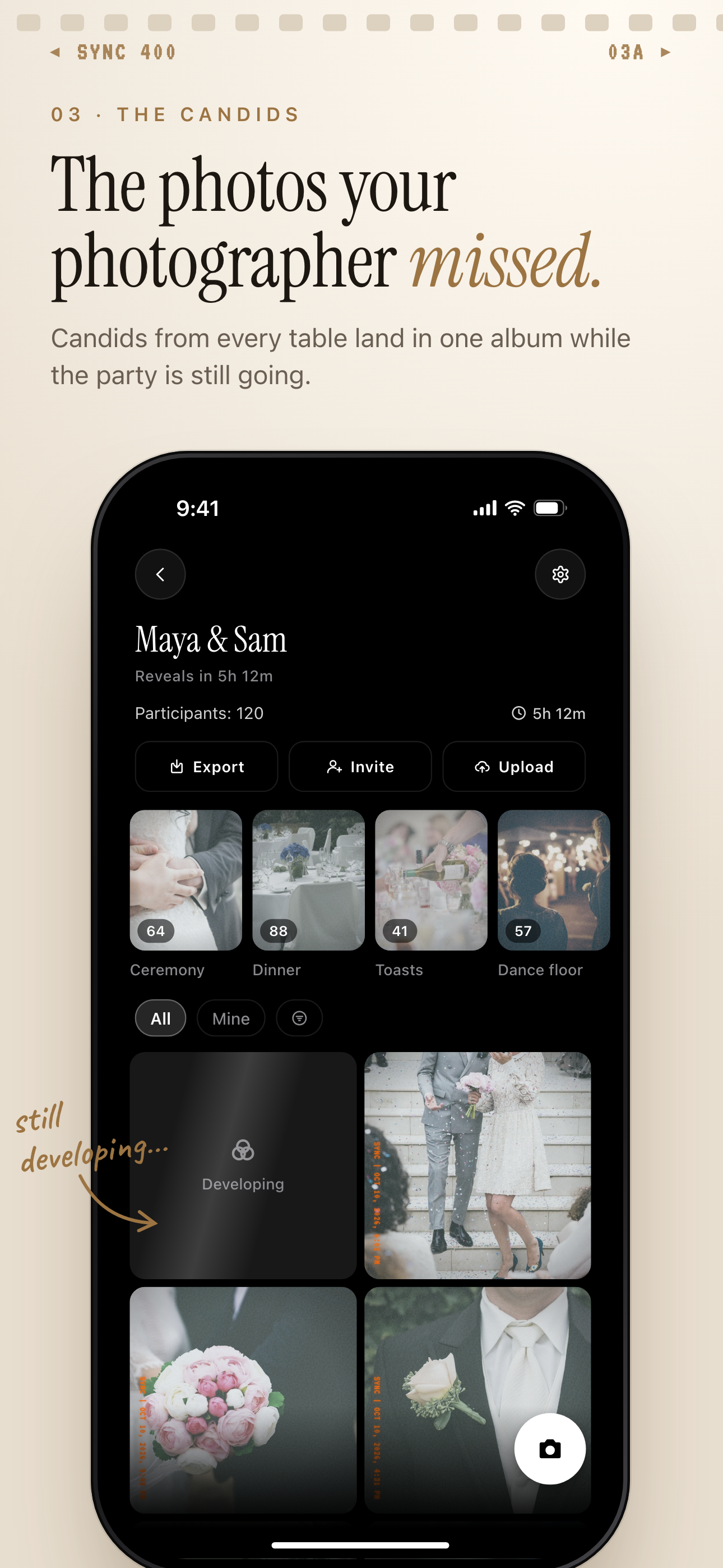
Guest candids from every table land in one private wedding album.
What is hard right now
- Your guests will take great photos, but you are worried you will never see half of them.
- Your wedding photos could end up split across iMessage threads, Instagram stories, AirDrop, and random camera rolls.
- You want the fun of a disposable camera moment without buying film, collecting cameras, or waiting for scans.
- Some relatives and plus-ones are not techy, so the photo-sharing flow has to be obvious from the table.
Scenarios
Ceremony candids
During the ceremony, your photographer is focused on the aisle, the vows, and the big moments. At the same time, a cousin might catch the flower girl peeking around a chair, your parents holding hands, or friends reacting from the back row.
With sync.camera, that guest can scan the wedding QR code and add the photo from their phone into your private album. The moment stays connected to your wedding instead of disappearing into a camera roll you may never know exists.
Reception table moments
At the reception, every table becomes its own little camera crew. Guests take selfies between courses, photos of speeches, quick shots of centerpieces, and dance-floor pictures that feel more spontaneous than posed.
A table card or sign with your sync.camera QR code gives everyone one simple place to contribute. You get the digital disposable camera app for wedding experience without collecting physical cameras at the end of the night.
After-party memories
The after-party is where photos usually scatter fastest. One friend posts a story, another sends a few pictures to a group chat, and someone else keeps the best late-night photos on their phone because there is no obvious place to put them.
A dedicated sync.camera wedding event keeps those photos attached to the same celebration as the ceremony and reception. You can let guests watch the gallery fill live or keep photos hidden until the celebration is over.
Features that make this work
QR code guest access
Guests can join your wedding album from a table card, welcome sign, program, or invite link without creating an account.
Shared wedding album
You get one place for guest photos from the ceremony, reception, dance floor, and after-party instead of chasing files after the wedding.
Reveal timing
You can choose whether guests see the gallery fill during the celebration or wait to reveal the photos after the event.
Private event albums
Your wedding photos stay scoped to your event, giving you a more private alternative to public hashtags and social feeds.