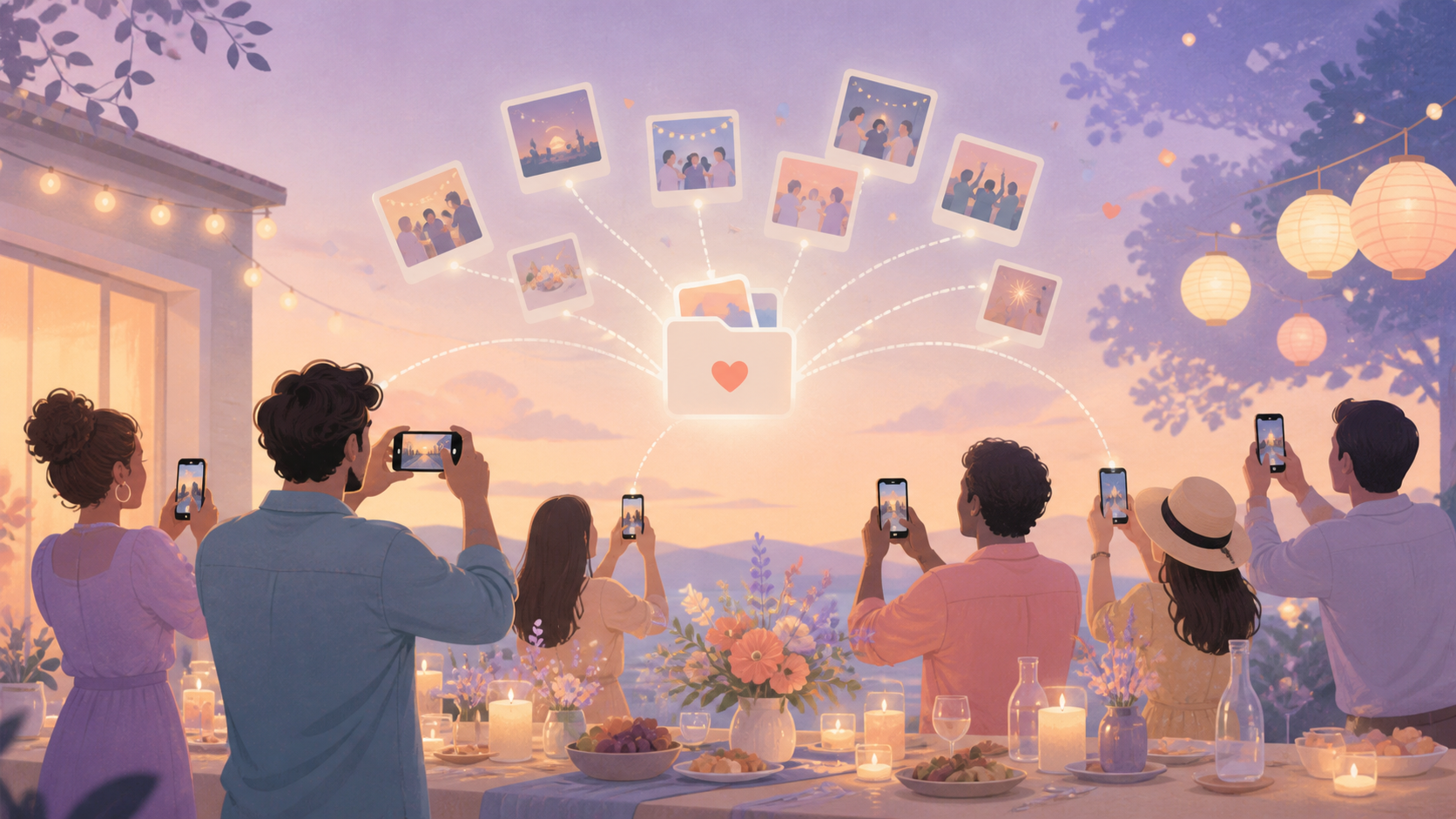
You want the full story of the night, not just the photos that happen to be on your own phone. Your friends show up on a mix of iPhones and Androids, someone always forgets to check the group chat, and the best shot of the night usually stays on a guest's camera roll until you remember to ask for it weeks later. A group chat buries photos in a scrolling thread full of side conversations, a generic cloud shared album still asks every guest to find the link and sign in, and AirDrop-style transfers only work if you're standing next to the person mid-party. sync.camera skips all of that: guests join a private album for your event by scanning a QR code or tapping an invite link, no account required, and their photos land in the same album as everyone else's while the party is still going.
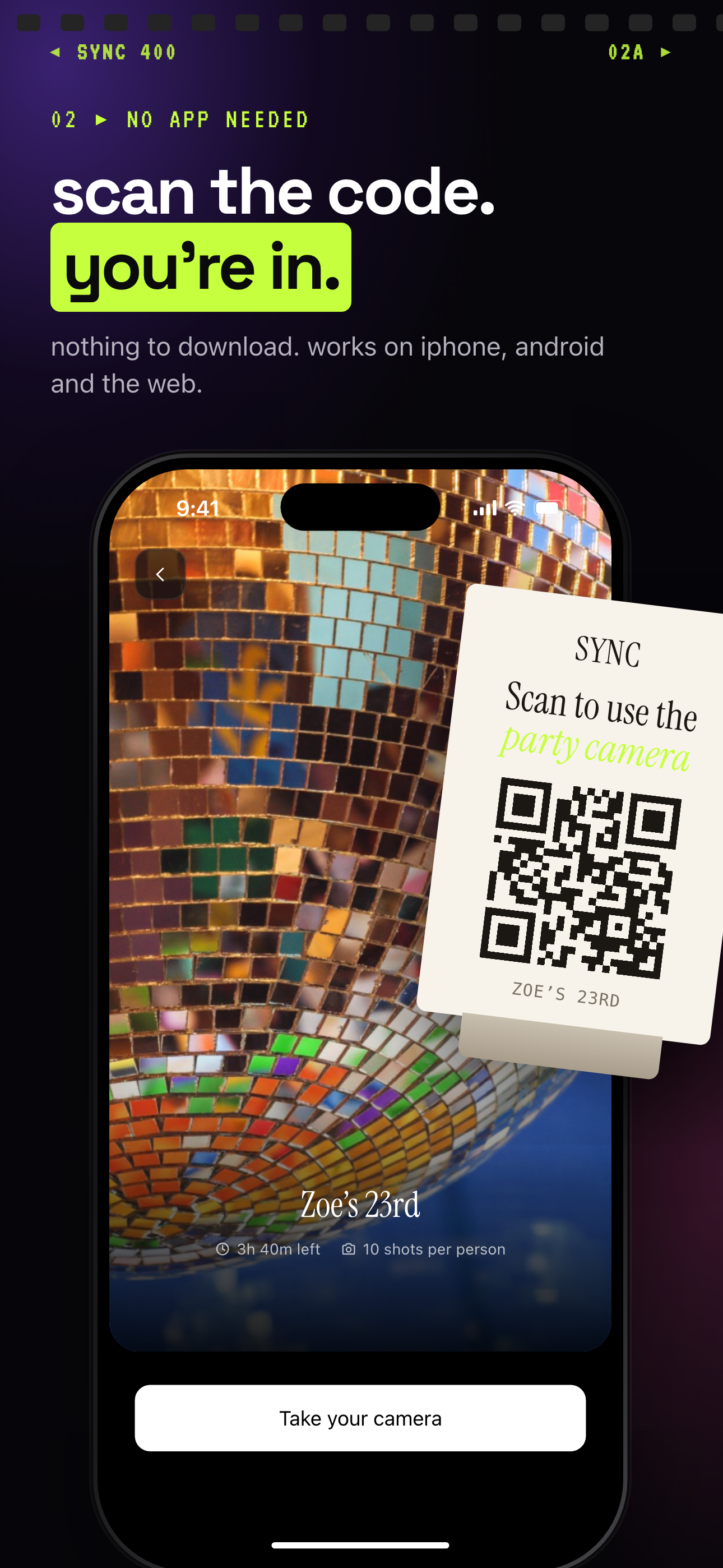
Guests scan the party QR code to join, with nothing to download, on iPhone, Android or the web.
What is hard right now
- I do not want to chase guests for photos after the party.
- The best pictures are scattered across different phones and group chats.
- I want guests to join easily without making accounts or installing another app.
Scenarios
Birthday parties
A friend catches the exact second you blow out the candles, a moment that happens too fast for you to hand off your own phone and grab it. If your guests already have your event's QR code, that photo lands in your shared album a few seconds later, right alongside the phone video someone was filming from the couch.
Set up the album before people arrive, put the QR code on the invite or a small table sign near the door, and every guest can add photos as they take them. Nobody needs to download sync.camera or make an account; they scan and start contributing, on iPhone or Android. By the end of the night you have the cake moment, the gift-opening reaction, and the group shot everyone was too busy dancing to organize themselves.
House parties
At a house party, the night happens in three or four rooms at once, and you're not in all of them. The card game on the patio, the impromptu karaoke in the living room, the group that ends up cooking a second round of food in your kitchen at midnight — you catch none of it because you're busy being a host.
Share the invite link in your group chat or leave the QR code taped near the drink station, and whoever is nearby with a phone can add what they're seeing to the same album. You're not asking anyone to remember to send you anything later; their photos are already in your event album by the time you're doing dishes the next morning.
Surprise parties
A surprise party splits into moments no single guest can capture alone: the decorating crew setting up an hour before, the friends hiding around the corner, and the actual reaction when the guest of honor walks in. Each piece lives on a different phone unless you build in a way to bring them together.
Share the invite link with the group that's coordinating the surprise before anyone arrives, so the setup photos and the reaction shot end up in the same private album instead of scattered across separate camera rolls. Because the album is scoped to your event, you can also control when it becomes visible to guests, so the surprise stays a surprise until you're ready to reveal it.
Features that make this work
Auto-sync
Helps you collect party photos as the night happens, instead of asking guests to dig through their camera roll and send them later.
Shared albums
Gives every guest one place to add their photos, so your album ends up with the whole party, not just what you personally caught.
QR code joining
Lets guests join from the party table, entryway, or invitation by scanning a code, no account or app download needed.
Private event albums
Keeps your party's photos scoped to your event and lets you control who can see, add to, and download the album, which matters when guests are sharing personal moments.