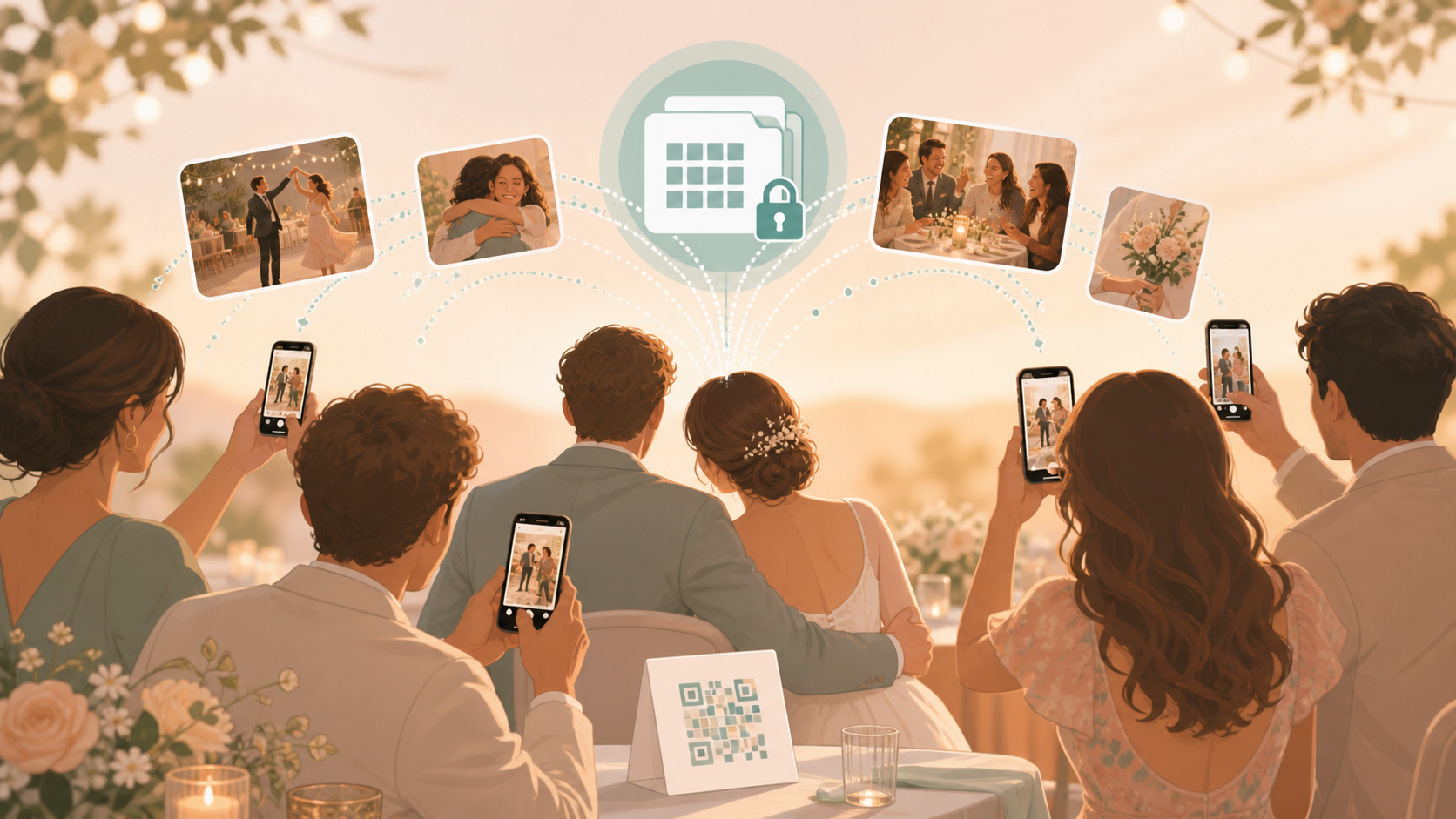
Your wedding guests will take photos you will want later. Some will be on iPhones, some on Android phones, and many will never make it out of texts, AirDrop, WhatsApp, or camera rolls unless you give everyone one simple place to send them. A qr code for guests to upload photos helps you collect the candid parts of your wedding day in one private album without asking guests to create an account or post publicly.
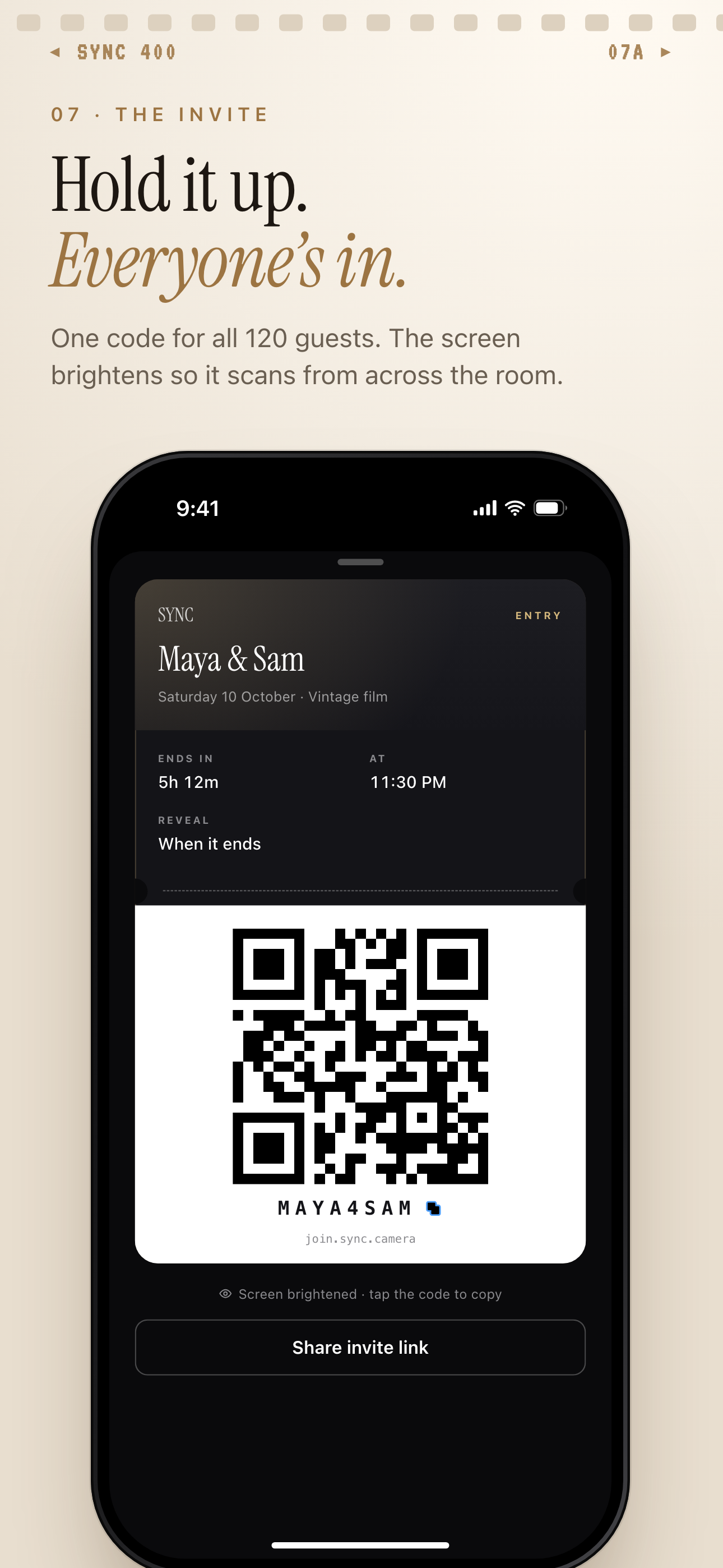
One QR code or invite code lets guests join the wedding album.
What is hard right now
- Our guests took great photos, but we have no easy way to collect them.
- Half the photos are stuck in texts, AirDrop, WhatsApp, or someone's camera roll.
- We want candid guest photos without making everyone create an account or post publicly.
Scenarios
Ceremony candids
Your photographer is focused on the aisle, the vows, and the formal moments. Your guests are catching everything around them: the flower girl peeking from her seat, your parents holding hands, and friends wiping away tears.
Place your wedding QR code near the ceremony entrance or in the program. Guests scan it and add their photos to your shared event album, so those small reactions do not disappear into separate message threads.
Reception tables
Every table sees a different version of your reception. One guest catches the best man laughing before his speech. Another gets the first bite of cake. Someone else has the only photo of college friends together for the first time in years.
The same QR code works for iPhone and Android guests from a modern phone browser. They can add photos without making an account, and you get one private album instead of chasing every table after the wedding.
Dance floor and after-party
Late-night wedding photos are often the hardest ones to collect. Guests take them on the dance floor, in the shuttle, at the hotel bar, or during the after-party, then forget to send them when the weekend ends.
Keep the QR code visible at the bar, DJ booth, or exit table. Your guests can keep adding moments as the night unfolds, and you can choose whether the gallery appears live during the wedding or after the event is over.
Features that make this work
QR code and invite link
Give every wedding guest one simple way to join from any modern phone browser, with no account required.
Shared albums
Keep ceremony photos, reception candids, table shots, and late-night moments together in one wedding album.
Reveal modes
Choose whether guests see photos during your wedding or wait until you are ready to reveal the full gallery.
Private events
Collect guest photos privately for your event without turning your wedding album into a public social feed.