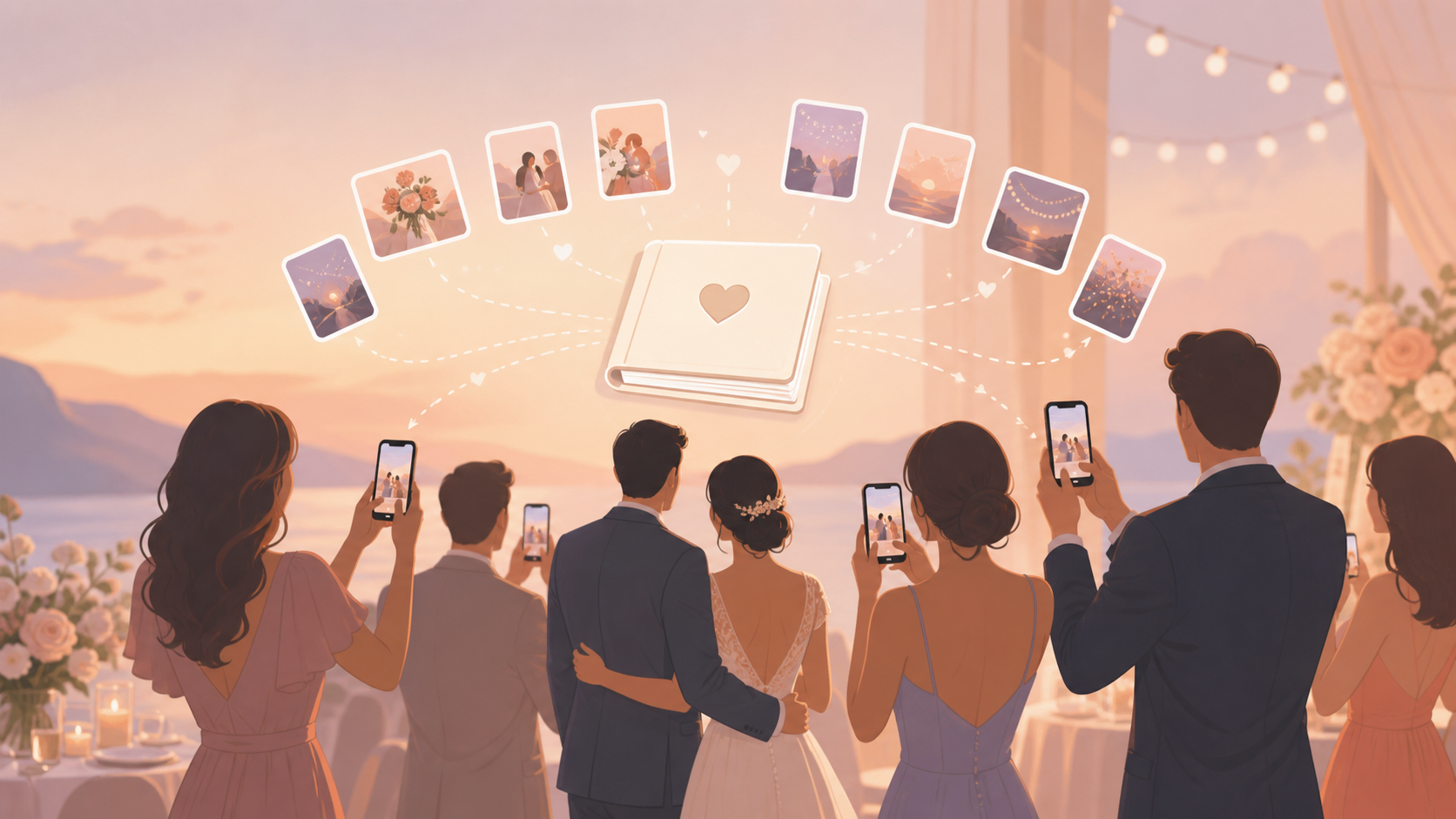
You are planning a wedding and want a guest book that feels alive, not like a table people forget to sign. Your grandparents, college friends, cousins, and evening guests will all see different parts of the day. A virtual wedding guest book gives them one private place to add those photos without making you chase texts, DMs, cloud links, or camera rolls later.
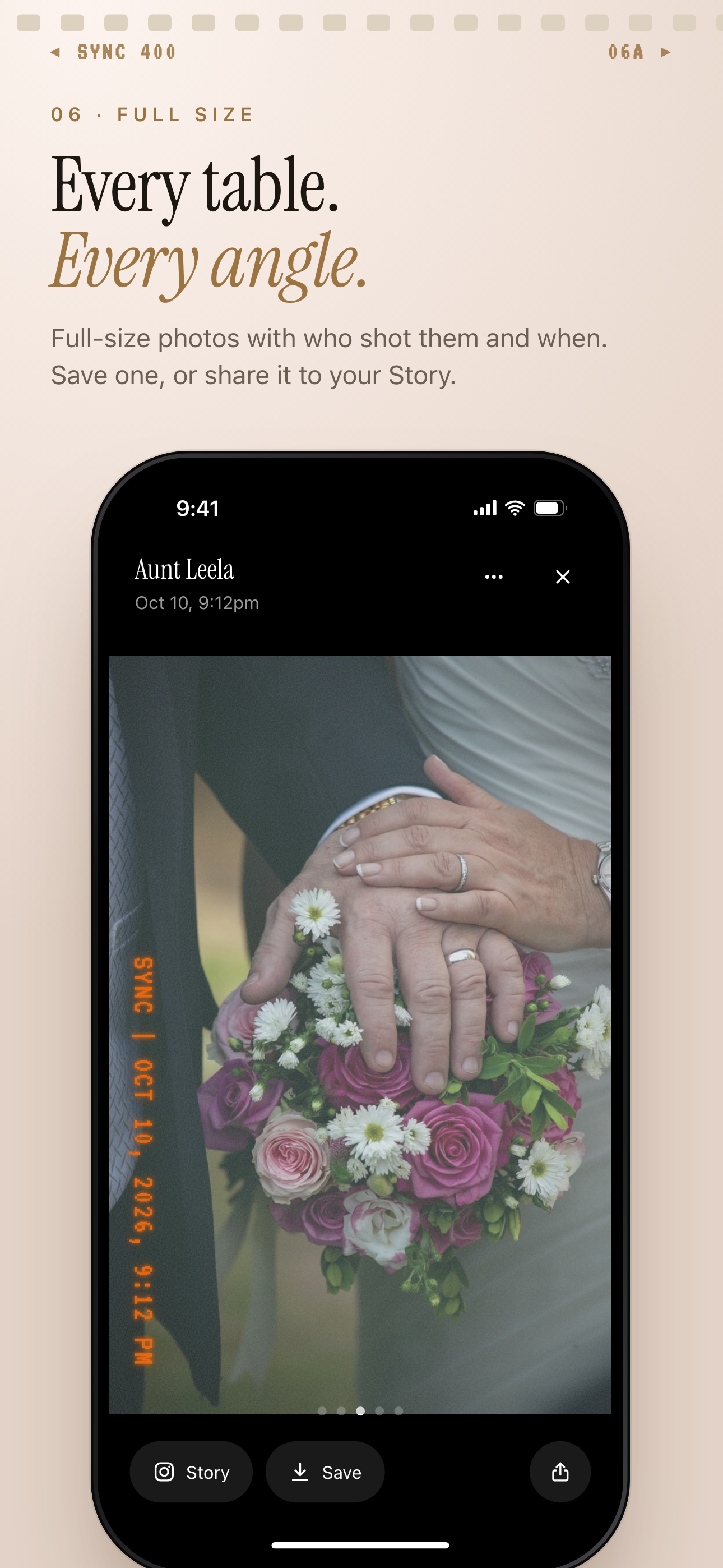
Each photo shows who took it and when, with options to save or share it.
What is hard right now
- You know your guests will take great photos, but you do not want them scattered across texts, DMs, and private camera rolls.
- You need older relatives and Android guests to join easily without downloading another app or creating an account.
- You want your wedding memories gathered privately with the people at the event, not pushed into public social posts.
Scenarios
Ceremony arrivals
As guests arrive, they scan your wedding QR code and join from their phone browser. They can start adding aisle photos, venue details, first hugs, and quiet pre-ceremony moments right away.
Those early photos land in the same shared wedding album instead of disappearing into separate chats. You get the view from the pews, the doorway, and the people waiting to celebrate with you.
Reception table moments
At the reception, every table has a different angle on the room. One guest catches the best reaction to a speech. Another gets the cake cutting from close up. Someone else has the first dance from the back of the floor.
Your virtual wedding guest book brings those views together privately. Guests can add selfies, table photos, dance floor moments, and small in-between memories while they are still part of the night.
After-party memories
When the formal schedule ends, the memories keep going. Late-night guests can keep adding photos to the same wedding guest book, so the after-party does not become a separate pile of messages and missed uploads.
You can choose when photos appear. Show them live during the celebration, save them until after the event, or use a delayed reveal so you can enjoy the collection at your own pace.
Features that make this work
QR code invites
Your guests can join from a QR code or invite, including relatives who do not want to create an account or download another app.
Shared event albums
Every guest's camera can contribute to one private wedding album, so you do not have to collect photos manually after the day is over.
Reveal modes
You can decide whether guest photos appear during your wedding, after the event, or after a delay.