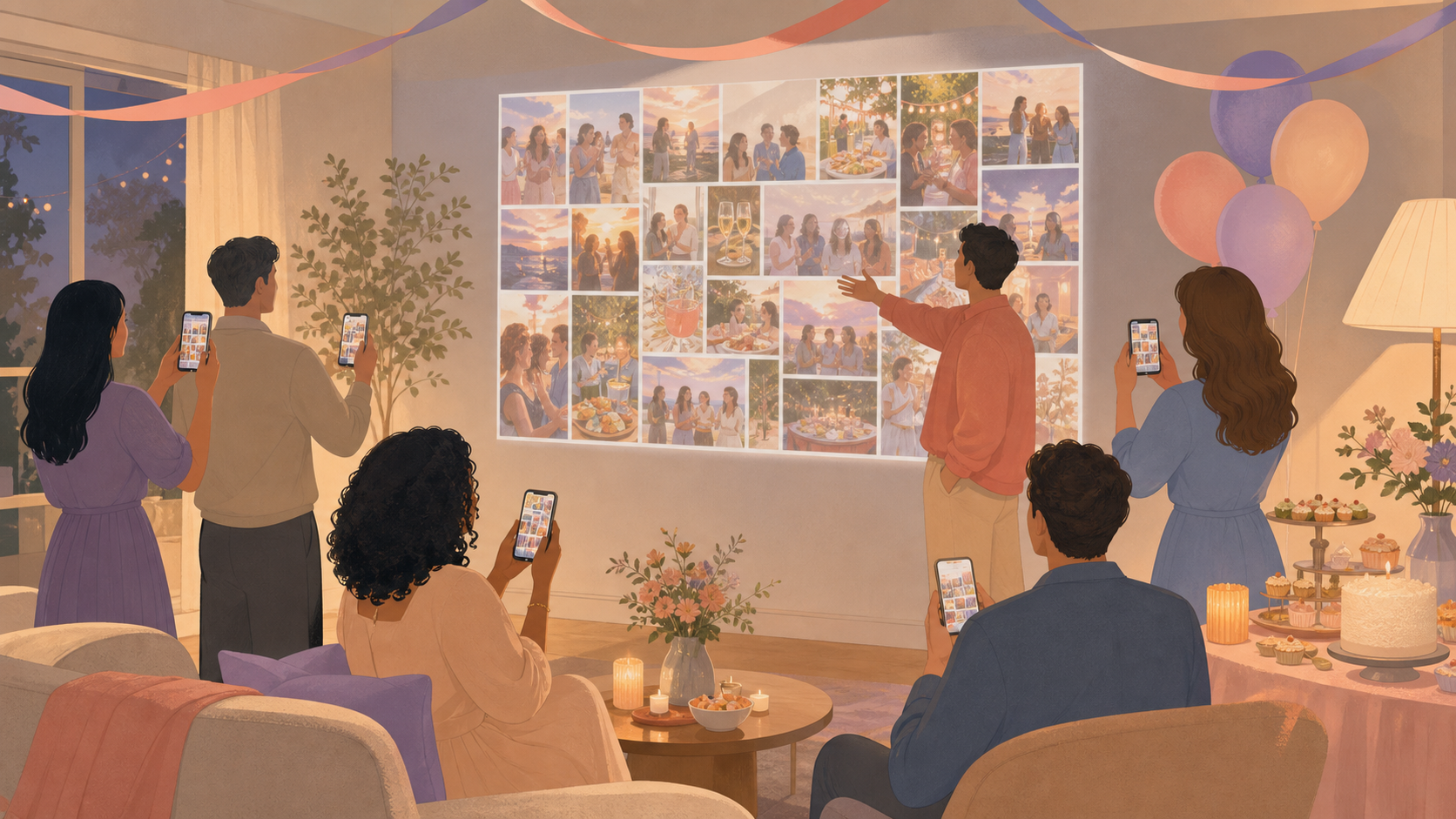
You want your party photos to bring the room together, not turn you into tech support. With one simple way for iPhone and Android guests to contribute, you can keep every photo in a private event album and choose whether they appear during the party or after it.
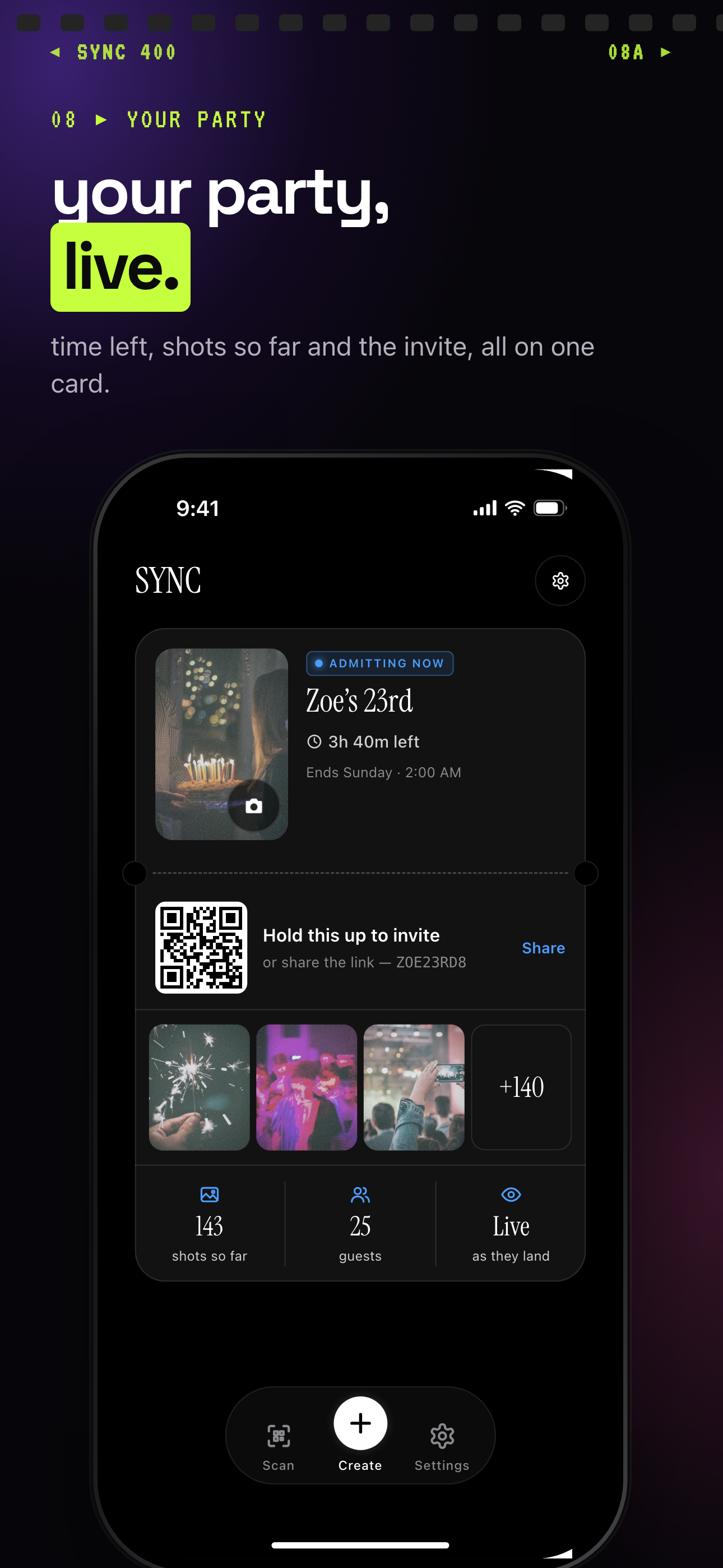
Photos can show live as they land, so the album fills up during the party.
What is hard right now
- I do not want to ask everyone to text me photos after the party.
- Some of my guests use iPhone, others use Android, and the group chat always leaves someone out.
- I want photos on a screen during the party, but I need control over what appears and when.
Scenarios
Birthday parties
While you handle the cake, candles, decorations, and guests, everyone around you is capturing different parts of the celebration. Put your party's QR code on a welcome sign or table card so guests can join from their own phones and add their candid reactions, group shots, and cake photos to the same album.
Instead of stopping the party to organize a group chat, you give everyone one clear place to contribute. You can show the collected photos during the celebration when a live display suits the mood, or wait and reveal the album later.
Graduation and milestone parties
At a graduation, anniversary, or retirement party, your family and friends may arrive at different times and gather in smaller groups. One guest photographs the setup, another captures the speeches, and someone else gets the late-night group photo you never saw being taken.
A shared event album keeps those moments together instead of scattering them across separate texts and devices. Guests can scan the same QR code throughout the event, giving you one private collection to revisit after the last person leaves.
House parties and reunions
For a house party or reunion, a photo display can help guests see moments happening in different rooms without making the album public. Share an invite link before the event or place a QR code near the entrance or TV so invited guests can join from iOS or Android and contribute as the night unfolds.
You stay in control of the reveal timing. Show photos during the party for an immediate, connected atmosphere, or hold them until afterward when you want the focus to remain on the people in the room.
Features that make this work
QR code invites
Put one code on a sign, table card, or TV so your guests can join without exchanging phone numbers or asking you for app setup help.
Shared event albums
Keep your guests' party photos together in one private album instead of collecting images from scattered group chats after everyone goes home.
Reveal modes
Choose whether your party photos appear live during the event or stay hidden until later, so the display fits the atmosphere you want to create.