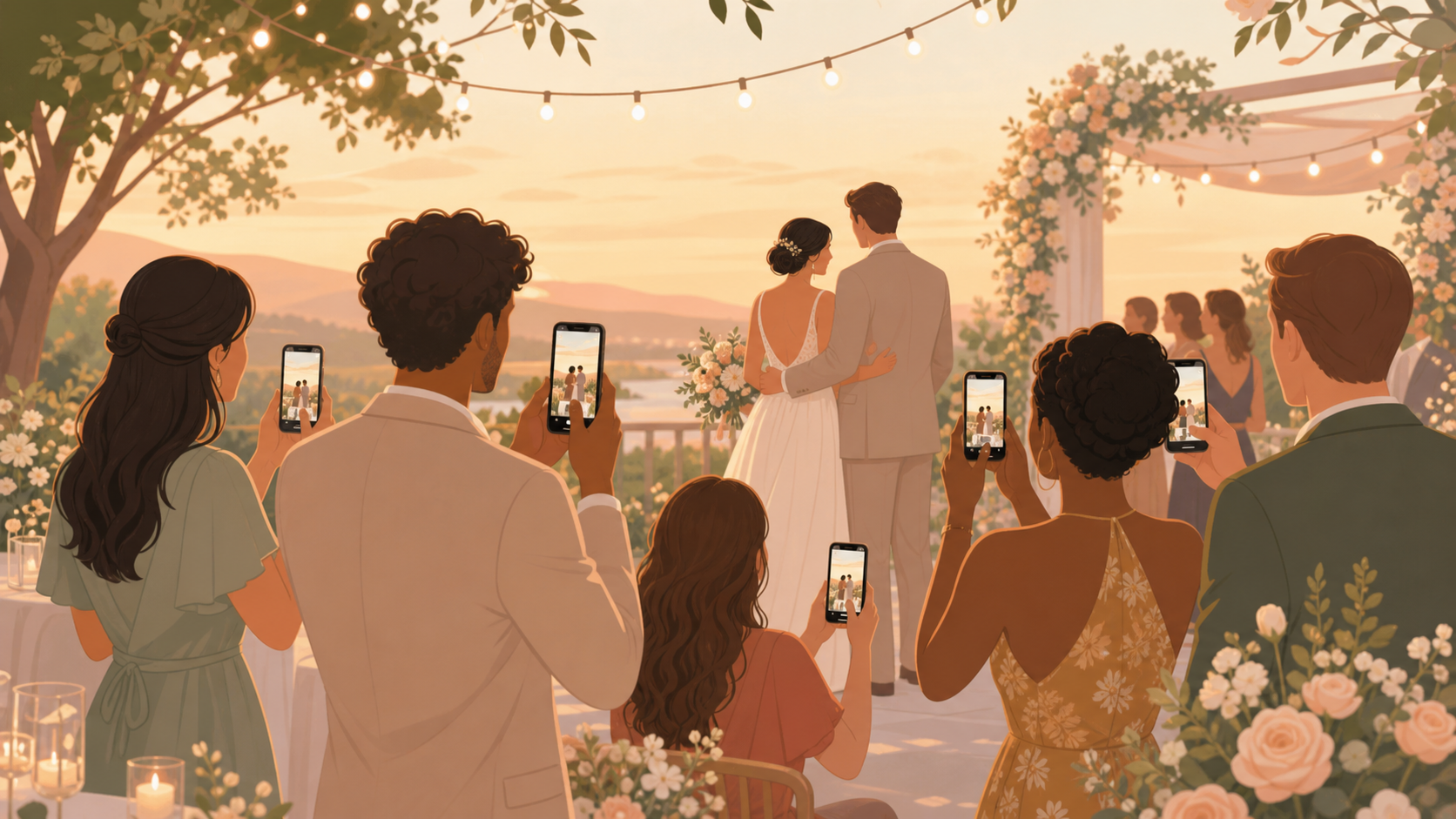
You are planning a wedding and want the photos your guests already take: getting-ready laughs, ceremony reactions, cocktail-hour candids, dance-floor chaos, and quiet family moments. Sync.camera gives you one private wedding album where guests can contribute from iPhone, Android, the app, or a browser without turning your wedding photos into a public feed.
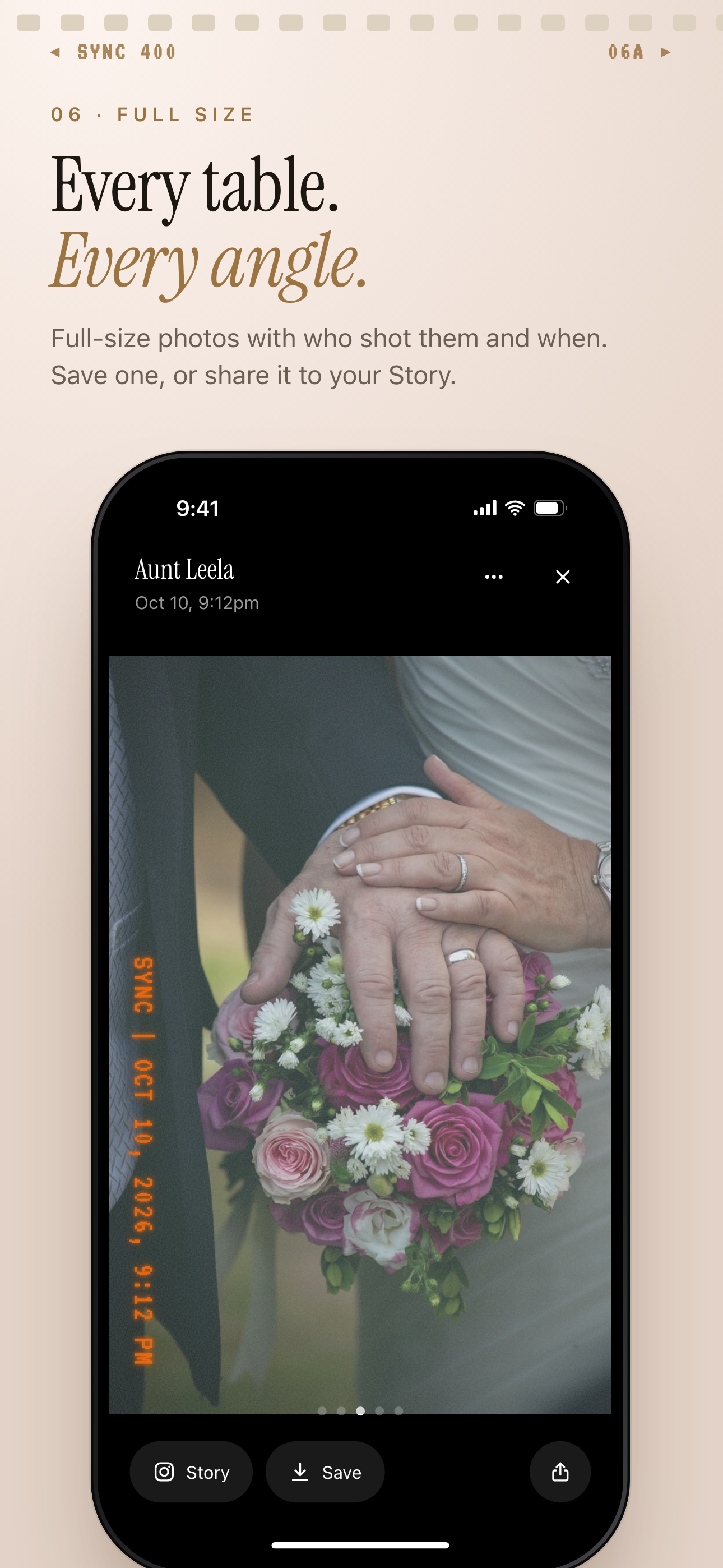
Each photo shows who took it and when, with options to save or share it.
What is hard right now
- Your guests take wonderful photos, but most of them stay buried in private camera rolls after the reception.
- You do not want wedding memories scattered across mixed iPhone and Android group chats that become impossible to follow.
- You need sharing to be simple enough for grandparents, plus-ones, and out-of-town guests without forcing everyone to create an account.
Scenarios
Ceremony moments
During the ceremony, your photographer is focused on the aisle, vows, and formal shots. Your guests are seeing everything else: your parents' reaction from the third row, a friend tearing up near the back, and the small expressions that happen outside the main frame.
With sync.camera, you can place a QR code on the program or share a six-character invite before guests take their seats. They can join the private wedding album without an account, then add the ceremony photos they capture from their own point of view.
Reception candids
By midnight, the best reception photos are often spread across ten different phones: the first dance from one table, cocktail-hour hugs from another, and the dance-floor chaos from guests who stayed close to the music.
Sync.camera gives everyone one shared album for the reception, so those photos do not disappear into separate chats. You can choose whether guests see photos live during the party or wait until after the event ends, depending on the mood you want for the night.
Wedding weekend events
Your wedding may be more than one day. The rehearsal dinner, ceremony, reception, and after-party each have different guests, different energy, and different photos worth keeping.
Moments let you split one wedding event into stages, each with its own QR code and reveal timing. Guests can move between the parts of the weekend without switching apps, while you still keep the full collection organized inside one private event album.
Features that make this work
QR code guest joining
Place one code on signage, menus, programs, or table cards so your guests can join the wedding album without searching through messages.
No-account sharing
Let grandparents, plus-ones, and last-minute guests add photos quickly from a browser or the app without creating an account first.
Private event albums
Keep your wedding photos scoped to your event instead of scattering them across public feeds, ad-supported tools, or messy group chats.
Reveal timing
Decide whether guests can see photos live during the celebration, after the event, or after an additional delay.