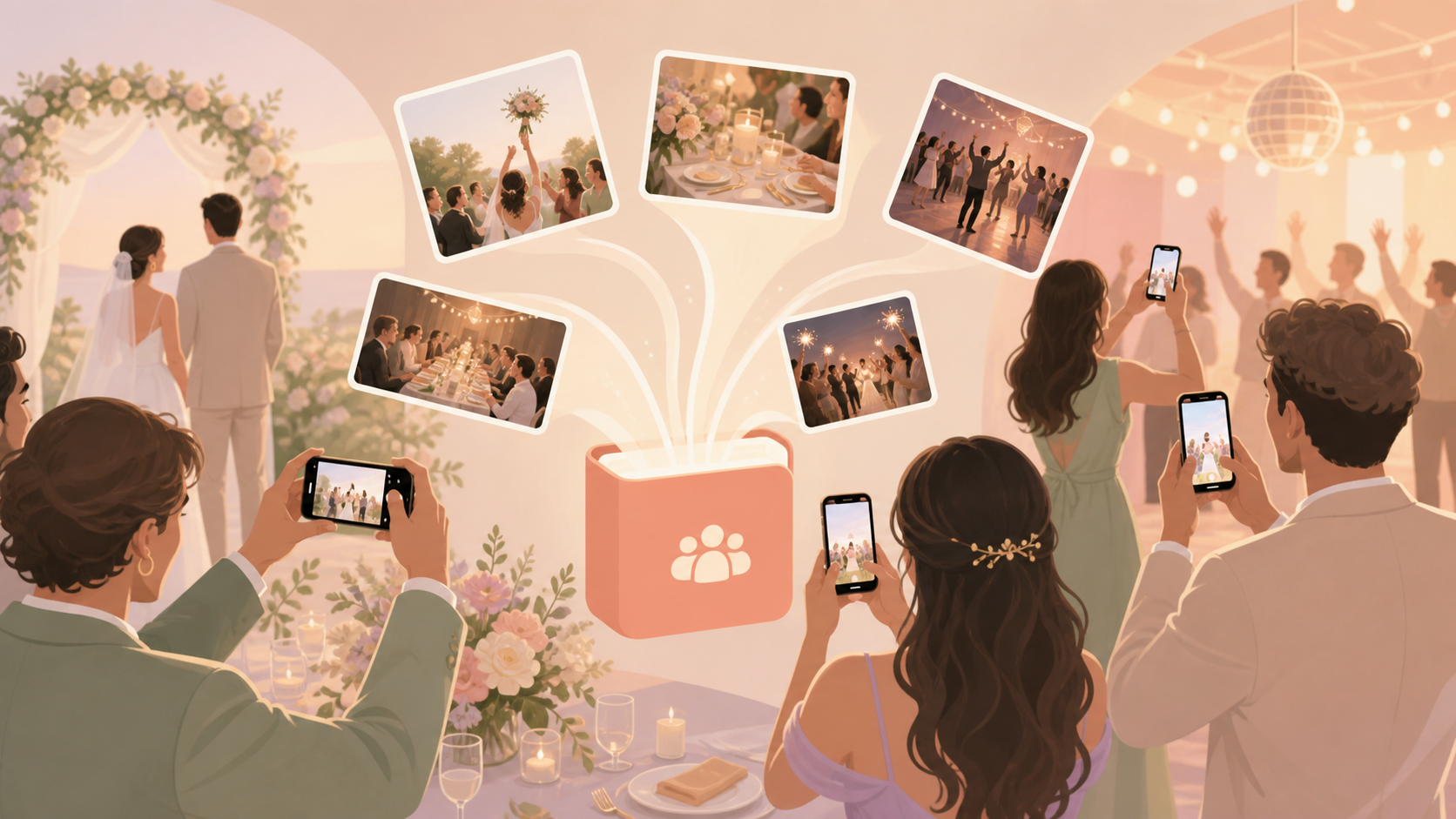
Your wedding guests will capture moments you may never see from the photographer's angle: the aisle view from the back row, your family reacting during the vows, the cousin table selfie, and the late-night dance-floor photo. A wedding photo QR code for guests gives everyone one private place to add those photos without making you chase texts, DMs, shared drives, or mixed iPhone and Android group chats the next morning.
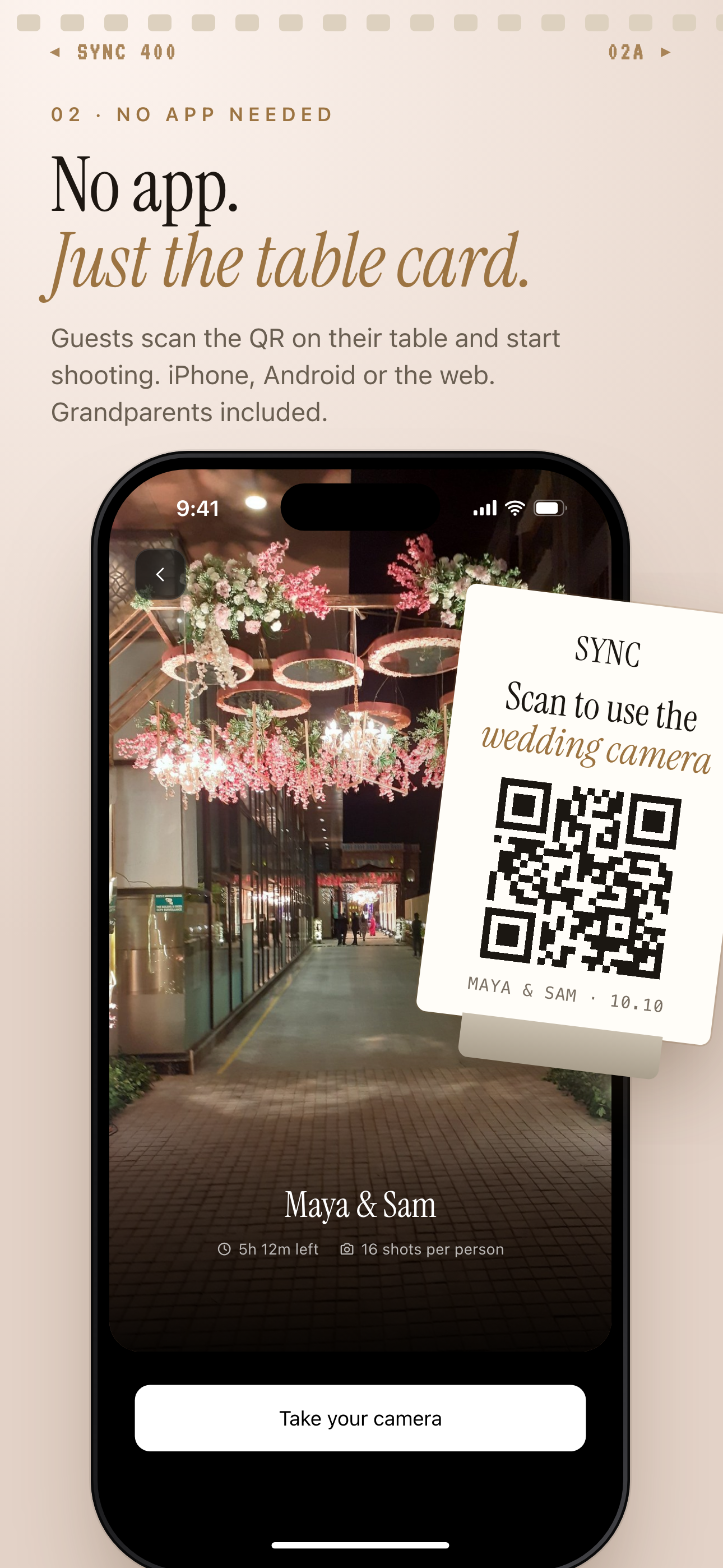
Guests scan the QR on the table card to join from iPhone, Android or the web, no account needed.
What is hard right now
- We know our guests will take great photos, but we do not want them scattered across texts, DMs, and private camera rolls.
- Our guests use different phones, and not everyone wants to download an app or make an account at the wedding.
- We want the candid photos, but we still need the album to feel private to our event.
Scenarios
Ceremony arrivals
Put your wedding photo QR code on the welcome sign, ceremony program, or entry table so guests can join before the processional starts. When people scan it early, the candid photos from arrivals, aisle moments, vows, and family reactions can all land in the same private wedding album.
That means the view from the last row, your grandparents seeing you walk in, and the quiet moments before the ceremony do not stay trapped on individual phones. Guests can contribute from their own devices without needing to create friction during the ceremony.
Reception tables
Add the QR code to menus, table cards, place cards, or the seating display so each table can share photos as the reception unfolds. Your guests can add selfies, speeches, cake-cutting reactions, kid-on-the-dance-floor moments, and the small table-level memories your photographer may not be near.
Instead of asking everyone afterward to send what they took, you give them a simple action while the moment is fresh. The album fills around your actual guest experience, not just the formal photo timeline.
Dance floor and after-party
Keep the QR code visible near the bar, DJ booth, photo booth, or after-party entrance so late-night photos do not disappear into social feeds and private camera rolls. Guests can keep shooting while their dance-floor clips, group photos, and end-of-night candids stay connected to the wedding album.
You can organize the day by ceremony, reception, and after-party moments so the final collection is easier to relive. The next morning, you are not piecing together memories from scattered messages because the guest photos already have a place to go.
Features that make this work
QR code guest joining
Guests can scan one code or use an invite from their phone, which keeps wedding photo collection simple during a day when no one wants another account setup step.
Shared event albums
Every guest's photos collect in one wedding album, so you do not have to chase pictures across group chats, texts, DMs, and camera rolls after the reception.
Moments
Ceremony, reception, and after-party photos can be separated into phases so your album follows the shape of the wedding day instead of becoming one long camera dump.
Private event sharing
You can invite guests into a private event space, keeping personal wedding photos away from public social feeds while still making them easy to contribute.