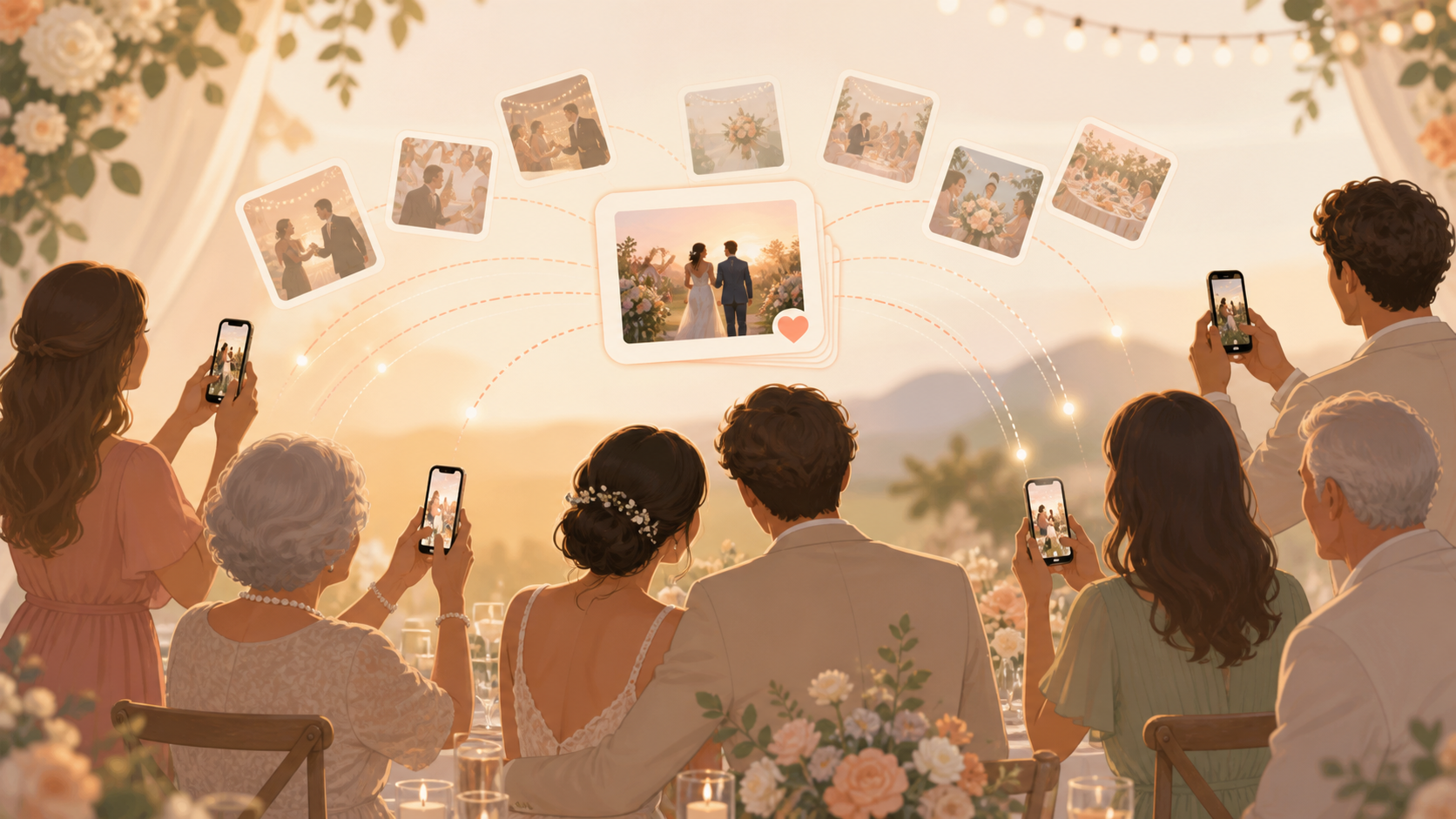
Your wedding day will be full of small moments happening in every direction: your family reacting during the ceremony, friends laughing at cocktail hour, table photos before dinner, and dance floor shots after the photographer has moved on. sync.camera gives you one private event album for those guest photos, so you do not have to spend the week after the wedding chasing camera rolls, texts, and social posts.
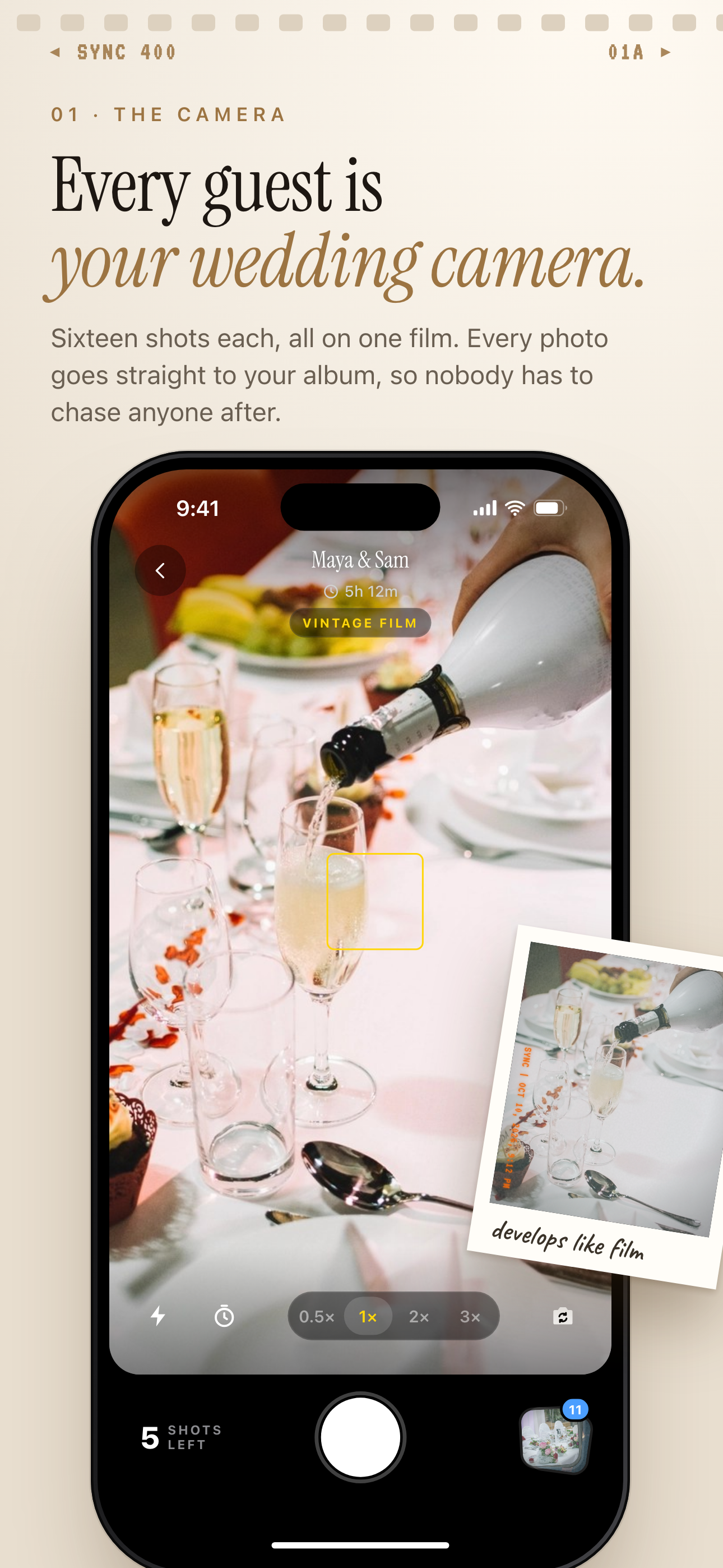
Guests shoot with the in-app camera, and every photo goes to the shared wedding album.
What is hard right now
- We do not want to spend the week after the wedding texting everyone for photos.
- Our guests are split across iPhone, Android, and different group chats.
- We want candid guest photos, but we do not want them scattered across social media.
Scenarios
Ceremony Candids
A cousin catches you walking back down the aisle. Another guest sees your parents reacting from the front row. Someone near the back gets the wide view your photographer could not be in position for.
With sync.camera, those angles can go into one shared wedding album as guests take them. They can join from a QR code or invite, add photos from their phone, and keep the ceremony moments tied to your private event instead of leaving them buried in separate camera rolls.
Cocktail Hour And Tables
Cocktail hour is when the unofficial wedding album really starts: college friends taking selfies, grandparents posing with relatives, cousins taking table photos, and guests capturing details you may not even notice until later.
Place a QR code on a sign, table card, or invite screen and your guests have one clear place to add those photos. No one has to guess which group chat to use, and you do not have to collect everything person by person after the weekend.
Reception And Dance Floor
The best reception photos are often imperfect in exactly the right way: blurry dance floor shots, late-night hugs, funny table reactions, and friends singing along from the crowd. Those are the photos guests naturally take when the party is moving.
sync.camera keeps the album private to your event while guests contribute in the moment. You can reveal photos live during the reception, wait until the event ends, or add a delay so the album opens when you are ready.
Features that make this work
QR Code Guest Joining
Guests can join from a wedding sign, table card, or invite screen, so contributing photos feels simple even across iPhone, Android, and different family groups.
Private Shared Event Album
You get one private place for guest photos from the ceremony, reception, and after-party instead of chasing camera rolls, social posts, and text threads.
Reveal Timing
You can let guests see photos live during the reception, unlock the gallery after the event, or add a delay so the album opens on your timing.