Wedding bingo cards are 5x5 grids of moments guests watch for during the day, such as the first dance, a toast that makes someone cry or a kid on the dance floor. Each guest marks a square when they spot it, and the first to finish a row wins a small prize. This free generator makes a set of unique cards you can print or save as a PDF, right in your browser.
Make your wedding bingo cards
How to make and play wedding bingo
Choose your prompts
Keep the 50 ready-made wedding moments, untick any that will not happen at your wedding, and add your own. Inside jokes work best.
Set the number of cards and your details
Make one card per table or one per guest. Add the couple's names and the date if you want them on every card.
Make, check and print
Click Make my bingo cards, check the preview, then print them or download a PDF in A4 or Letter. Printing on card stock makes them sturdier.
Hand them out and name the prize
Put a card and a pen at each place setting or table, and tell guests what the prize is during the welcome. The free centre square counts for everyone.
Ways to play wedding bingo
- Classic: the first five in a row (across, down or diagonal) wins.
- Four corners or full card: a quicker win early on, or a full card by the end of the night.
- Teams or solo: one card per table makes it a team game; one per guest makes it a race.
- One part of the day: switch categories off for a ceremony-only or dance-floor-only card.
- Children's table: keep only the Dance floor and Dinner & cake prompts for a kid-friendly card.
- Small prizes: first song request, first in the dessert line, a bottle for the table, or a framed photo from the day.
Bingo names the moments. Where do the photos go?
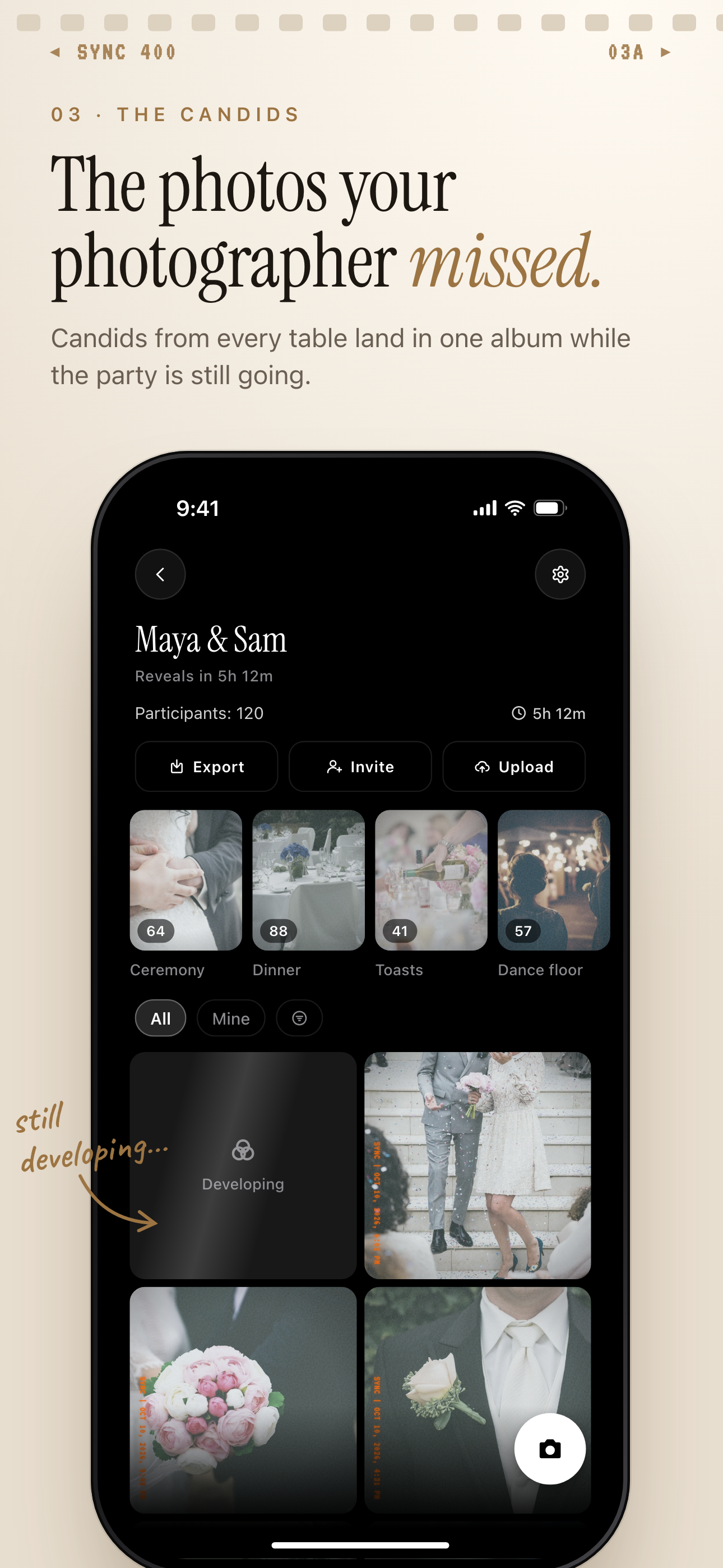
By the end of the night your guests will have photographed most of the squares on their cards, and those photos end up scattered across dozens of phones. With SYNC, guests join from a QR code or an eight-character invite. No account required. Every photo lands in one shared album.
Moments split the day into stages, such as ceremony and reception, each with its own QR code and reveal timing, much like the categories on your bingo cards. Free to start. Upgrade per event. SYNC is free for up to 7 guest uploaders per event.
More wedding photo guides: how to collect wedding photos from guests, wedding guest photo ideas, a shared album for your wedding and reveal modes.
Frequently asked questions
How do you play wedding bingo?
Each guest gets a card of wedding moments and marks a square when they see that moment happen. The first to complete a row, across, down or diagonal, shows the couple or the host to claim a prize. The free centre square counts toward every row through it.
How many wedding bingo cards do I need?
One per table if tables play as a team, which is usually 8 to 20 cards, or one per guest who wants to play. The generator makes 1 to 150 cards at a time, and the default is 10.
Are the cards all different?
Yes. Each card picks 24 prompts and shuffles their order, and no two cards in a set share the same grid. The more prompts you leave switched on, the more the cards differ from each other.
Can I add our own prompts?
Yes, up to 40 of your own, each up to 40 characters. Inside jokes, family traditions and named guests, such as "Uncle Ray dances", make the game more personal.
What size do the cards print at?
A4 or Letter, with one card per sheet or two per sheet to save paper. Printing on card stock makes them sturdier on the table.
Is it free, and is anything I type saved?
It is free and needs no sign-up. The cards are made in your browser, and nothing you type is sent anywhere or kept. Reloading the page clears it, so print or download your cards before you leave.
When should guests get their cards?
Place them on the tables before guests sit down for dinner, so the game covers the toasts, the cake and the dancing. Announce the rules and the prize during the welcome.