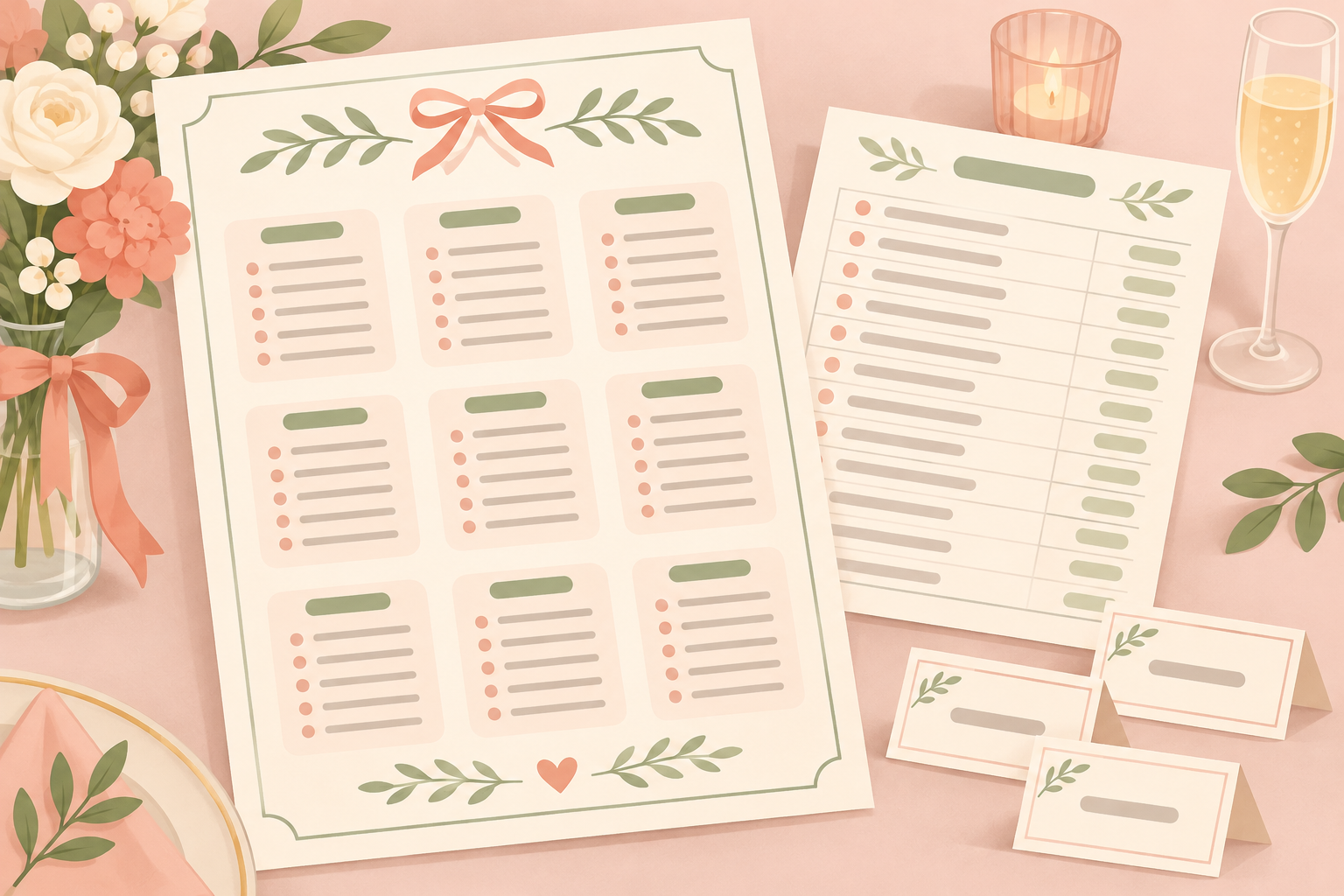
A wedding seating chart template is a ready-made layout that shows guests which table they sit at, either as a poster grouped by table or as an alphabetical list of names with table numbers. This free maker turns a pasted guest list into a print-ready seating chart PDF in your browser. Write one line per table, like Table 1: Ana Diaz, Ben Cole, choose a style and paper size, and print it or save it for a print shop.
Make your wedding seating chart
How to make a wedding seating chart
Write one line per table
Start with the table name, then a colon, then the guests separated by commas: Table 1: Ana Diaz, Ben Cole, Cara Holt. Semicolons work too. A line with no colon is added to the table above it.
Paste it in and pick a chart type
Paste your plan over the sample. Choose a poster by table, an alphabetical seat finder, or both as a two-page PDF.
Choose a style, paper size and heading
Pick Classic, Modern or Minimal, choose a paper size from US Letter to a 24x36 in poster, add your names and date under the heading, and click Make my seating chart.
Check the preview, then print
The preview shows every page to scale. Download the PDF for a print shop, or print it at home. Changed an RSVP? Edit the line and make the chart again.
Poster by table or alphabetical seat finder?
A poster by table suits smaller weddings. Guests see who they are sitting with, and the whole room fits on one easel.
An alphabetical seat finder is faster to scan when the guest list is long. Each guest looks for their own name and reads the table next to it. Not sure? Choose Both and you get the poster and the seat finder in one PDF.
A few tips:
- Number tables in the order guests will reach them, so Table 1 is nearest the door.
- Print a spare copy for the venue coordinator.
- Keep your plan in a document, so you can paste it again after last-minute changes.
Planning the rest of the day? Work through the month-by-month wedding planning checklist, and give each table something to do with free wedding bingo cards.
Every guest is seated. Now collect what they see.
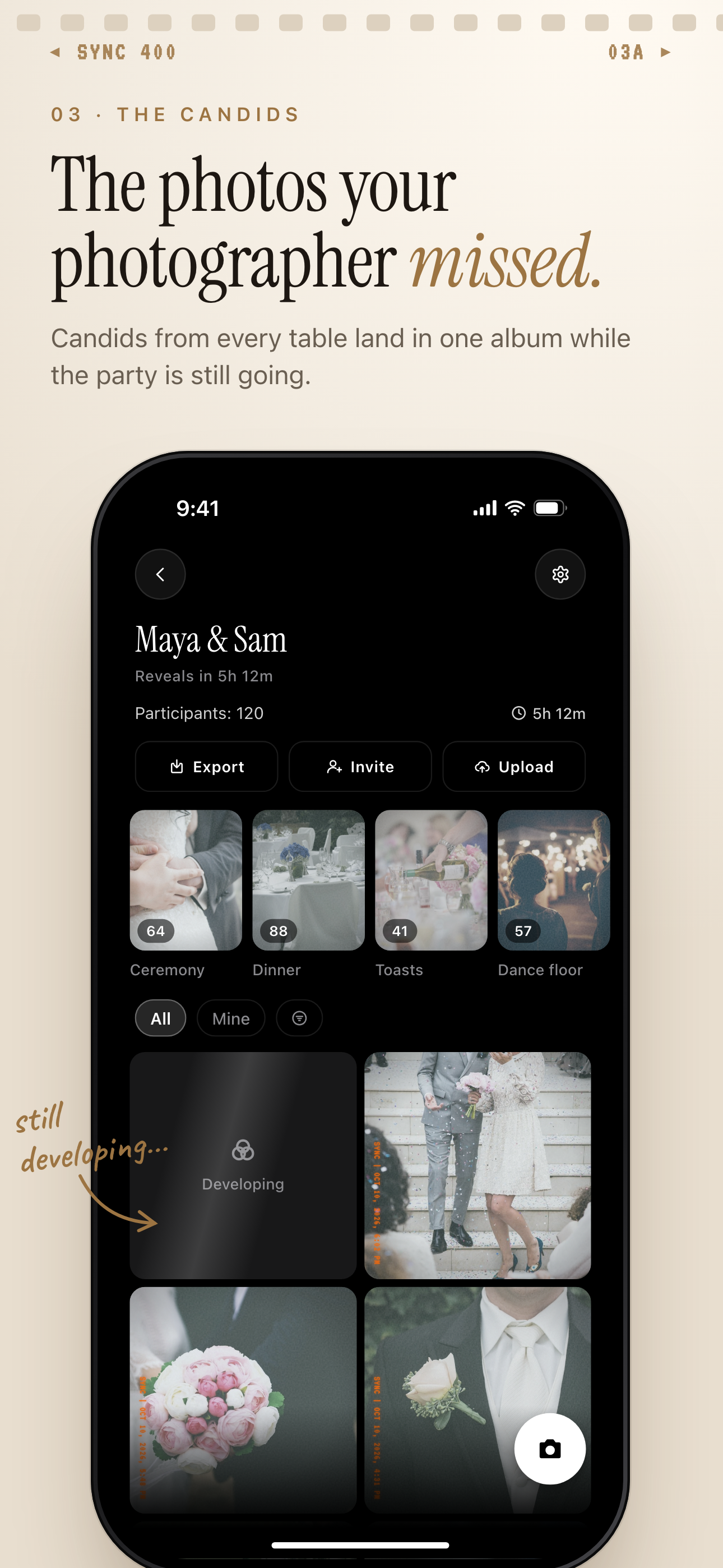
Once everyone is at their table, the photos start. sync.camera collects the pictures your guests take into one shared album. Guests join from a QR code or an eight-character invite, with no account required.
- Reveal modes: photos can show live as they are taken, unlock when the event ends, or unlock a set number of hours later.
- Moments: split the day into stages such as the ceremony and the reception, each with its own QR code and reveal timing.
- Privacy: "We don't sell your photos or your data. No ads. No cross-app tracking."
Free to start. Upgrade per event. Read more about a shared photo album for your wedding or how to collect wedding photos from guests.
Frequently asked questions
How do I make a wedding seating chart?
Finalise your RSVPs, group guests into tables, then type one line per table into the tool above: the table name, a colon, then the guests separated by commas, like "Table 1: Ana Diaz, Ben Cole". Click Make my seating chart and download the PDF.
Should a seating chart be alphabetical or by table?
By table shows who sits together and suits shorter guest lists. Alphabetical helps guests find their name quickly at larger weddings. The tool can make both in one PDF: the poster on page one and the seat finder after it.
What size should a wedding seating chart poster be?
Common poster sizes are 18x24 in and 24x36 in for an easel. US Letter, A4 or A3 work for smaller weddings or a table display. Pick the size before you make the chart, so the text is fitted to that paper.
Is my guest list saved or uploaded anywhere?
No. The chart is built in your browser and your guest list is not sent anywhere or stored. Keep your list in a document so you can paste it again after a page reload.
Can I change the chart after last-minute RSVP changes?
Yes. Edit the lines, click Make my seating chart again and download a fresh PDF. The poster re-fits the tables to the page automatically.