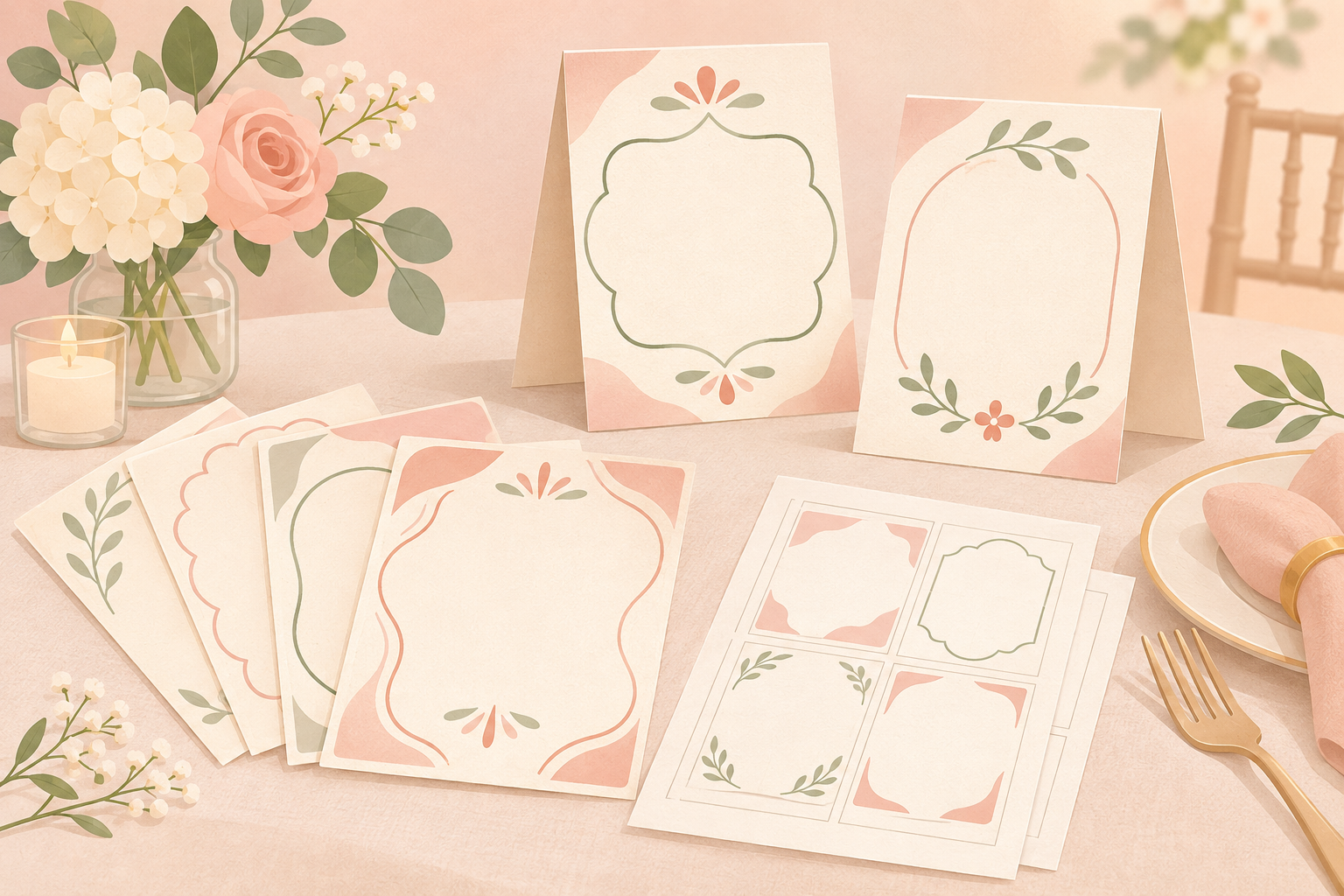
Wedding table numbers are small signs, usually 5x7 cards in a frame or folded tent cards, that tell guests which reception table is theirs and match the numbers on your seating chart. This free table number maker prints a matching set of numbers, spelled-out words, Roman numerals or table names in a few seconds, with a heading, an optional footer line and print-ready crop or fold marks. Think of it as a table number template you fill in once: set your count and style, then print or save a PDF.
Make your wedding table numbers
Wedding table number ideas
Number styles
- Big classic digits that guests can read from across the room.
- Numbers spelled out in words, such as "Twenty-One".
- Roman numerals, such as "XII", for a formal look.
- A script heading such as "Table" over a clear serif number (choose the Script accent style).
Table name themes (use Custom names)
- Cities or places you have travelled together.
- Places you have lived.
- Favourite songs or albums.
- Favourite films or books.
- Wines or cocktails.
- Flowers in your bouquet.
- Constellations or stars.
- Mountains or national parks.
- Street names from your hometowns.
- Landmarks from your first date.
- Sports teams.
- Board games.
Personal touches
- Your ages: put a photo of each of you at that age in the frame beside table number 7, 8 or 21.
- The year of a milestone in your relationship as the table number.
- A fun fact about the two of you on the footer line.
- A name for the head table, such as "Sweetheart Table".
Display ideas
- A frame on each table.
- A small easel or card holder.
- A wooden block or wood slice stand.
- Tucked into a wine bottle or a vintage book.
- Propped against a lantern or a bud vase.
- Greenery wrapped around the stand.
- A mirror or acrylic sign holder.
Practical tips
- Number tables so neighbouring tables are close in number.
- Keep the head table or sweetheart table separate.
- Match the names exactly to your seating chart.
- Print one spare set.
- Use thick card stock so tent cards stand up.
Planning the rest of the day? The month-by-month wedding planning checklist puts table numbers in the right week, and free wedding bingo cards give every table something to do before dinner.
How to make and print your table numbers
Choose numbers or table names
Pick numbers or custom table names, and set how many tables you have. Tick the head table box if you want a card for it too.
Pick a format, style and paper
Choose flat 5x7 for frames and stands, or a fold-over tent card. Then pick a style and your paper size: US Letter or A4.
Make the set and check the preview
Click "Make table numbers". Every card appears in order, exactly as it will print.
Print or download the PDF
Print on card stock at 100% scale (turn off "fit to page"), or download the PDF to print at a shop.
Trim or fold, then set the tables
Trim along the crop marks or fold along the dashed line. Set one card on each table before guests arrive.
Frequently asked questions
What size should wedding table numbers be?
5x7 inches is the most common flat size, and it fits standard frames and stands. Tent cards fold in the middle so the number reads from both sides of the table. This maker makes both, on US Letter or A4 paper.
Is there a free table number template I can print?
Yes. This table number maker is the template: set your count, style and heading once, then print or download a PDF. Change any field and click "Make table numbers" again to make a new set.
How many table numbers do I need?
One per guest table, plus the head or sweetheart table if it gets a card, plus one or two spares in case one gets damaged. Count from your final seating chart.
Should we use table numbers or table names?
Numbers are fastest for guests to find, especially in a large room. Names add personality but pair best with a clear seating chart. Some couples use a name and put a small number on the footer line.
Should we skip table 13?
It's purely a personal choice. If you want to, type 13 in "Skip a number" and the maker carries the count past it, so you still get the number of cards you asked for.
How should table numbers be arranged in the room?
Number the tables so consecutive numbers sit near each other, starting near the head table or the entrance. Keep the seating chart in the same order so guests can walk straight to their table.
Is my information saved or uploaded?
No. The cards are made in your browser. What you type is never uploaded, and nothing is kept after you leave or reload the page.
After the tables are numbered: one album for every table's photos
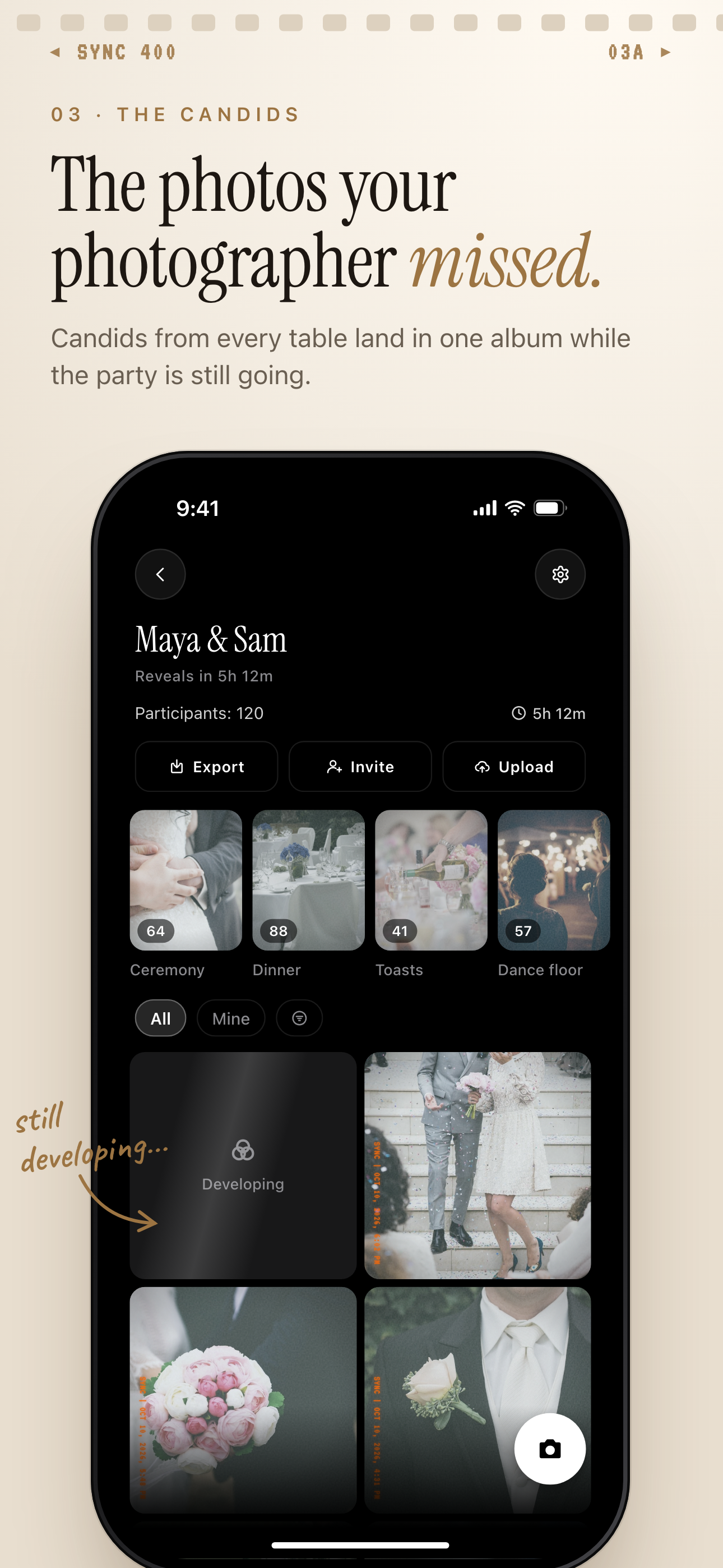
Once every table has its number, the next thing guests at those tables do is take photos. sync.camera gives the whole wedding one shared album. Guests join from a QR code or an eight-character invite, from any modern phone browser, with no account required.
Reveal modes let you show photos during the event, after the event ends, or after an additional delay. Moments can split the day into stages such as ceremony and reception, each with its own QR code. It is free to start with up to 7 guest uploaders per event, no credit card needed, and you can upgrade per event with SYNC PRO, a one-time purchase rather than a subscription. More on collecting wedding photos from guests without the chaos.