A wedding timeline planner turns one fixed point, your ceremony time, into a full day-of schedule. Getting ready and photos are worked backwards from the ceremony; the cocktail hour, dinner, toasts and dancing run forwards from it. This free tool does the maths in your browser and gives you a schedule you can print or save as a PDF.
Build your wedding day timeline
How to plan your wedding day timeline
Set your ceremony time and length
Pick your ceremony start time in 15-minute steps and how long the ceremony lasts. Everything else is placed around it.
Choose the parts of your day
Tick the blocks you're having and untick the ones you're skipping. Every duration is a starting point, so change the minutes to suit your day, and add up to six blocks of your own, such as travel between venues.
Build your timeline
Click Build my timeline. Getting-ready blocks are stacked backwards so the last one ends exactly as the ceremony starts, and the reception runs forwards from the ceremony's end with no gaps.
Print it or save the PDF
Print the schedule or download it as a one-page PDF, then share copies with your planner, photographer, DJ and wedding party.
Sample wedding day timelines for 2 PM, 4 PM and 6 PM ceremonies
These three schedules use the planner's default blocks: 3 hours of hair and makeup, 30 minutes to get dressed, 45 minutes of couple and wedding party photos, a 30-minute guest arrival buffer, a 30-minute ceremony and about five hours of reception. Use them as ready-made templates, or build your own above.
2:00 PM ceremony
- 9:15 AM hair & makeup
- 12:15 PM getting dressed
- 12:45 PM couple & wedding party photos
- 1:30 PM guests arrive
- 2:00-2:30 PM ceremony
- 2:30 PM cocktail hour & family photos
- 3:30 PM grand entrance
- 3:40 PM dinner
- 4:40 PM toasts
- 5:00 PM first dance
- 5:05 PM cake cutting
- 5:15 PM open dancing
- 7:15 PM last dance
- 7:20-7:35 PM send-off
4:00 PM ceremony
- 11:15 AM hair & makeup
- 2:15 PM getting dressed
- 2:45 PM couple & wedding party photos
- 3:30 PM guests arrive
- 4:00-4:30 PM ceremony
- 4:30 PM cocktail hour & family photos
- 5:30 PM grand entrance
- 5:40 PM dinner
- 6:40 PM toasts
- 7:00 PM first dance
- 7:05 PM cake cutting
- 7:15 PM open dancing
- 9:15 PM last dance
- 9:20-9:35 PM send-off
6:00 PM ceremony
- 1:15 PM hair & makeup
- 4:15 PM getting dressed
- 4:45 PM couple & wedding party photos
- 5:30 PM guests arrive
- 6:00-6:30 PM ceremony
- 6:30 PM cocktail hour & family photos
- 7:30 PM grand entrance
- 7:40 PM dinner
- 8:40 PM toasts
- 9:00 PM first dance
- 9:05 PM cake cutting
- 9:15 PM open dancing
- 11:15 PM last dance
- 11:20-11:35 PM send-off
Blocks people often forget
- A buffer before guests arrive, so you're out of sight before the first guest walks in.
- Travel time between the getting-ready place, the ceremony and the reception.
- A first-look slot before the ceremony.
- Golden-hour couple photos during the reception.
- Parent dances.
- The bouquet and garter toss.
- A quiet 10 minutes alone together after the ceremony.
- Meal breaks for your vendors.
Add any of these with Add your own block in the planner. Planning the months before the wedding instead? Use the month-by-month wedding planning checklist.
Give your guests' photos the same stages as your day
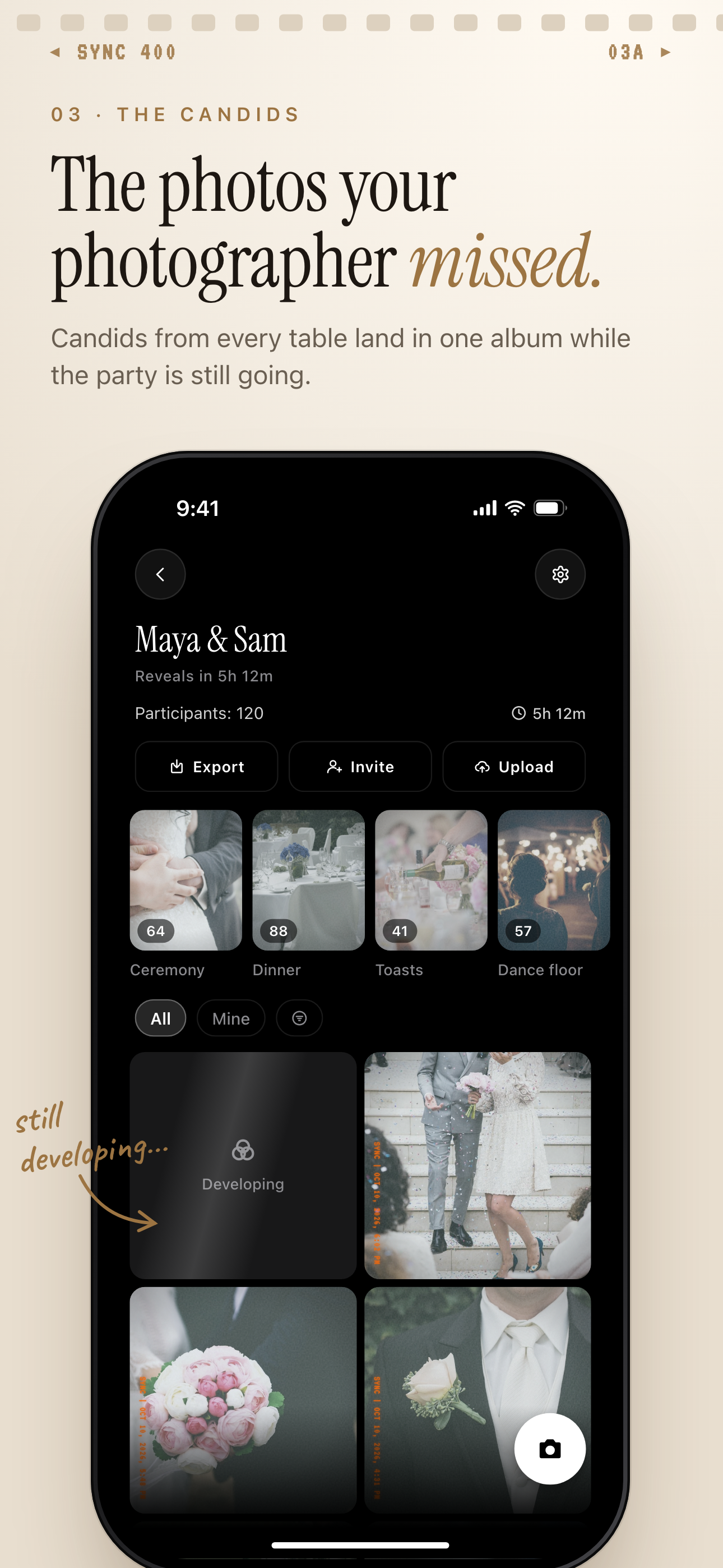
Your timeline splits the day into stages: ceremony, cocktail hour, dinner, dancing. SYNC's Moments do the same for photos. Split an event into stages, each with its own reveal timing, and guests move between them without switching apps.
- Reveal modes: guests see photos live as they are taken, the gallery unlocks when the event ends, or it unlocks a set number of hours after the event ends. See reveal modes.
- Easy to join: guests join from an eight-character invite, with no account required, from any modern phone browser.
- Free to start: up to 7 guest uploaders per event and no credit card needed. Upgrade per event with SYNC PRO, a one-time purchase rather than a subscription.
More on a shared album for your wedding and how to collect wedding photos from guests.
Frequently asked questions
How do I make a wedding day timeline?
Start from your ceremony time. Work backwards for getting ready and photos, and forwards for the cocktail hour, dinner, toasts and dancing. The planner above does this for you from the blocks you tick, and every duration can be changed.
What time should hair and makeup start?
Work backwards from the ceremony. With the planner's defaults (3 hours of hair and makeup, 30 minutes to get dressed, 45 minutes of photos and a 30-minute guest arrival buffer), a 4:00 PM ceremony means an 11:15 AM start. A larger wedding party needs more time, so raise the hair and makeup minutes.
How long is a typical wedding reception?
The planner's default after-ceremony blocks add up to about five hours from the end of the ceremony to the end of the send-off. If your venue closes earlier, shorten open dancing or dinner and rebuild.
Is there a wedding timeline template I can print?
Yes. Build your timeline and use Print or Download PDF to get a one-page schedule. The sample 2 PM, 4 PM and 6 PM timelines on this page are ready-made templates too.
Does the planner save my timeline?
No. Everything runs in your browser and nothing you type is stored or sent anywhere. Print it or save the PDF before you leave the page.
Is this a month-by-month wedding planning timeline?
No. This tool plans the wedding day itself. For the 12-month planning version, use our month-by-month wedding planning checklist.