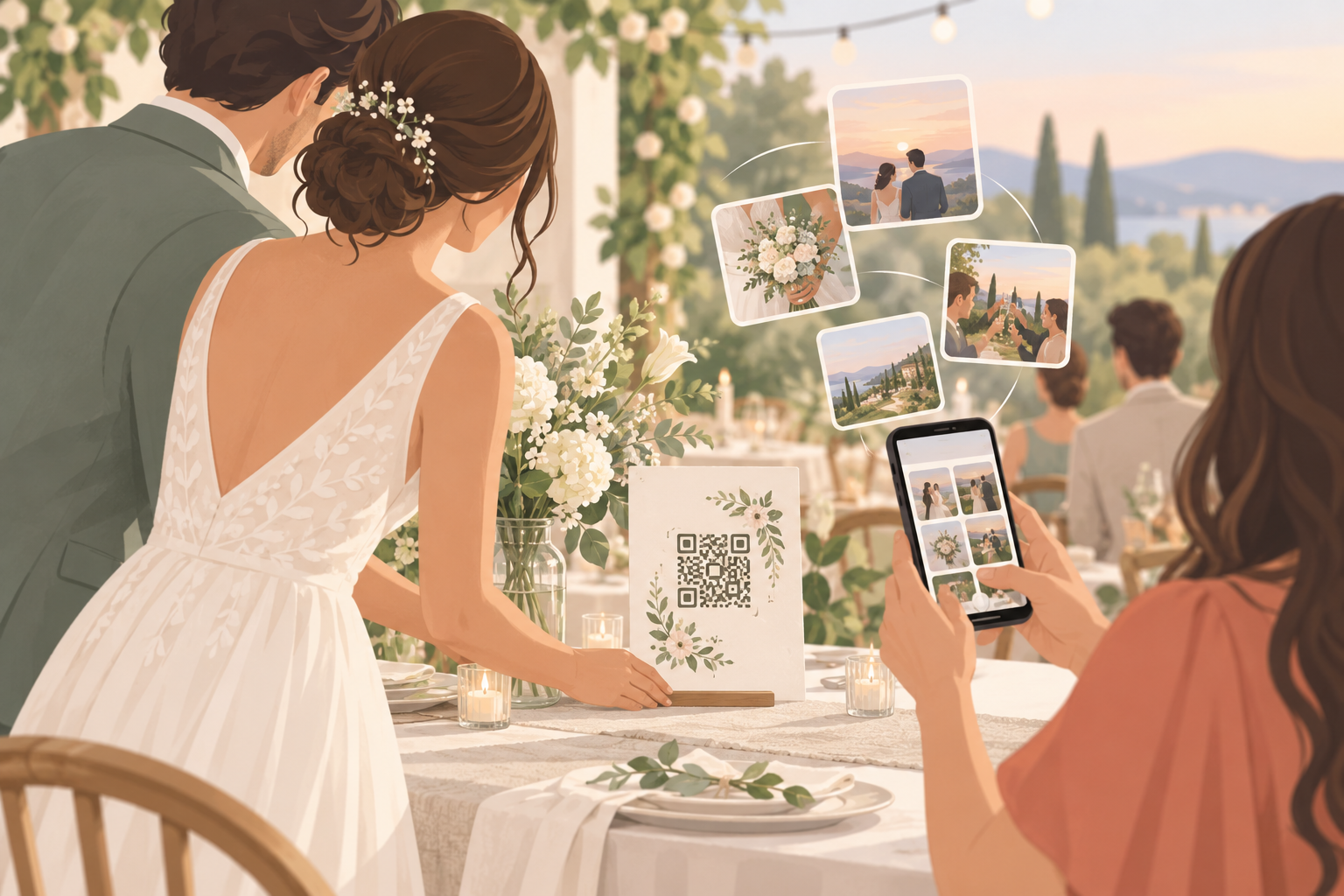
You are getting married, and you want the photos your guests take, not just the ones your photographer takes. You have seen QR codes on table cards and you want one that actually works. You do not want guests to download an app, make an account, or email you files for weeks afterwards. You want a code that is free to start, simple to print, and keeps your photos private.
What is hard right now
- I made a QR code that points to a folder, and half my guests could not get in or upload.
- I do not want to chase 80 people for photos after the wedding, and I do not want to nag my relatives.
- A generic QR code just links somewhere. I need one that actually collects photos into one private album.
- I do not want my wedding photos sold, used for ads, or tracked across other apps.
Scenarios
Table cards at the reception
You create an event in sync.camera, give it a name and pick an end time. The event comes with its own QR code, which you print on your table cards. It is not a standalone QR design tool: the code is part of the album it opens, so it never points at a dead end.
Your cousin sits down, points her phone camera at the card and joins from the browser. No account required, and no app install needed. Guests who would rather type can join with the eight-character invite instead.
Every photo she uploads lands in the same album as everyone else's, so you are not collecting files from a group chat the week after.
Ceremony, reception and after-party
A wedding day is not one moment, and one flat pile of photos makes it hard to find the good ones later. With Moments, you split the day into stages: ceremony, reception, after-party.
Each stage gets its own QR code and its own reveal timing. Guests move between the ceremony and the reception without switching apps, and the after-party shots stay with the after-party.
Seeing the photos on your terms
You decide when the album opens, by picking a reveal mode. During lets guests see photos live as they are taken. After the event unlocks the gallery when the event ends. Additional delay unlocks it a set number of hours after the event ends, so you can wait until you are back from the honeymoon.
Once the album is open, you can filter by photographer to look at one guest's shots at a time, and export your favorites.
The album stays private to the people in your event. We do not sell your photos or your data, there are no ads, and there is no cross-app tracking.
A bigger guest list than the free tier
The free tier covers up to 7 guest uploaders per event. If your wedding is larger than that, SYNC PRO is a one-time purchase, not a subscription, that expands the guest and photo limits for that single event.
You upgrade again only when you create a larger event. Free to start, upgrade per event.
Features that make this work
QR code invites
Each event gets a QR code you can print on table cards, signs or programs, so guests join in one scan with no account.
Wedding photo upload by QR code
Guests upload straight from their phones to your event, so you are not collecting files from a group chat or by email.
Reveal modes
You choose whether guests see photos live, after the event, or after an extra delay, so the reveal fits your wedding.
Private event albums
Photos are encrypted in transit and stored in event-scoped buckets, so only people in your event can see them. We do not sell your photos or your data.