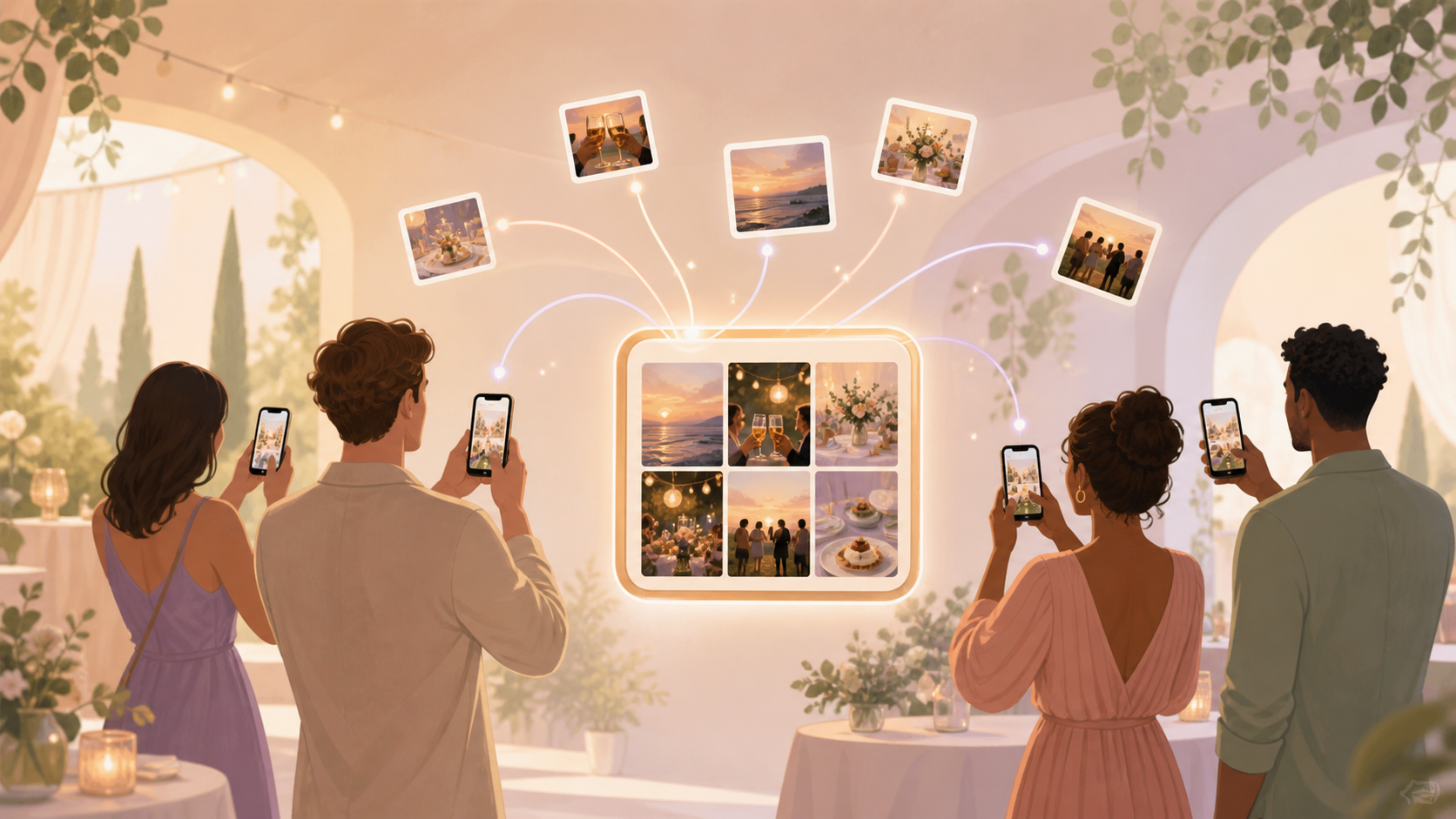
You want the whole story of your event, not just the photos on your own phone. At birthdays, weddings, reunions, parties, meetups, and conferences, your guests capture different angles and small moments. The hard part is getting those photos back without chasing people across iPhone chats, Android texts, cloud links, and forgotten uploads.

Hosts share one QR code or link so guests can join the event album.
What is hard right now
- I know guests took great photos, but I never get all of them back.
- Our event photos are scattered across group chats, phones, and random links.
- I want people to join quickly without creating accounts or downloading another app.
Scenarios
Birthday parties
You are cutting the cake, keeping kids near the table, and trying to enjoy the moment. Meanwhile, grandparents, cousins, and friends are filming from different corners of the room.
With sync.camera, you can create one event album and share it with a QR code or invite. Guests can add their shots as the party happens, so the photos from candles, games, gifts, and quick hugs all land in one place.
Weddings and receptions
Your photographer catches the polished moments, but your guests catch the in-between ones. They see the ceremony from their row, the cocktail-hour laughs, the dance floor, and the after-party from inside the crowd.
sync.camera gives your event one shared album, with moments and reveal timing you can shape around the day. You are not piecing the night together later from group chats, old texts, and separate links.
Reunions and meetups
Some guests are on iPhone, others are on Android, and a few only want to use a browser. If contributing photos feels like work, people put it off and the best shots stay on their phones.
A simple event invite gives everyone one place to contribute. That makes sync.camera a photo app for events where the host needs less platform friction and more complete memories.
Features that make this work
QR code invites
Put one code on a sign, table card, or group message so your guests can join the event album quickly.
Shared event albums
Every guest's photos flow into one event-specific album, so you do not have to chase uploads after the event.
Reveal modes
Choose whether guests see photos live during the event or after it ends, depending on the mood and privacy needs.
Private events
Keep event photos scoped to your event instead of pushing them into public feeds or ad-supported galleries.