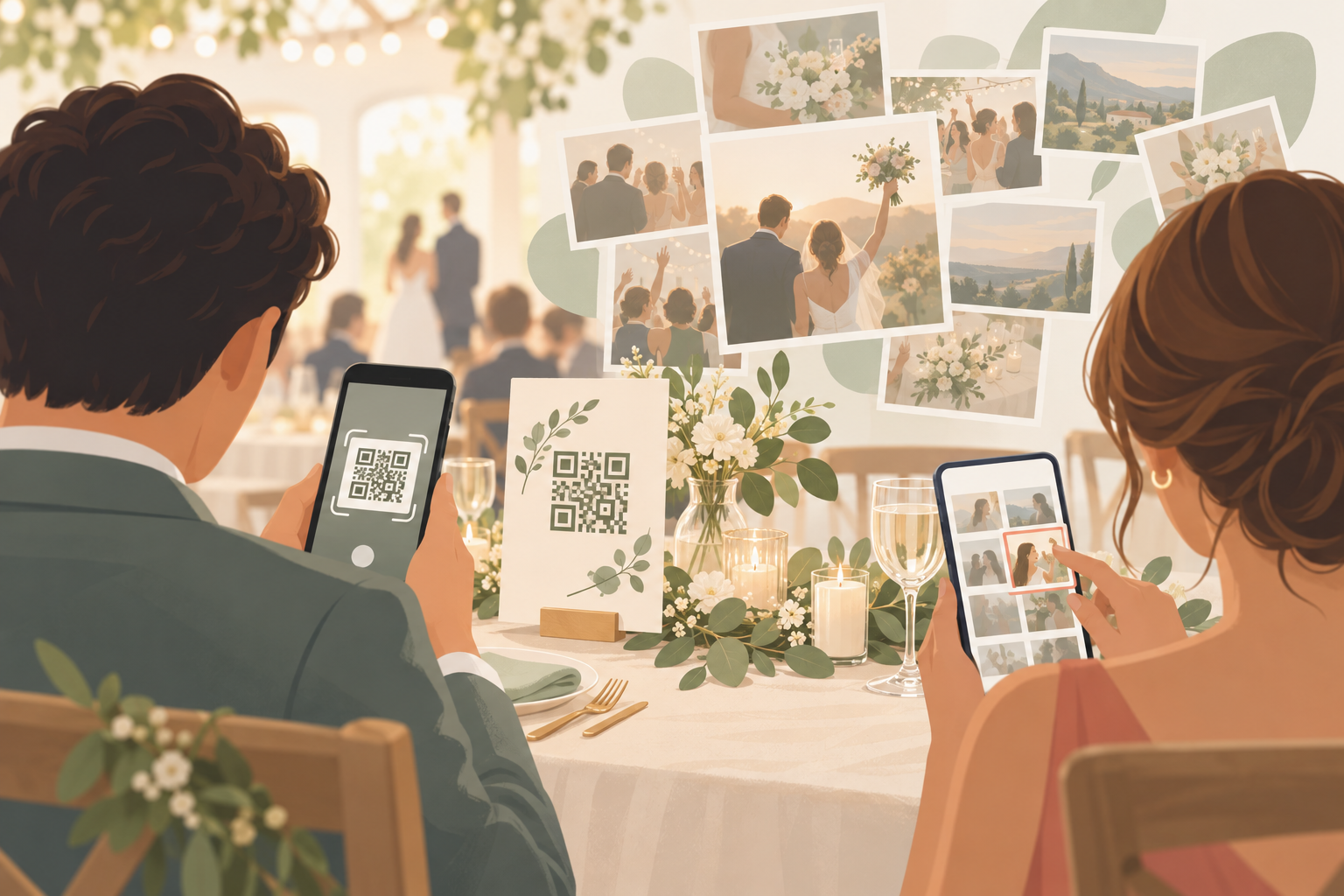
You are planning your wedding, and you know your guests will take hundreds of photos. You want every one of them. What you do not want is a week of texting Uncle Raj for his pictures, a shared folder nobody opens, or an app every guest has to install and sign up for. You want one simple QR code you can print on a table card, a sign or an invite, and a gallery that stays private to your people.
What is hard right now
- I asked everyone to send me their photos after the wedding. Three weeks later I have maybe ten, and the best ones are stuck on my cousin's phone.
- My grandparents will not download an app and make an account just to share a photo. If it takes more than a scan, they will skip it.
- Half our guests are on iPhone and half on Android, so the group chat and shared links never work for everyone.
- I do not want our wedding photos on a public page, or sold on to advertisers. I only want the people at the wedding to see them.
Scenarios
The table card at the reception
You create an event, name it and pick an end time. Then you print the QR code on a card for each table. Your college friends scan it between courses and join from their phone browser, with no account required.
The photos they take during dinner go straight into the event album. You are not collecting anything afterwards, because it is already collected.
Ceremony, reception and after-party
You split the day into moments: ceremony, reception, after-party. Each moment has its own QR code and its own reveal timing, so the vows can stay a surprise while the dance floor shots appear later.
Guests move between moments without switching apps. The same phone that caught the first kiss catches the last dance.
Grandma on an Android, your best man on an iPhone
Both join from a QR code or an eight-character invite, with no account required. Any modern phone browser works via the invite link, so nobody has to be walked through an install.
Installing the iOS or Android app is optional. It adds better camera controls and push notifications for new photos, which your more enthusiastic guests may enjoy.
Seeing the photos on your terms
You pick a reveal mode. During: guests see photos live as they are taken. After the event: the gallery unlocks when the event ends. Additional delay: it unlocks a set number of hours after the event ends.
Afterwards you export your favorites, and you can filter the album by photographer to see one contributor's shots. We don't sell your photos or your data. No ads. No cross-app tracking.
It is free to start, with up to 7 guest uploaders per event. SYNC PRO is a one-time purchase, not a subscription, that expands the guest and photo limits for a single event. Free to start. Upgrade per event.
Features that make this work
QR code photo upload
Guests scan a code on a table card or sign and upload from their phone. You do not chase anyone for photos afterwards.
Reveal modes
You decide whether guests see photos live, after the event ends, or a set number of hours later, so the wedding stays about the day.
Private event albums
Photos are encrypted in transit and stored in event-scoped buckets, so the album is for your wedding guests and not the public.
Digital wedding guestbook
The photos your guests take become a guestbook of candid moments you can go back through after the honeymoon.