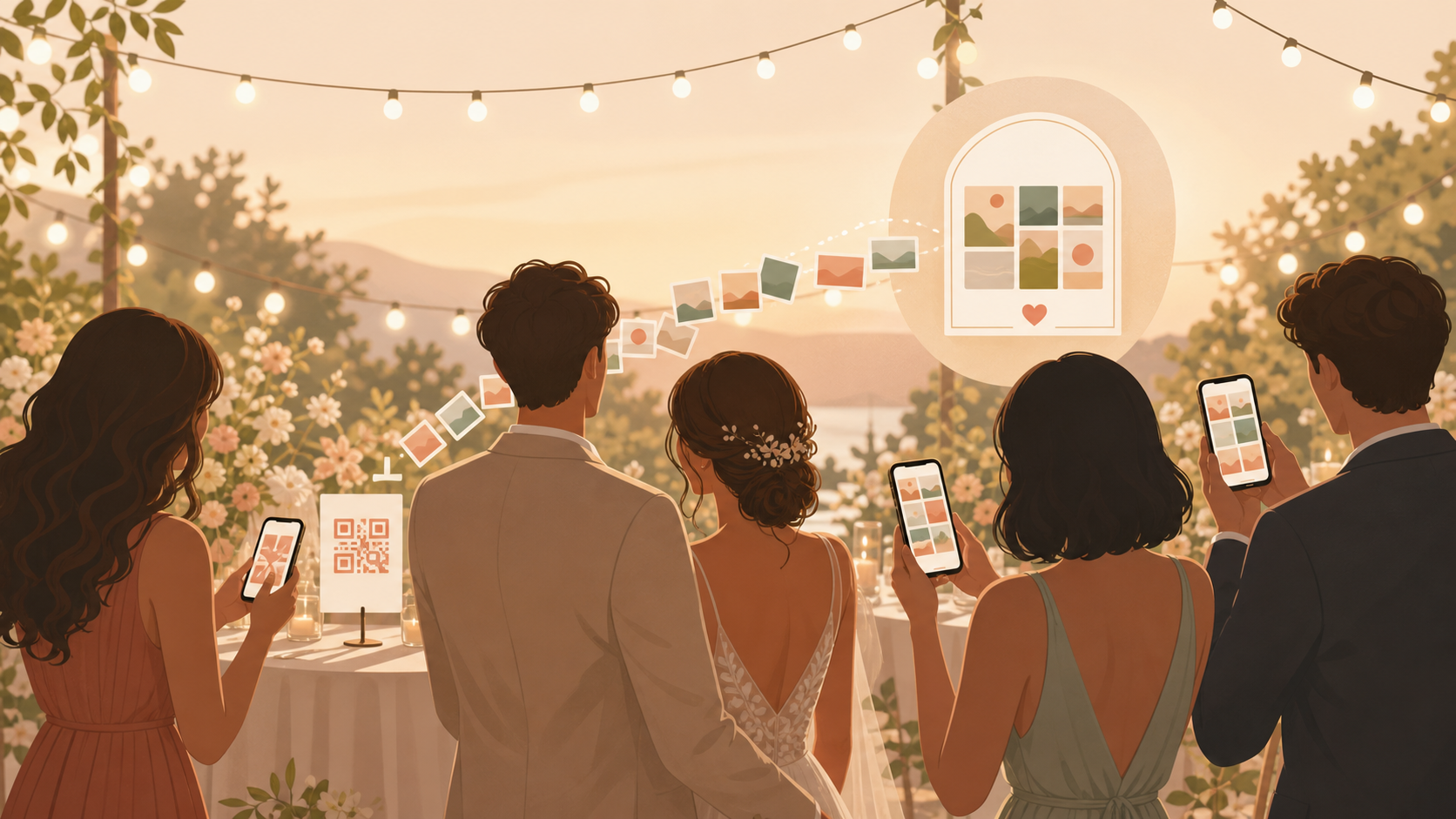
You want the real wedding day, not just the formal shots: getting-ready laughs, aisle reactions, reception toasts, dance-floor chaos, and whatever happens after the DJ packs up. The hard part was never the photos themselves — your guests are already taking them, on iPhones, Android phones, and whatever else is in their pocket. The hard part is collecting those photos afterward, before they scatter across a dozen camera rolls, three group chats, and a link nobody remembers to open. Starting a private wedding album is free, and none of your guests need to create an account just to add a photo.
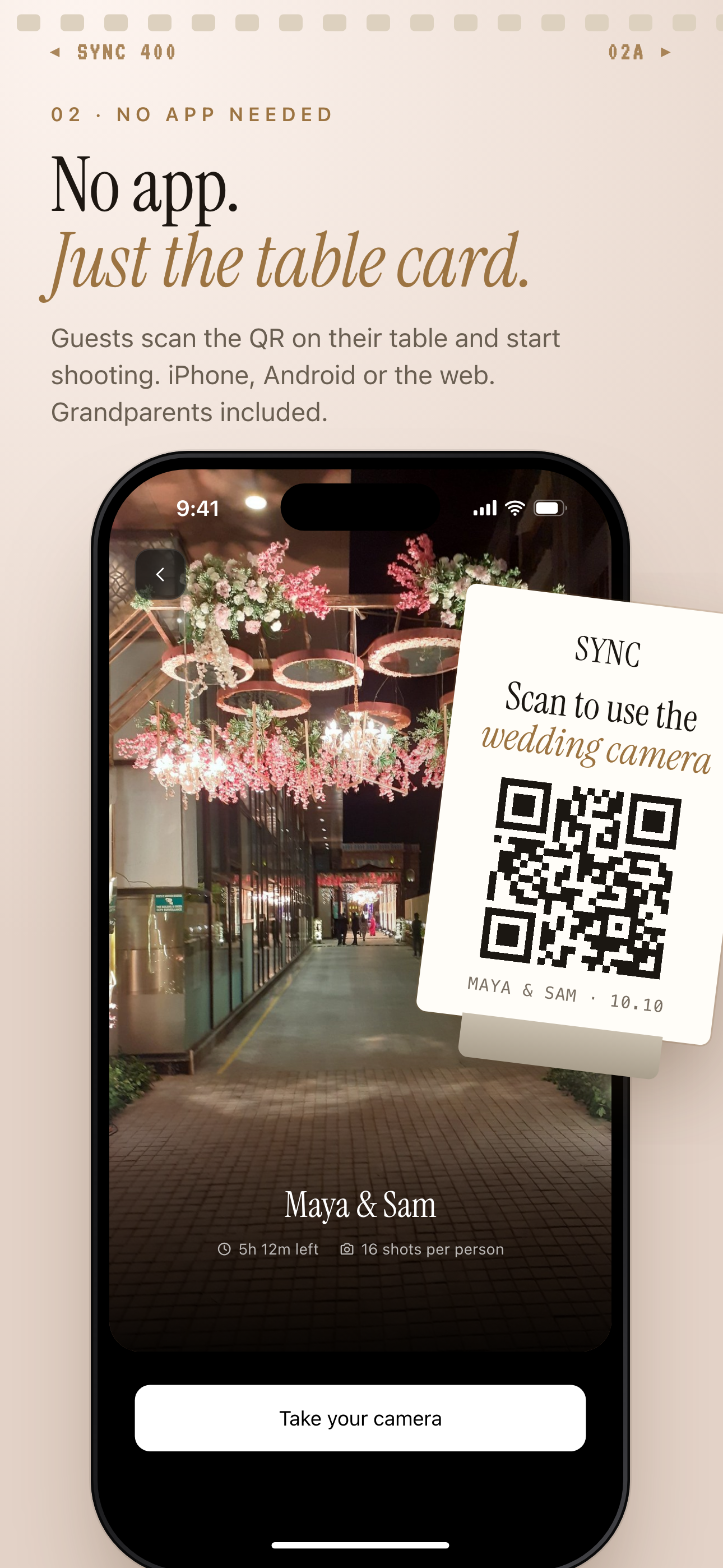
Guests scan the QR on a table card to join from iPhone, Android or the web.
What is hard right now
- Your guests take great photos, but they stay buried in camera rolls and group chats you never see.
- A QR code sounds like the easy fix, but you do not want a public album, a link that expires, or another account everyone has to set up before they can add a single photo.
- The day has phases, and ceremony photos, reception photos, and after-party photos can get mixed together fast when there is only one big folder for everything.
- Google Photos and iCloud Shared Albums work best when everyone is already on the same ecosystem, and group chats compress every photo and bury it within a day.
Scenarios
Ceremony candids
A cousin catches the walk down the aisle from the third row while a friend records reactions from the back. Neither of them is your official photographer, so those photos would normally live and die on their own phones.
A QR code on the ceremony program or a small sign at the entrance sends both guests into the same private wedding album. They scan, join from their phone's browser, and add photos during or right after the ceremony — no app download, no account, no waiting until someone remembers to text you later.
Because the ceremony can be its own Moment, those early photos stay grouped together instead of getting lost in everything that comes after.
Reception table cards
Each table has a small QR code card next to the menu. Guests scan, join from a modern phone browser, and start adding dinner, speeches, cake, and dance floor photos into one shared album while the night is still happening.
It works the same whether a guest has an iPhone or an Android, and nobody has to be added to a group chat or asked to email photos the next day. The album is private to your guest list, not a public link a stranger could stumble into the way some generic QR upload galleries work.
By the time the cake is cut, you already have candid reception photos collecting in one place instead of scattered across dozens of individual phones.
After-party moments
The late-night group is smaller, and the photos feel different — looser, louder, a little less posed. Mixing those in with ceremony and reception photos can flatten the whole story of the day into one long, unsorted feed.
Moments let you split the wedding into ceremony, reception, and after-party stages, each with its own QR code. Guests who stick around late scan a separate code, so their photos land in their own space rather than diluting the earlier, more formal moments.
You can also set different reveal timing per Moment, so the after-party photos can stay unseen a little longer while the ceremony and reception galleries are already visible.
Next-day photo reveal
You do not want guests scrolling through every photo during dinner, comparing angles of the first dance in real time. That kind of live scroll can turn a private moment into a group critique session.
Reveal modes let you choose when the gallery unlocks: live during the event, after the event ends, or after a delay you set — a few hours, the next morning, or whenever feels right. Guests can still add photos the whole time; they simply cannot see everyone else's until you decide.
The next morning, you and your partner get to open the album together and see the day the way your guests actually experienced it, instead of watching it accumulate in real time from your phone.
Features that make this work
QR code invites
One scan lets any guest join and start adding photos — no app download, no account, and no group chat thread to dig through later, unlike generic QR upload galleries that still make guests sign up first.
Shared albums
Every photo your guests take, from iPhone, Android, or a browser, lands in one private album — no Apple ID required the way iCloud Shared Albums needs one, and no ecosystem lock-in the way Google Photos assumes.
Moments
Split the day into ceremony, reception, and after-party so the story does not collapse into one long, unsorted feed the way a single group chat thread always does.
Reveal modes
Choose whether guests see photos live, after the wedding, or after a delay you set — a level of control a group chat or public album link can never give you.
Private event access
Your wedding album stays scoped to your guest list, not a public link anyone with the URL could open the way some free QR gallery tools leave things by default.