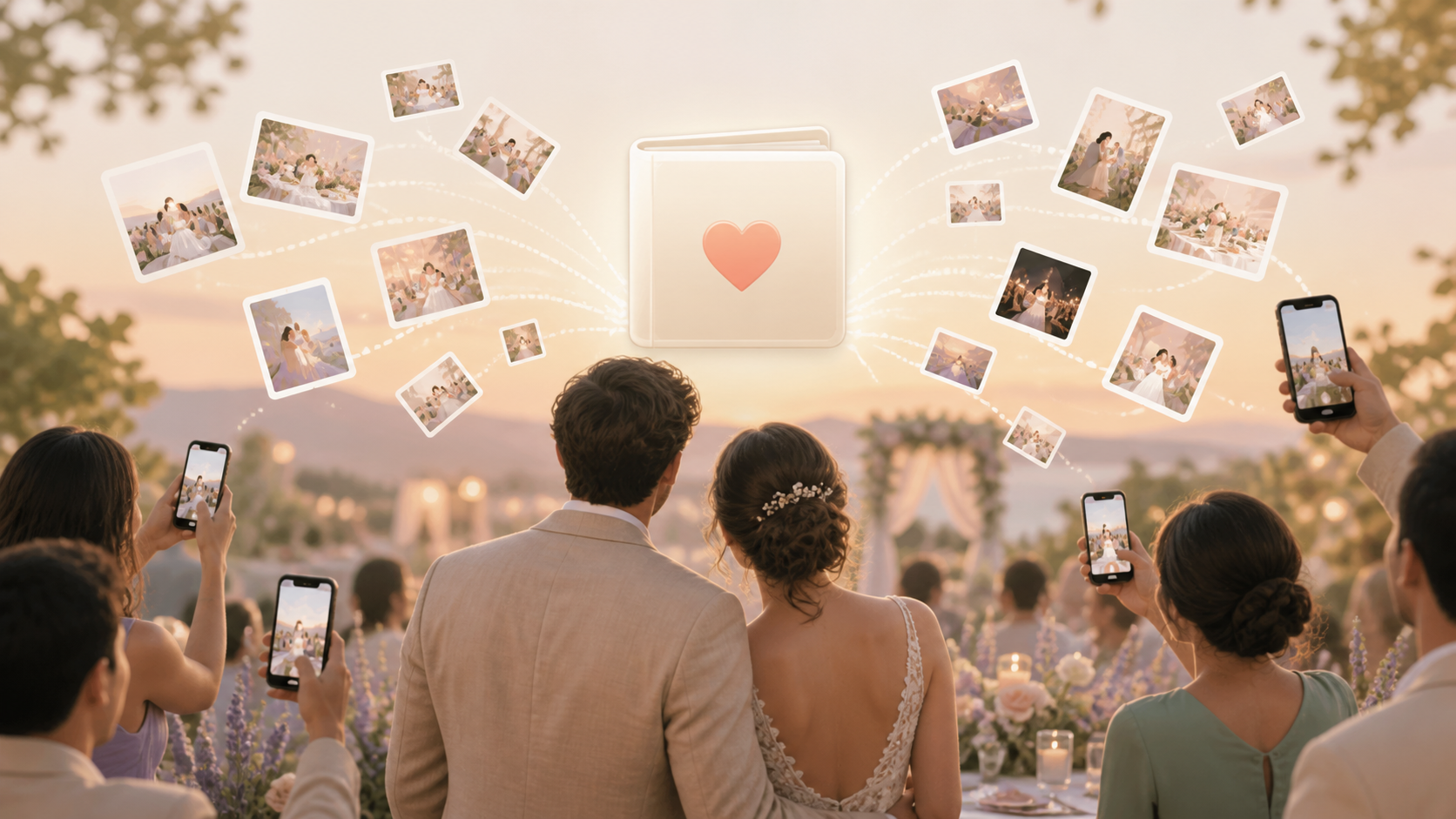
Your wedding day moves fast, and your guests see moments you never get to witness live: getting-ready laughs, table reactions, dance floor chaos, late-night hugs, and quiet family snapshots. sync.camera gives you one private digital photo album where iPhone and Android guests can add photos without downloading an app, making an account, or remembering to send everything later.
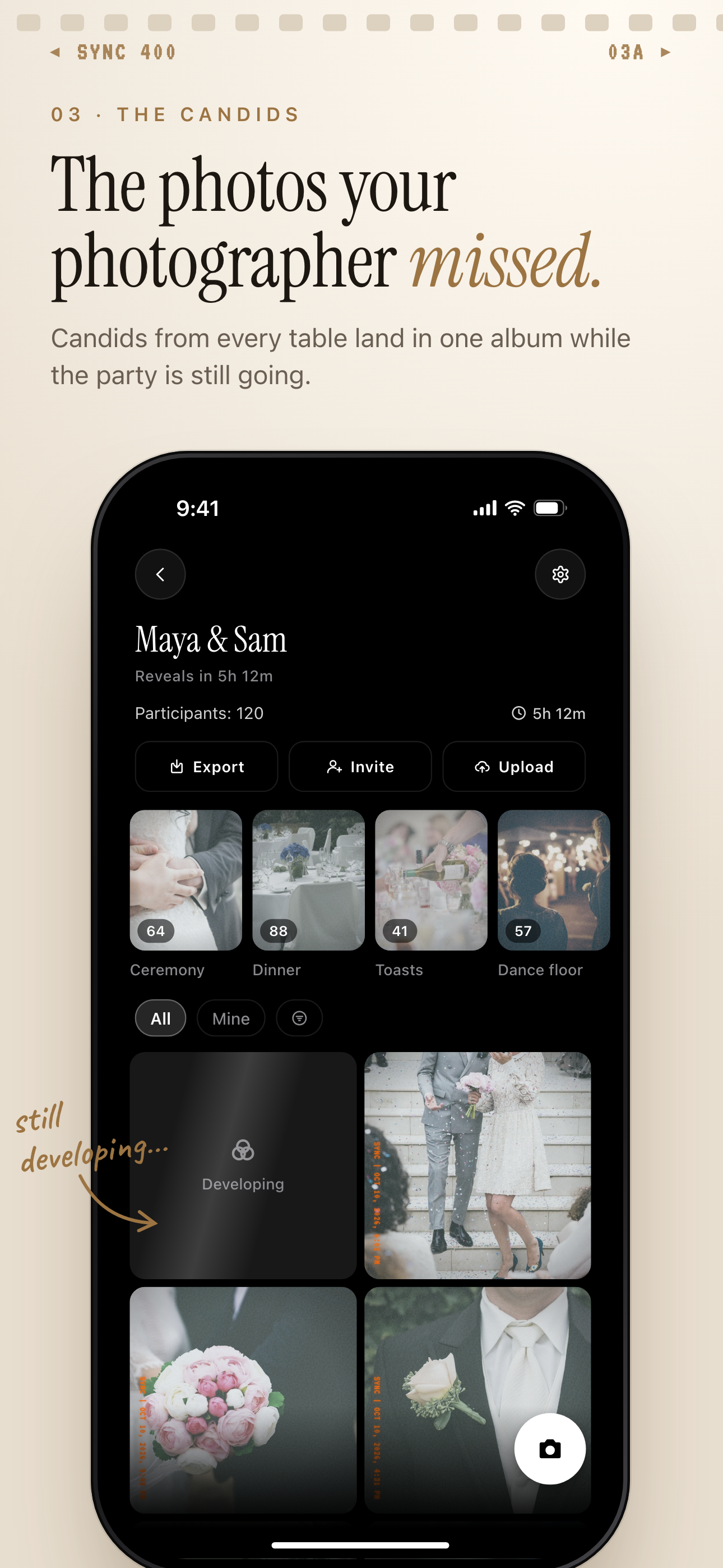
Guest candids land in one private album, grouped into moments like Ceremony and Dance floor.
What is hard right now
- You know your guests took great photos, but they are scattered across texts, DMs, and camera rolls.
- Your guests are split between iPhone and Android, and one messy group chat is not enough.
- You want wedding photos collected privately, not floating around public feeds or random shared links.
- By the time you ask after the wedding, people have already moved on or forgotten what they captured.
Scenarios
Getting-ready rooms
Your morning is split across hotel rooms, homes, suites, salons, and different phones. Bridesmaids, groomsmen, siblings, parents, and close friends are all catching little moments before the ceremony begins.
Place a QR code in each getting-ready space so everyone can add photos into the same private wedding digital photo album. You get the behind-the-scenes pieces of the day without asking each person to text you later.
Ceremony and cocktail hour
Your photographer is focused on the ceremony, but your guests are seeing aisle reactions, hugs, tears, and small exchanges from every angle. Those photos are easy to lose when they stay on individual phones.
With a shared event album, guests can add what they captured during the ceremony and cocktail hour in one place. You keep the candid guest perspective together, instead of piecing it together from separate messages after the honeymoon.
Reception tables and dance floor
Every reception table has its own view of the night. Grandparents laughing, college friends taking selfies, cousins filming the first dance, and guests catching the exact moments you were too busy to see.
Let guests join from a QR code at the welcome table, bar, or reception tables. Because they can contribute from a phone browser, both iPhone and Android guests can add photos while the energy is still high.
After-party and next morning
Some of the best wedding photos happen after the formal timeline ends. The after-party, hotel lobby, late-night food, and next-morning brunch often become the moments no one remembers to send.
Split your wedding album into moments like reception, after-party, and brunch so the photos match the shape of the day. You can reveal photos live or wait until the event ends, depending on how private and intentional you want the experience to feel.
Features that make this work
QR code joining
Guests can scan a code at the welcome table, bar, ceremony sign, or reception table and start adding photos without hunting for a link later.
Shared event albums
You get one private wedding album filled by many guests, instead of chasing photos across texts, AirDrop, WhatsApp, and DMs.
Moments
You can organize the day into ceremony, reception, after-party, and brunch sections so the album follows your real wedding timeline.
Reveal modes
You can let guests see photos during the celebration or keep the album hidden until later, so sharing fits the privacy level you want.
Private photo sharing
Your wedding photos stay in a private sharing space built for your event, not scattered across public feeds or open-ended links.