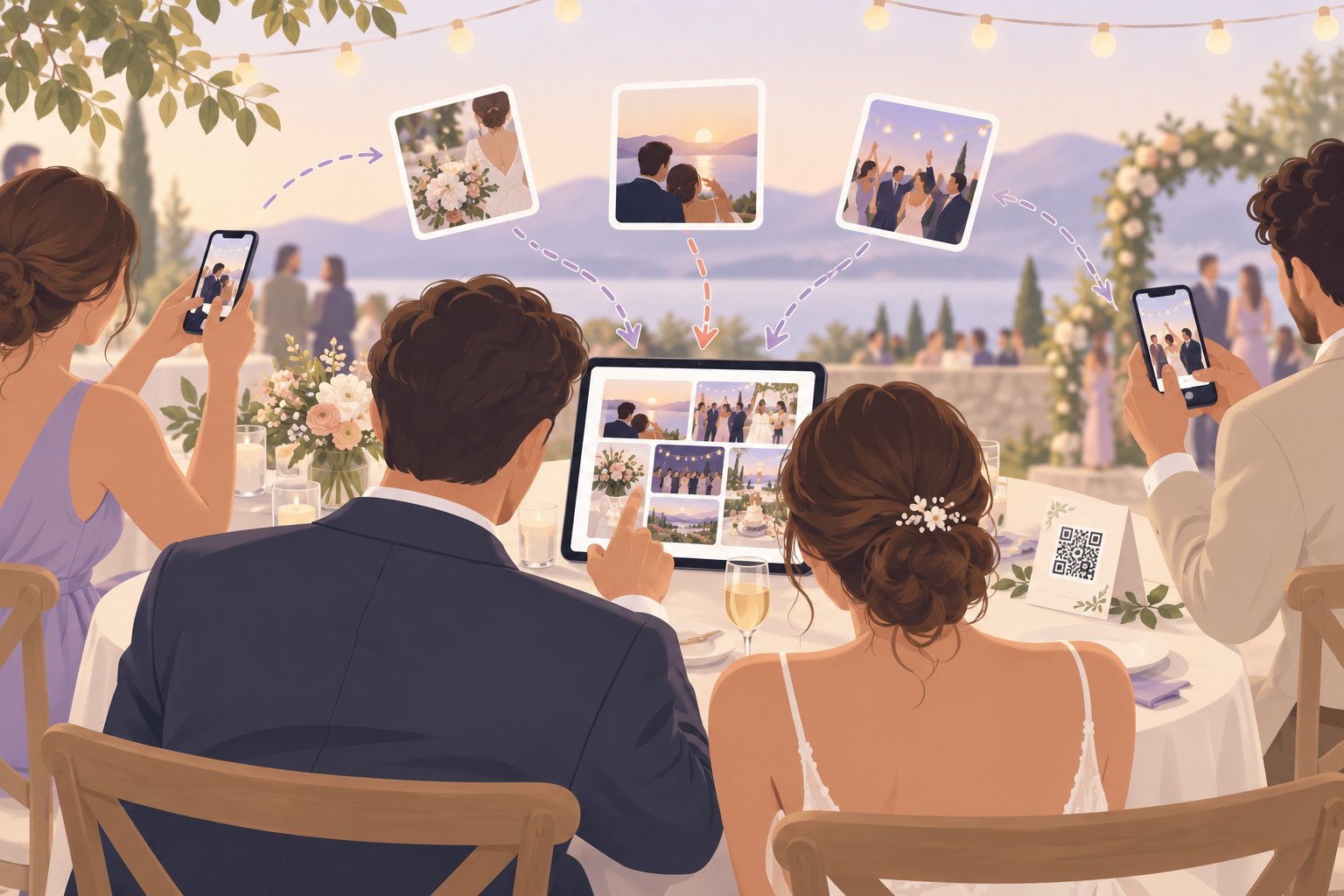
You are a couple planning a wedding, or the friend or family member helping them. Your guests will take hundreds of photos on their own phones, and you want them all in one place afterwards. You don't want to message forty people for links, and you don't want guests creating accounts just to hand over a photo. You want something simple enough for Grandma and private enough that the photos stay with your people.
What is hard right now
- I asked guests to send me their photos after the wedding. Three weeks later I have a dozen, scattered across texts, email threads and WhatsApp.
- Half my guests are on iPhone and half are on Android, and nobody wants to download an app or sign up for an account just to share a few pictures.
- I don't want our wedding photos posted on a public hashtag or sold to advertisers. I want them in an album only our guests can reach.
- The ceremony, the reception and the after-party each have different people in them. I don't want it all in one unsorted pile.
Scenarios
The QR code on the table
A QR code sits on each reception table. A guest scans it with her phone camera, joins from the browser with no account, and uploads the photos she took during dinner. There is nothing to install and nothing to sign up for, so it works the same on an iPhone and an Android.
Guests can also join with an eight-character invite if they weren't at a table, or if someone shares the invite link in the group chat. The app is optional: it adds better camera controls and push notifications for new photos, but nobody needs it to take part. For more on putting the code to work, see the wedding photo upload QR code.
Ceremony, reception and after-party
You create an event, name it and pick an end time. Then you split it into Moments, one each for the ceremony, the reception and the after-party, with its own QR code and reveal timing.
Guests move between Moments without switching apps, so the late-night dance floor photos don't get buried under the ceremony. Each part of the day stays in its own place instead of landing in one unsorted pile.
Keeping the surprise until you are ready
You pick a reveal mode. During shows photos live as they are taken, so the room can watch the album fill. After the event unlocks the gallery when the event ends, and Additional delay unlocks it a set number of hours after.
You open it on the honeymoon, not in the middle of the toast. Reveal modes put the timing in your hands.
Sorting the keepers afterwards
A week later you open the album and filter by photographer to see one guest's shots, such as your college roommate's candids. Then you export your favorites for the photo book and the thank-you cards.
The album is scoped to your event and its guests. We don't sell your photos or your data, and there are no ads. If you are comparing options, our guide to a wedding photo sharing website covers the wider picture.
Features that make this work
Guest upload
Guests upload straight from their own phones with no account required, so you collect photos without asking forty people to install anything.
Wedding photo upload QR code
One QR code on a table card, a sign or the invitation takes guests to the event, so nobody has to type a link.
Reveal modes
You choose whether guests see photos live, after the event, or after an extra delay, so the album opens when you want it to.
Private event albums
Your wedding album is scoped to your event and its guests. We don't sell your photos or your data, and there are no ads.