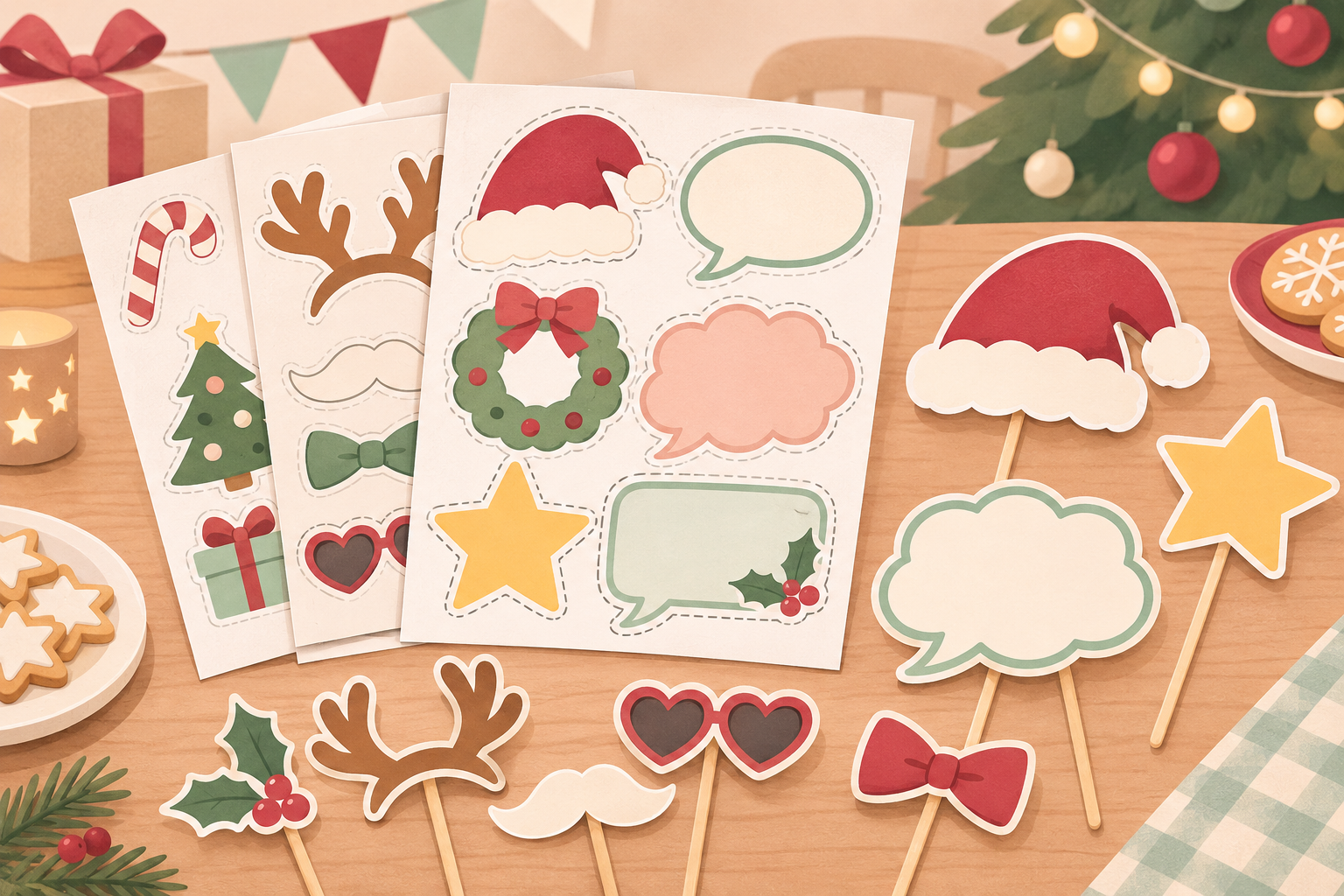
A Christmas photo booth is a corner set up for festive group photos: a backdrop, good light and a pile of hand-held props like speech bubbles and signs with holiday phrases. This free tool makes the props for you. Pick your phrases, print, cut them out and tape them to sticks.
Make your Christmas photo booth props
How to make Christmas photo booth props
Choose your phrases
Tick the phrases you want (24 are on to start) and add your own family jokes, up to 20 of them.
Pick the look
Choose speech bubbles, signs or a mix, a colour theme, and 2 or 4 props per page. Add a welcome sign with your family name or the year.
Make and print
Click Make my props, then print or download the PDF.
Cut and mount
Print on card stock, cut along the dashed lines and tape each prop to a wooden dowel or paper straw at the "tape stick here" mark.
Set out the basket
Put the props in a basket next to the backdrop so guests can grab them.
Christmas photo booth ideas
All 40 prop phrases
The first 24 are switched on in the tool to start:
- Ho Ho Ho!
- Merry & Bright
- Nice List
- Naughty List
- Mistletoe Me
- Elf Approved
- Jingle All the Way
- Sleigh All Day
- Let It Snow
- Fa La La La La
- 'Tis the Season
- Cookies for Santa
- Hot Cocoa Crew
- Ugly Sweater Champ
- Santa's Favorite
- Dear Santa, I Can Explain
- Snow Much Fun
- Tree-mendous
- Holly Jolly
- Team Rudolph
- Joy to the World
- Feliz Navidad
- Here for the Cookies
- Official Elf
Sixteen more you can tick:
- Yule Love This
- Rockin' Around the Tree
- Under the Mistletoe
- Peace on Earth
- Gift Wrapping Expert
- Reindeer Games
- Silent Night? Never
- Making Spirits Bright
- Happy Holidays
- Season's Greetings
- Warm Wishes
- Cozy Season
- Present Company
- Sleigh Queen
- Tinsel Town
- All I Want for Christmas
Backdrop ideas
- A tinsel or foil curtain.
- A wall of wrapping paper.
- A decorated tree corner.
- String lights on a plain sheet.
- A fireplace or mantel with stockings.
- A "snowy" white backdrop with paper snowflakes.
- A sleigh or armchair as "Santa's chair".
For more setups, see these photo wall ideas for party hosts.
Setup and prop ideas
- Santa hats, reindeer antler headbands and elf ears.
- An ugly sweater dress code.
- A "Nice List" clipboard.
- A frame made from an empty picture frame wrapped in garland.
- Light from a lamp or ring light in front of guests, never behind them.
- A phone stand with a self-timer.
- A small sign telling guests where to put their photos.
Hosting a wedding instead? Try the free wedding bingo card maker.
Frequently asked questions
What do you need for a Christmas photo booth?
A backdrop, light in front of guests, a basket of props, and a phone or camera on a stand with a timer. The ideas list above has backdrops and setup tips you can put together at home.
How do I make Christmas photo booth props?
Pick your phrases in the tool, then print on card stock. Cut along the dashed lines and tape each prop to a dowel or straw. For stiffer props, glue-stick a second layer of card to the back.
What paper should I print photo booth props on?
Heavy card stock, around 200-300 gsm (65-110 lb cover), holds up best. Plain paper works if you glue it onto cardboard. Choose the Ink-saver theme to print black outlines and colour them by hand.
Can I add my own phrases?
Yes. Add up to 20 phrases of up to 28 characters each. Long phrases shrink and wrap to fit the prop.
Is the prop maker free? Do I need an account?
It's free and runs in your browser. There's no sign-up, and nothing you type is uploaded or saved.
How do I collect all the photos guests take at the booth?
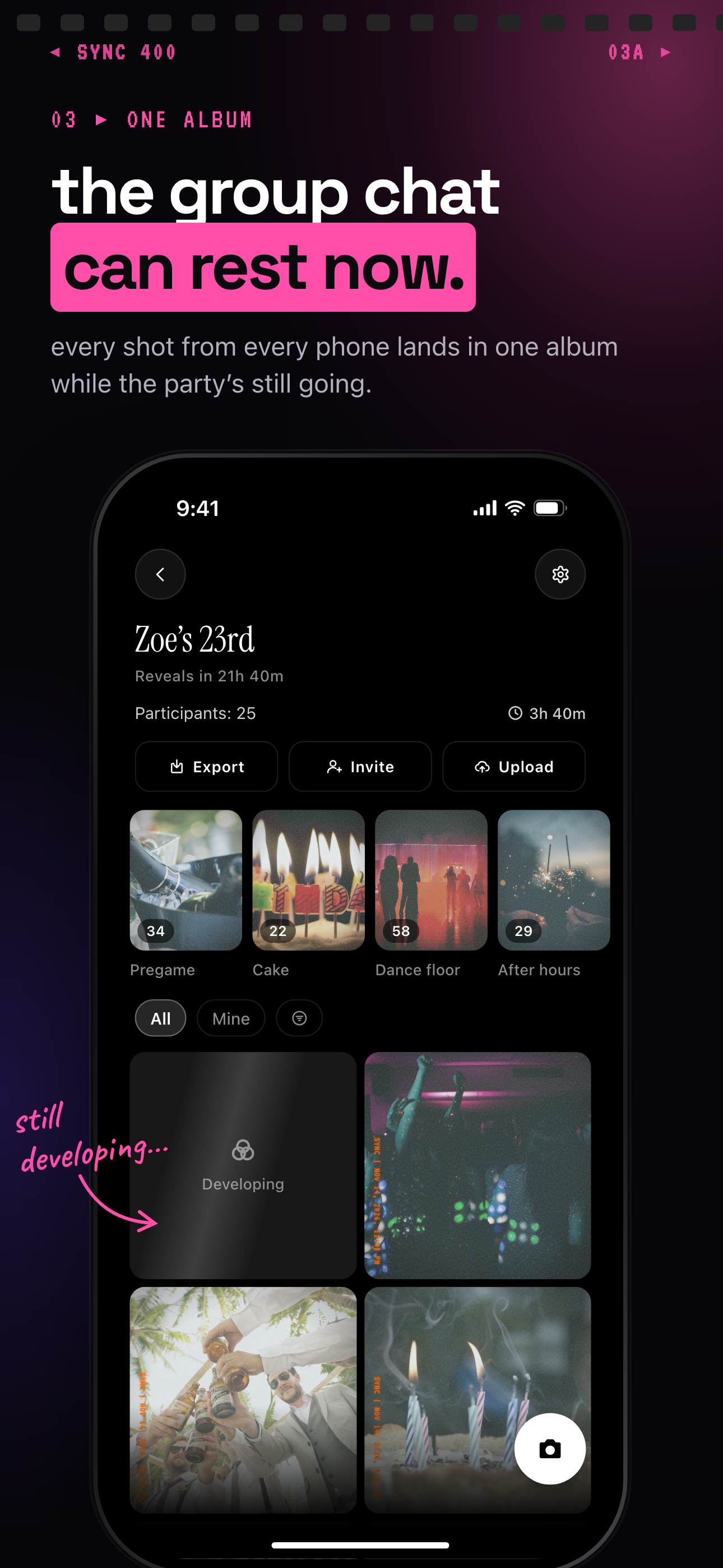
Guests usually shoot on their own phones. With sync.camera, guests join an event from a QR code or an eight-character invite, with no account required, and their photos go into one shared album. It's free to start, with up to 7 guest uploaders per event.
Every booth photo in one album
A good booth makes a lot of photos, and they end up spread across everyone's phones. sync.camera puts them in one place.
- Create an event. Name it and pick an end time.
- Guests join in seconds. They join from a QR code or an eight-character invite. No account required.
- Choose when photos appear. Reveal modes let you show photos live as they are taken, after the event ends, or after a delay you set.
- Keep the best ones. Export your favorites when the party is over.
It works for a family gathering, an office party or any party photo album. Free to start. Upgrade per event. No credit card needed.