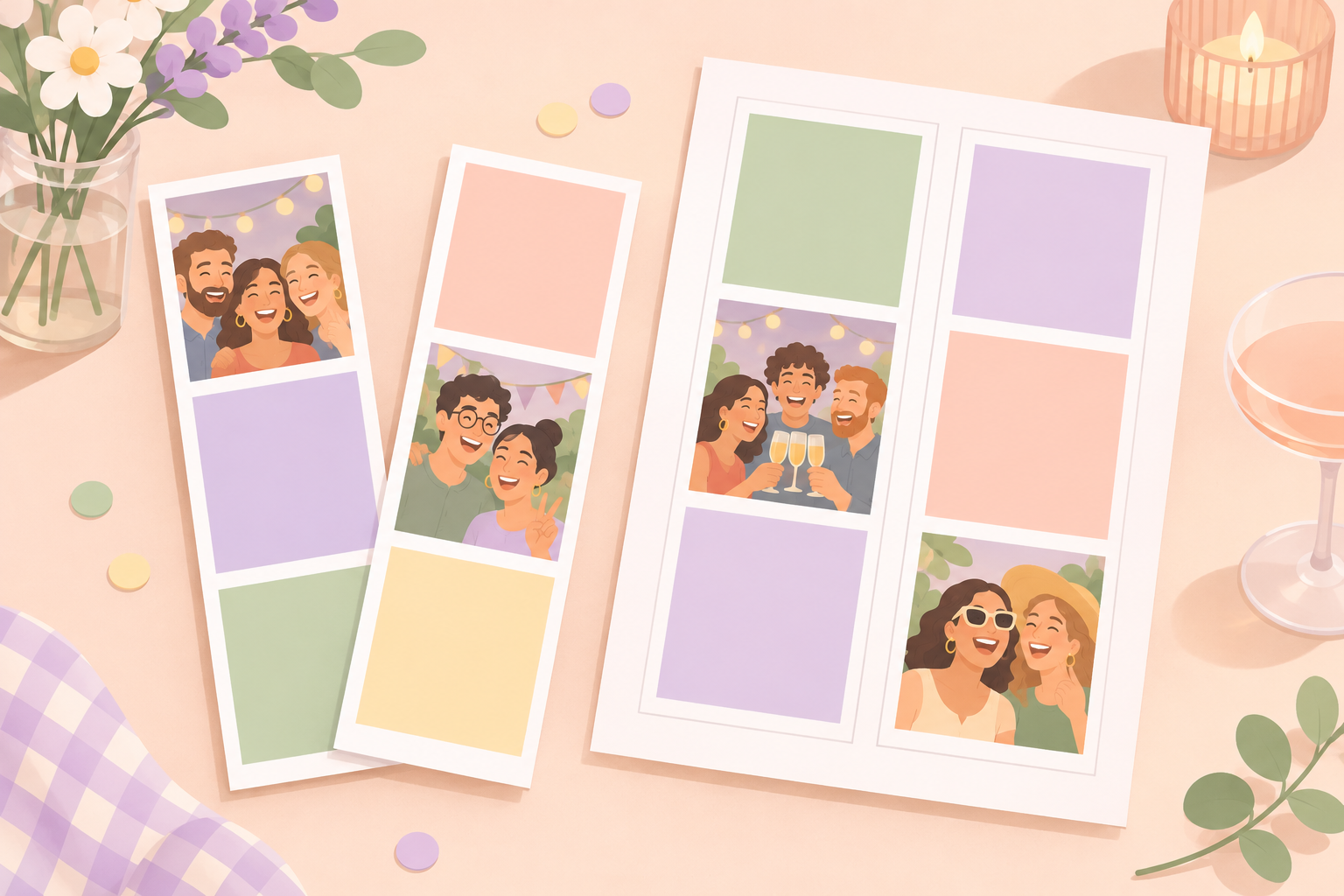
A photo strip template is a 2x6 inch layout of three or four stacked photo frames with a small text panel, the format of a classic photo booth strip. Standard 4x6 photo paper fits two strips side by side, so you print one sheet and cut it in half. The free photo strip maker below builds one at true print size and exports it as a PDF or PNG.
Make your photo strip
How to make and print a photo strip
Pick the size
Choose 2x6 for a single strip, or 4x6 for a print-ready sheet that holds two identical strips side by side.
Set the look and the words
Choose 3 or 4 frames, a colour theme, a font and square or rounded corners, then type your names and the date. The main line takes up to 24 characters and the second line up to 20.
Add photos, or leave the frames blank
Pick a photo for any frame and it is cropped to fill the frame. Leave frames empty for a blank template you can fill by hand or stick printed photos onto.
Make it and save it
Click Make my photo strip, then download the PDF or PNG, or print it straight away.
Print at actual size and cut
Print at 100% (actual size, with "fit to page" turned off) on 4x6 photo paper, or send the file to a photo lab. For the 4x6 sheet, cut along the guide line to get two 2x6 strips.
Ways to use a photo strip template
- Wedding favours or a guest-book page. Print a strip with the couple's names and date for each guest, or give every page of a guest book its own strip. More ideas in wedding guest book photo book ideas.
- Birthday party take-homes. Make strips with the birthday name and date and hand them out at the end of the party, or pin them up as part of a birthday photo wall.
- A DIY photo booth table. Print blank strips and let guests fill the frames with their own prints or doodles. Pair it with other wedding photo booth alternatives.
- A save-the-date or thank-you card. Put your favourite photos in the frames and the date or a short message in the text panel.
- A trip keepsake. Pick three or four shots from a weekend away and add the place and month.
Planning a reception? The free wedding bingo card maker works the same way: make, print, done.
A strip keeps a few shots. SYNC keeps the whole event.
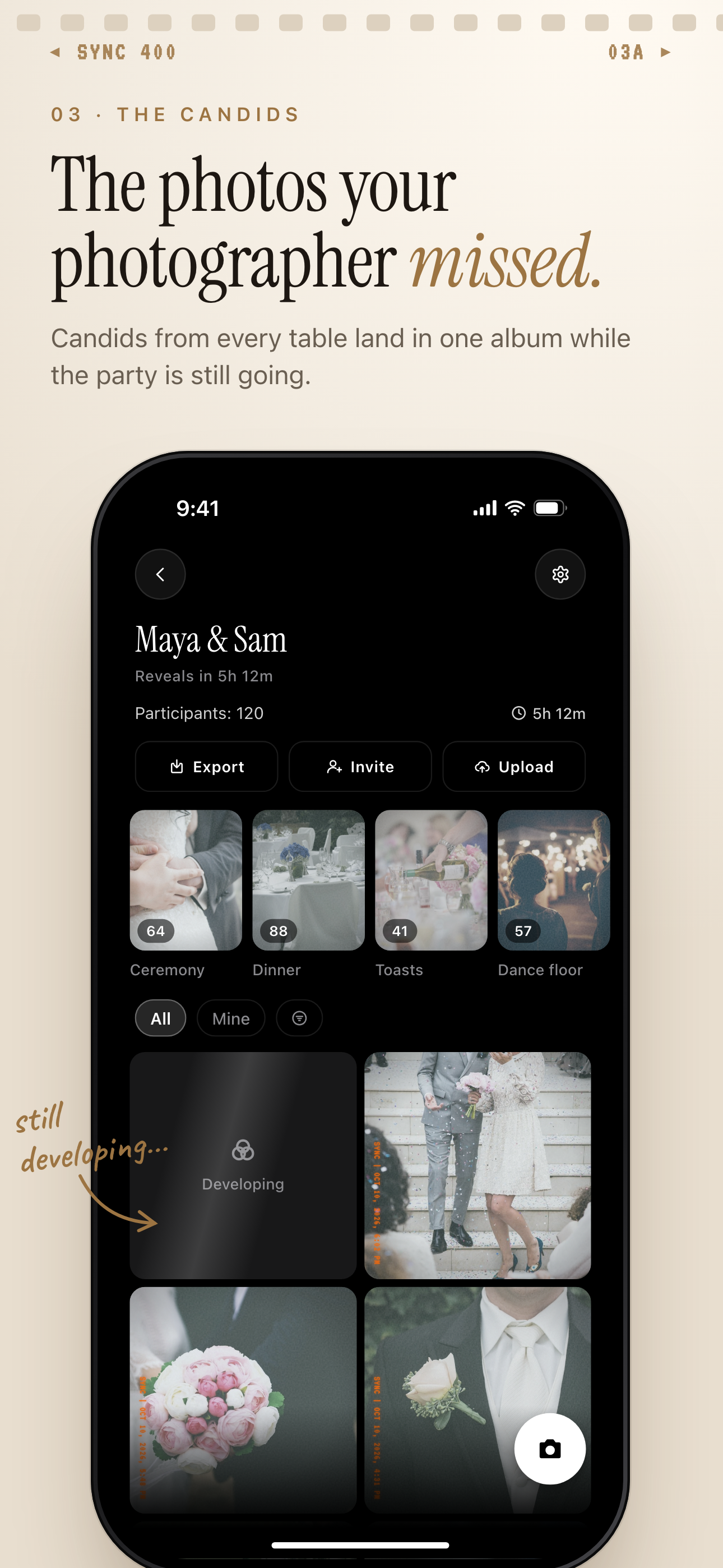
A photo strip is for the few favourite shots. SYNC gathers every guest's photos from the event into one shared album.
- Easy to join. Guests join from a QR code or an eight-character invite. No account required.
- Reveal when you want. Choose During (guests see photos live as they are taken), After the event (the gallery unlocks when the event ends) or Additional delay (it unlocks a set number of hours after the event ends).
- Export your favorites. Save the best shots, then drop them into a strip above.
- Free to start. Up to 7 guest uploaders per event, and no credit card needed. SYNC PRO is a one-time, per-event upgrade when you create a larger event.
Frequently asked questions
What size is a photo strip?
The classic photo strip is 2x6 inches, with three or four photos stacked vertically. A 4x6 print holds two strips side by side, which is why the tool also offers a 4x6 sheet.
How do I print a 2x6 photo strip at home or at a photo lab?
Choose the 4x6 sheet, then download the PDF or PNG. Print it at 100% (actual size, with "fit to page" turned off) on 4x6 photo paper, or order a 4x6 print from a lab. Then cut down the guide line to get two strips.
Can I use it as a photo strip maker with my own pictures?
Yes. Pick a photo for each frame and it is cropped to fill the frame. You can also leave frames blank and stick printed photos on later.
Are my photos uploaded anywhere?
No. Your photos are read and drawn in your browser and never sent to a server. Reloading the page clears them.
Is it free, and do I need an account?
It is free, with no sign-up and no watermark on the strip.
What resolution is the download?
The PNG is 300 DPI: 600x1800 px for a 2x6 strip and 1200x1800 px for a 4x6 sheet. The PDF is one page at exactly 2x6 in or 4x6 in, with no scaling.