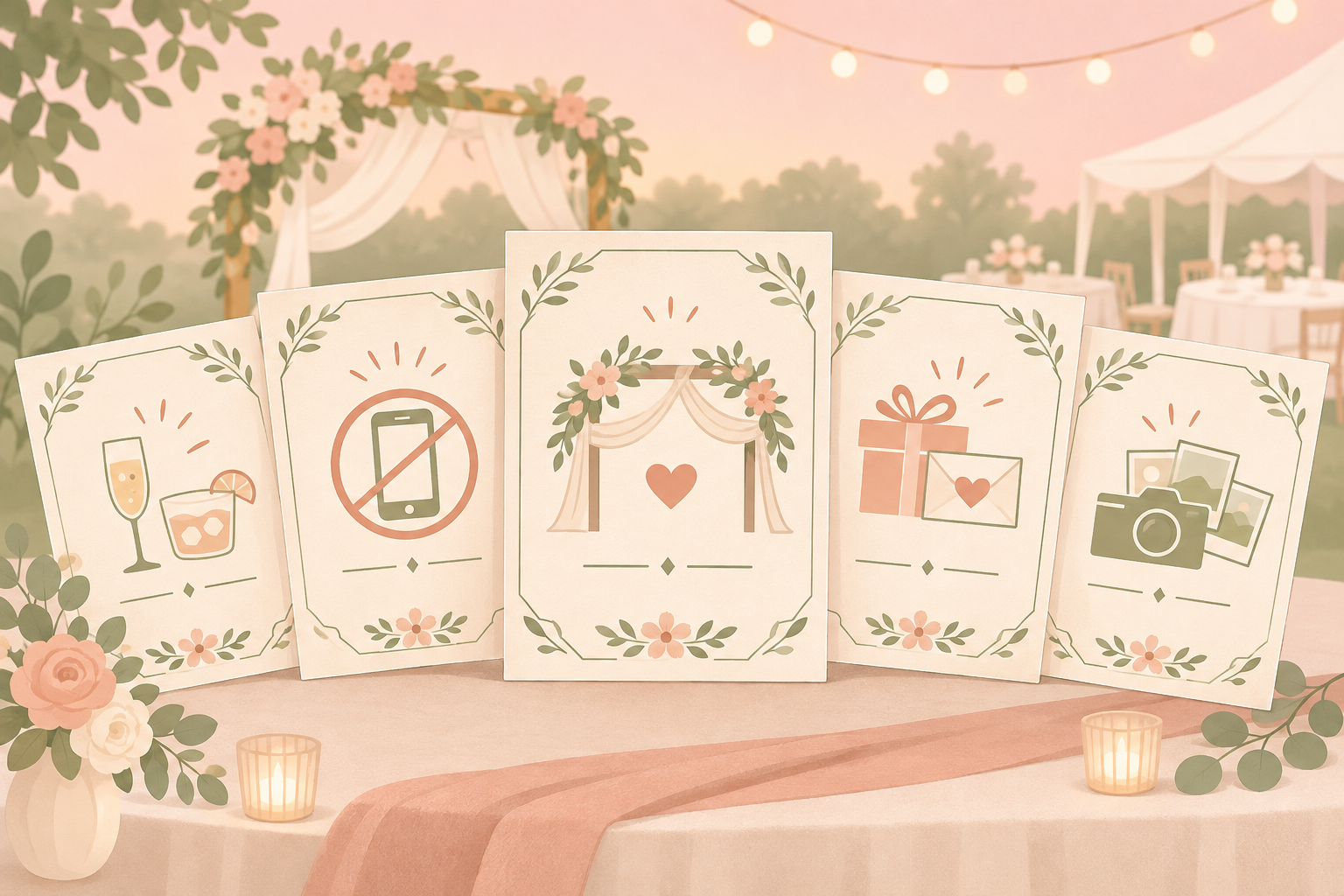
Printable wedding signs are the short, framed notices that guide guests through the day: a welcome sign at the entrance, an unplugged ceremony request, a cards & gifts table sign, a bar menu and a photo sign. This free tool makes all five as one matching set from your names and date, ready to print or save as a PDF. It runs in your browser, and nothing you type is saved or sent anywhere.
Make your printable wedding signs
How to make your wedding signs
Add your names and date
Type your names and wedding date once; they appear on every sign. Leave the date empty and the date line is hidden.
Choose your signs and a style
Tick the signs you need and pick a style: Classic, Modern or Garden. Every sign in the set uses the same one, so they look designed together.
Edit the wording
Open any sign's section to change its words, including your bar menu drinks and the hashtag on the photo sign.
Make, check and print
Click Make my signs, check the preview, then print one sign per page or download a single PDF.
Print and frame
Print on heavy cardstock or take the PDF to a print shop, then frame or mount each sign. Planning the rest of the day? Try the wedding planning checklist.
Where each sign goes and what it should say
- Welcome sign: at the venue entrance or where the ceremony aisle starts. Keep it short: "Welcome to the wedding of" or "Join us as we say I do", then your names and date.
- Unplugged ceremony sign: at the ceremony seating, where guests see it before they sit down. A kind request and a reason works best.
- Cards & gifts sign: on the gift table. "Cards & Gifts" or "With love and thanks" is plenty.
- Bar menu: on the bar. List four to six drinks, with a short note on your signature cocktail.
- Photo sign: on reception tables or near the dance floor. Invite guests to snap away and add a hashtag or a short line if you have one.
Printing tips. Heavy matte cardstock gives clean lines and no glare in photos; gloss can reflect flash. Letter and A4 pages fit standard 8.5x11 in and A4 frames. For an easel-sized sign, ask a print shop to scale the PDF up or mount it on foam board.
Want more for the reception? Make wedding bingo cards or a round of couple trivia questions.
Give the photos from your photo sign one place to land
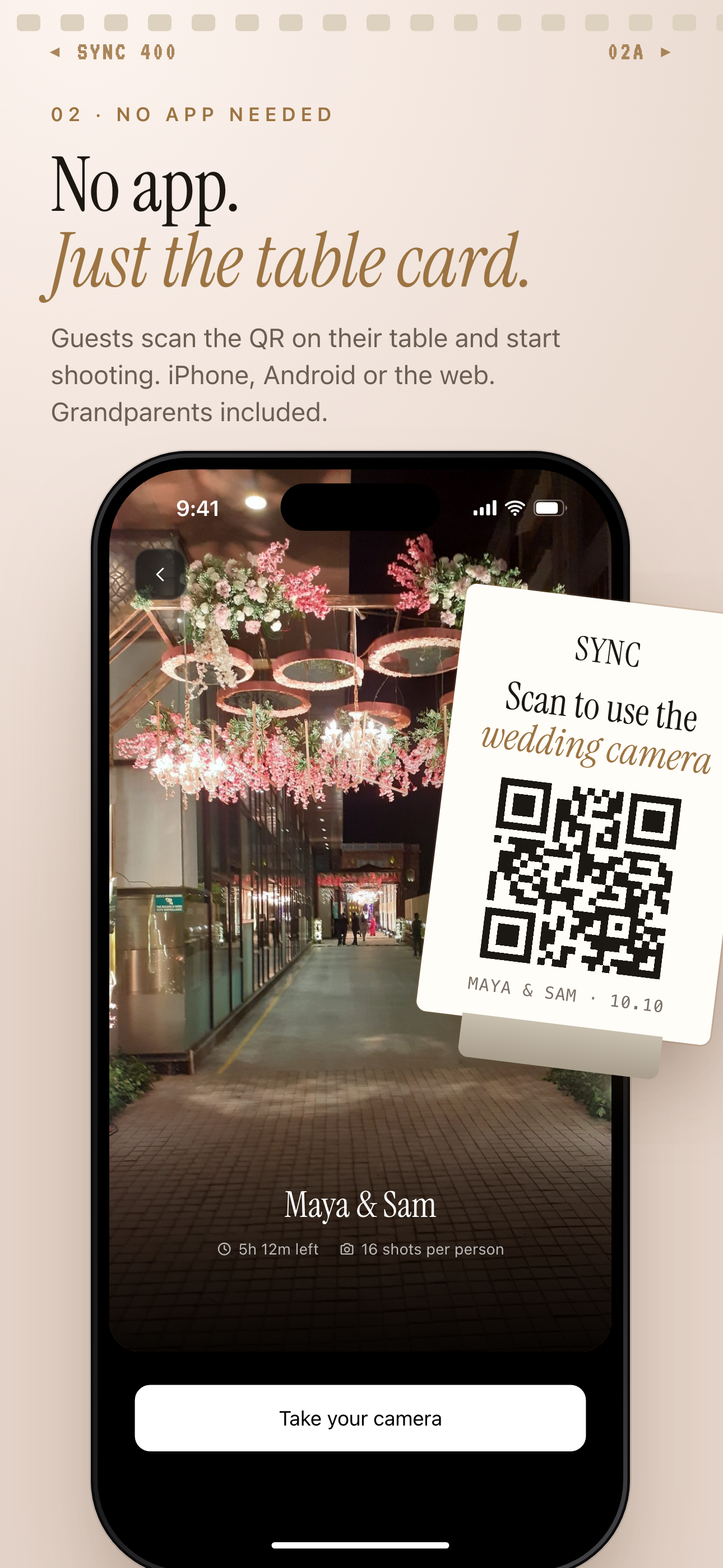
Your photo sign asks guests to share what they capture. sync.camera gives those photos one shared album. You create an event, name it and pick an end time. Guests join from a QR code or an eight-character invite, with no account required, from any modern phone browser; installing the app is optional.
You choose when photos reveal: live during the event, after the event ends, or a set number of hours later. It is free to start for up to 7 guest uploaders per event, with no credit card needed. For a larger wedding, SYNC PRO is a one-time upgrade for that single event, not a subscription. "We don't sell your photos or your data. No ads. No cross-app tracking."
More on collecting wedding photos from guests.
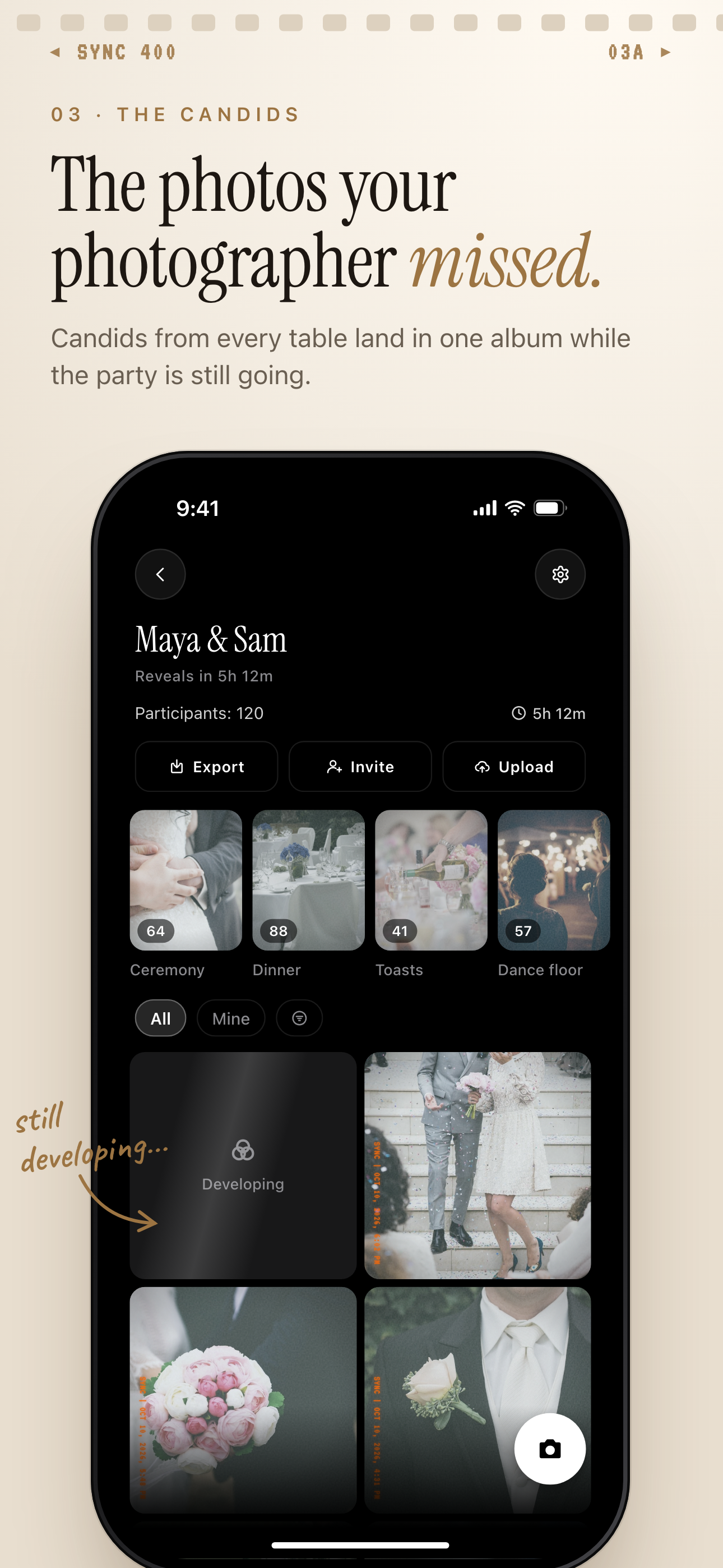
One album, split into the moments of your day
With Moments you can split the event into stages, such as ceremony, reception and after-party, each with its own QR code and reveal timing. Guests move between them without switching apps. Afterwards you can filter the album by photographer and export your favorites. See how a shared album for a wedding works.
Frequently asked questions
What signs do I need for a wedding?
Most couples use a welcome sign, an unplugged ceremony sign if they want one, a cards & gifts sign, a bar menu and a photo sign. Extras depend on your venue. This tool covers those five.
What should an unplugged wedding sign say?
A short, kind request to put phones away during the ceremony, and a reason. The tool's default reads: "Welcome to our unplugged ceremony. Please turn off your phones and cameras and be fully present with us. Our photographer has it covered." Alternatives: "We invite you to be fully present with us. Please put your phones away until after the ceremony." or "No phones, just love. Our photographer will capture the moment for us."
What size should printable wedding signs be?
The tool prints at US Letter (8.5x11 in) or A4, which fit common frames of the same size. For larger signs, take the PDF to a print shop and ask them to scale it up.
What paper should I print wedding signs on?
Heavy matte cardstock works well at home. A print shop can print the PDF on foam board or in larger formats.
Are these wedding signs really free? Do I need to sign up?
Yes, they are free, and there is no sign-up. Everything runs in your browser and nothing you type is saved or sent anywhere. Reloading the page clears it.
Can I add a QR code to the photo sign?
Not in this version. The photo sign carries your message and an optional hashtag or short line. If you use a photo-sharing service, leave room on the printed sign or add your own sticker.