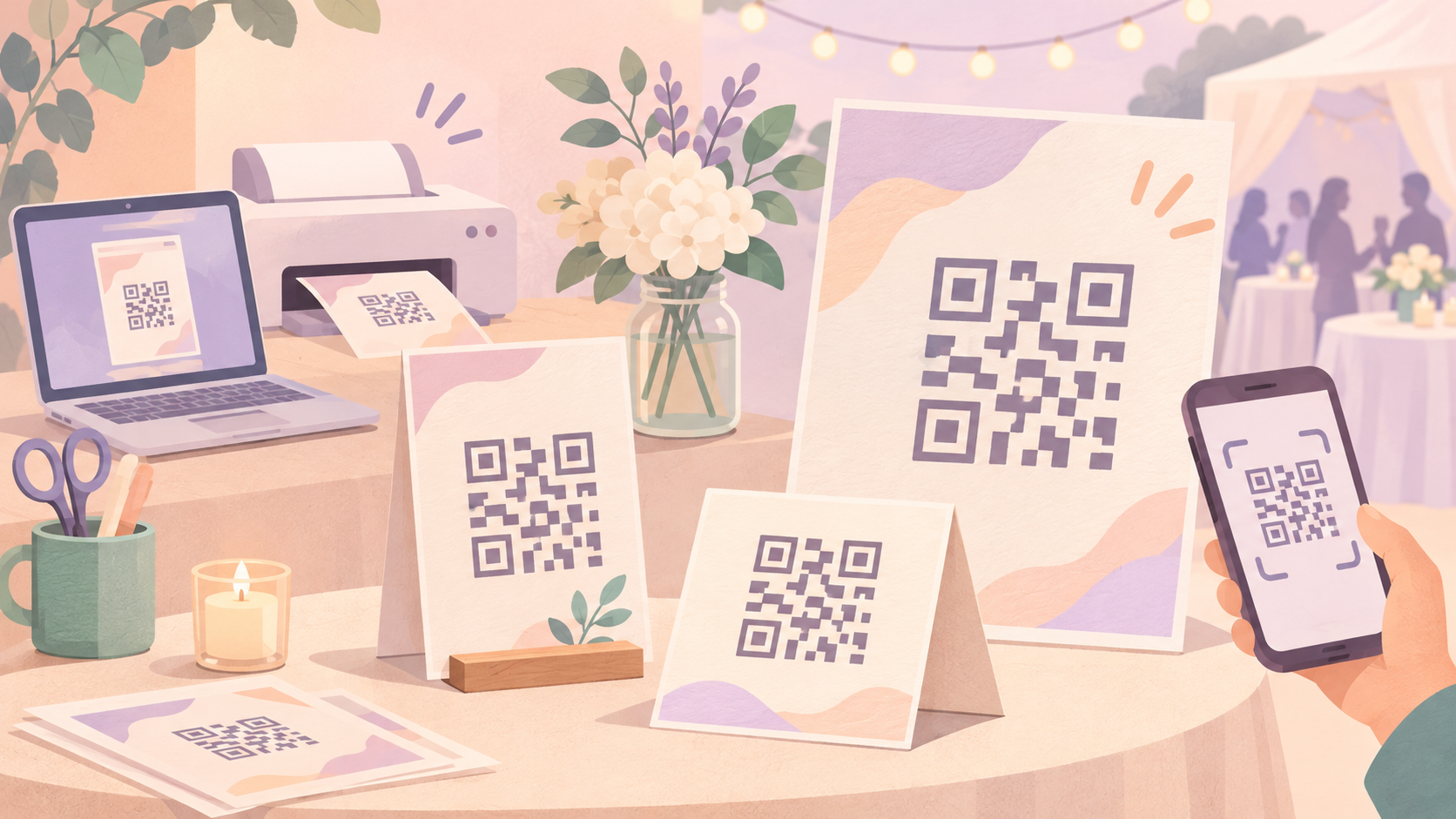
A QR code sign is a printed card or poster that pairs a QR code with a short instruction such as "Scan to see the menu", so people can open a link or join your Wi-Fi from their phone camera. This free QR code sign maker builds one in your browser: pick a table, door or counter template in 5x7, table tent or A4, add your link or Wi-Fi details, and print it or save a PDF. There is no sign-up, and what you type is never uploaded.
Make your QR code sign
How to make a QR code sign
Pick the sign type and size
Choose Table, Door or Counter, then the size: a 5x7 card for a stand or frame, a table tent that folds from one sheet, or an A4 poster for a door or window. Each type starts with its own call to action, so the sign is useful even before you edit a word.
Add your link or Wi-Fi details
Paste your link. Copy the full address from your browser's address bar so nothing is missing. For a Wi-Fi sign, switch to A Wi-Fi network and enter the network name, password and security type.
Write the call to action
Keep the line above the code short, or pick one from the suggestions, such as "Scan to order from your table" or "Scan to leave us a review". Add your business name as the heading if you like.
Make the sign and test it
Press Make my sign, then scan the preview with your own phone to check it opens the right place. Print it, or download the PDF at its exact size.
Print and place it
Print on matte card stock if you can, because gloss and lamination cause glare. Place the sign where people pause: on the table, at eye level on the door, or beside the till.
Where QR code signs work best
Each of the three QR code templates in the maker matches a place people already stop and look.
- Table: the menu, ordering from the table, your Wi-Fi, today's specials.
- Door or window: opening hours, booking a table or a visit, your website, your mailing list.
- Counter: reviews, feedback, following you on social media, your price list.
Three design rules keep any QR code sign template scannable:
- Keep the code black on white, with its white margin around it.
- Size it about 1 cm wide for every 10 cm of scanning distance, and never under 2 cm.
- Give one clear instruction above it, so people know what scanning does.
Events use the same idea: a Wi-Fi sign at a venue, or a QR code that gathers guests' photos at a party. For weddings there are printable wedding signs and wedding table numbers too. Already have a design, such as a Canva QR code template? Download the code as PNG or SVG and it drops straight into it.
Hosting an event? Put the photos behind a QR code too
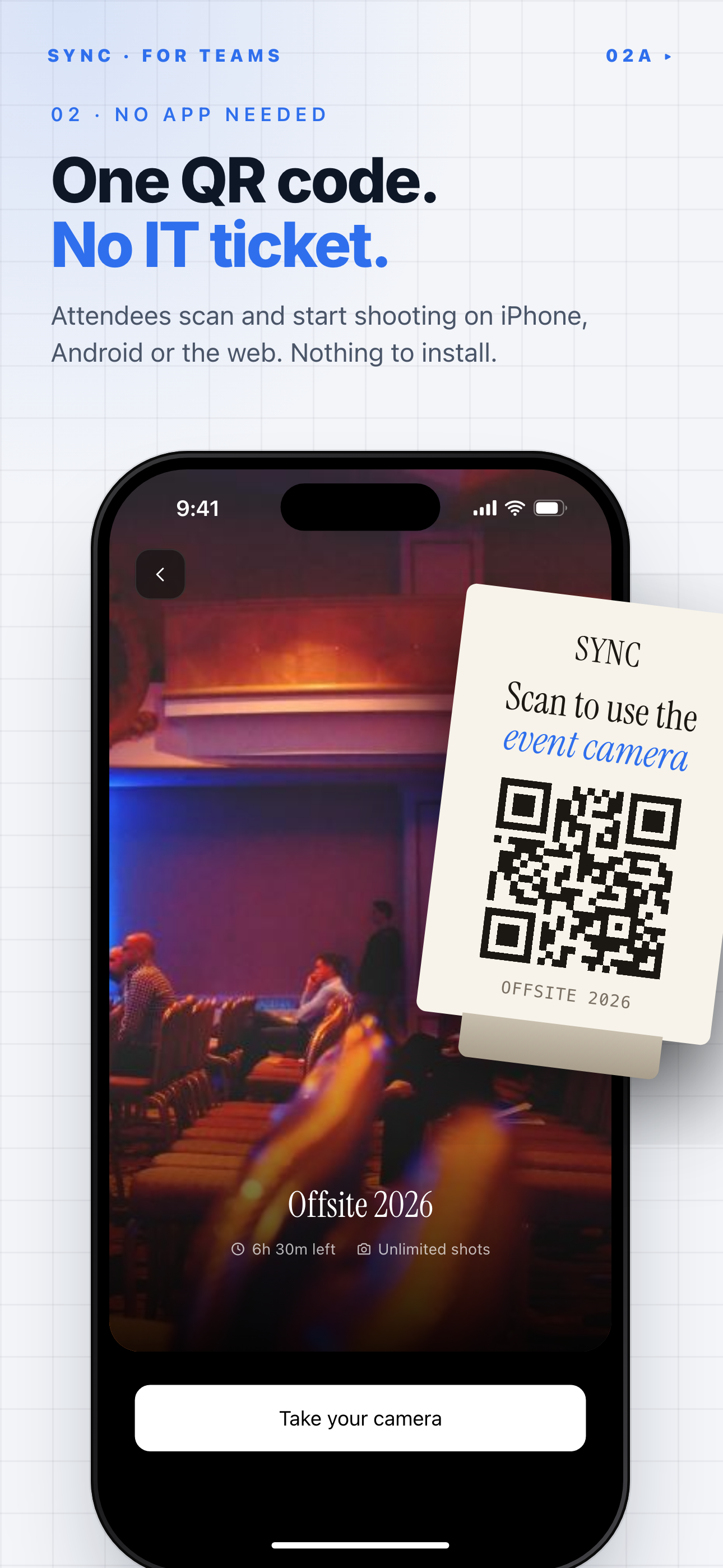
At a party, a launch or a staff event, a printed SYNC event QR code on each table does more than open a link. Guests join from their phone browser, no account required, and add their photos to one shared album. Reveal modes decide when everyone sees them: live as they are taken, or after the event ends. SYNC is free to start, with up to 7 guest uploaders and no credit card needed. The sign maker above is separate and makes plain codes for any link.
Pictured: SYNC's event join card for a company offsite, next to a printed event QR card. This is SYNC's own screen, not something the sign maker makes.
Frequently asked questions
How do I make a QR code sign for free?
Use the maker on this page. Choose table, door or counter, paste your link or Wi-Fi details, press Make my sign, then print it or save the PDF. There is no sign-up and nothing is uploaded: it all runs in your browser.
What size should a QR code be on a sign?
At least 2 cm wide. A working rule is about 1 cm of code for every 10 cm of scanning distance. That is why the maker uses 76 mm on a 5x7 card, comfortable at arm's length across a table, and 120 mm on an A4 door poster, readable from roughly a metre away. (Print scales the poster to fit a home printer's margins, so its code prints at 103 mm; the PDF keeps the full 120 mm.) Test it from where people will actually stand.
Is there a QR code sign template I can use in Canva?
This page gives three ready templates (5x7 card, table tent and A4 poster) that print as they are. To use your own Canva design, press Make my sign, download the code as PNG or SVG and place it on your design. Keep it black on white with the white margin around it, and don't recolour it, stretch it or put a logo over it: those are the most common reasons a code stops scanning.
Do these QR codes expire or track scans?
No. They are static codes that hold your link or Wi-Fi details directly, with no redirect or shortener in between, so they work for as long as the link does. The flip side: if the link changes, make and print a new sign.
Can I make a Wi-Fi QR code sign?
Yes. Switch Code opens to Wi-Fi, enter the network name, password and security type, and phones that scan the code offer to join. The sign prints the network name, and the password too if you switch that on for laptop users. Anyone who can scan the sign can join, so use a guest network.
Why won't my QR code sign scan?
Common causes: the code is printed too small for the distance, glossy lamination causes glare, the ink is low or the background is coloured, the white margin was trimmed off, a very long link makes the code busy, or the link was typed without its full address. Always scan the preview and a test print before you print a batch.
Is what I type sent anywhere?
No. The sign and the code are made in your browser. Your link, text and Wi-Fi password are not uploaded and are not stored once you leave the page. The page only counts which options people choose, such as the sign size, never what they type.