
A wedding budget planner splits the total you can spend into categories such as venue, catering, photography and attire, so you know what each part of the day can cost before you book anything. This free wedding budget calculator works from two numbers, your total and your guest count, and shows catering as a cost per guest because guest numbers drive most of the bill. Every line is editable, and the finished table prints, saves as a PDF or downloads as a CSV template.
Plan your wedding budget
How to use the wedding budget planner
Enter your total and currency
Type the total you can spend and pick your currency: US, Canadian or Australian dollars, pounds, euros or rupees.
Add your guest count
Enter how many guests you expect, so the planner can work out catering per guest and your overall cost per guest.
Build it, then adjust the split
Click Build my budget, then change any category by percentage or by amount until Unallocated reaches zero. Rename, remove or add categories to match your day.
Track what you actually spend
As you book suppliers, type the real cost in the Actual column and watch the Difference column show what is left on each line.
Keep a copy
Print the table, save it as a PDF or download the CSV to keep using it as a wedding budget template in any spreadsheet app.
Ways to make the numbers work
- Lower the guest count first. Catering is a cost per guest, so every name on the list multiplies it. Change the guest count in the planner and watch catering and your overall cost per guest move.
- Keep a contingency line. The starting split keeps one for surprises. Leave it in until the last bills are paid.
- Fund what matters most. Pick the two or three categories you care about, give them their share first, then divide what is left.
- Track deposits as you pay them. Put every deposit in the Actual column so you always know what is still owed.
- Planning in rupees? Choose INR and every amount uses lakh and crore grouping, which makes this a wedding budget calculator for India too. Add rows for extra functions.
For the rest of the planning, the month-by-month wedding planning checklist and how to do a cheap wedding without making it feel cheap pair well with this planner.
The photography line, and the photos your guests take
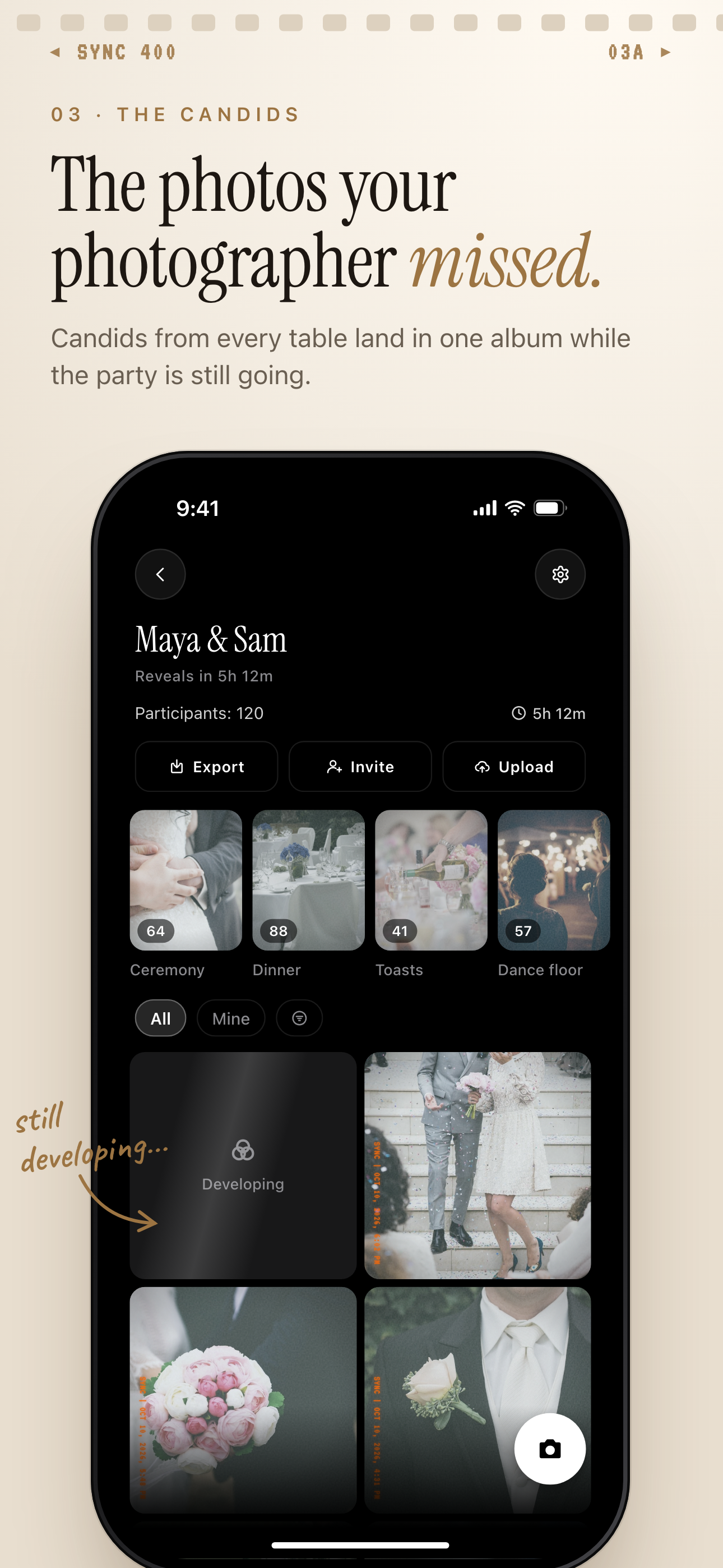
Whatever you spend on a photographer, your guests will capture moments of their own. sync.camera collects them in one event album: guests join from an invite with no account required, from any modern phone browser, and installing the app is optional. Reveal modes let photos show live during the event, unlock when it ends, or unlock a set number of hours after it.
It is free to start, with up to 7 guest uploaders per event and no credit card needed. SYNC PRO is a one-time purchase for a single event, not a subscription. See how to collect wedding photos from guests without the chaos, or plan more of the reception with our free wedding bingo cards.
Frequently asked questions
How do I make a wedding budget?
Start with the total you can spend and an estimate of your guest count. Split the total across categories, keep a contingency line, then track what you actually spend against each line. The planner does the split and the tracking in one table.
How do I work out wedding catering cost per guest?
Divide the catering amount by the guest count. In the planner, the Catering row shows that figure, and if you edit the per-guest amount, the catering total and its share of the budget update automatically.
Is there a wedding budget template I can download?
Yes. After you build your budget, download it as a CSV to open in any spreadsheet app, or print it or save it as a PDF. It is free and needs no sign-up.
Can I use it as a wedding budget calculator in India?
Yes. Choose INR and amounts use rupee formatting with lakh and crore grouping. Rename categories or add new ones, for example for extra functions, to match your celebration.
What percentage of a wedding budget goes to each category?
There is no fixed rule. The planner's starting split is only a starting point for you to edit. Catering and venue usually move with the guest count, so those lines change most when your list changes.
Is my budget saved or sent anywhere?
No. The planner runs entirely in your browser. Nothing is uploaded or stored, and reloading the page clears it, so download the CSV or PDF to keep your budget.