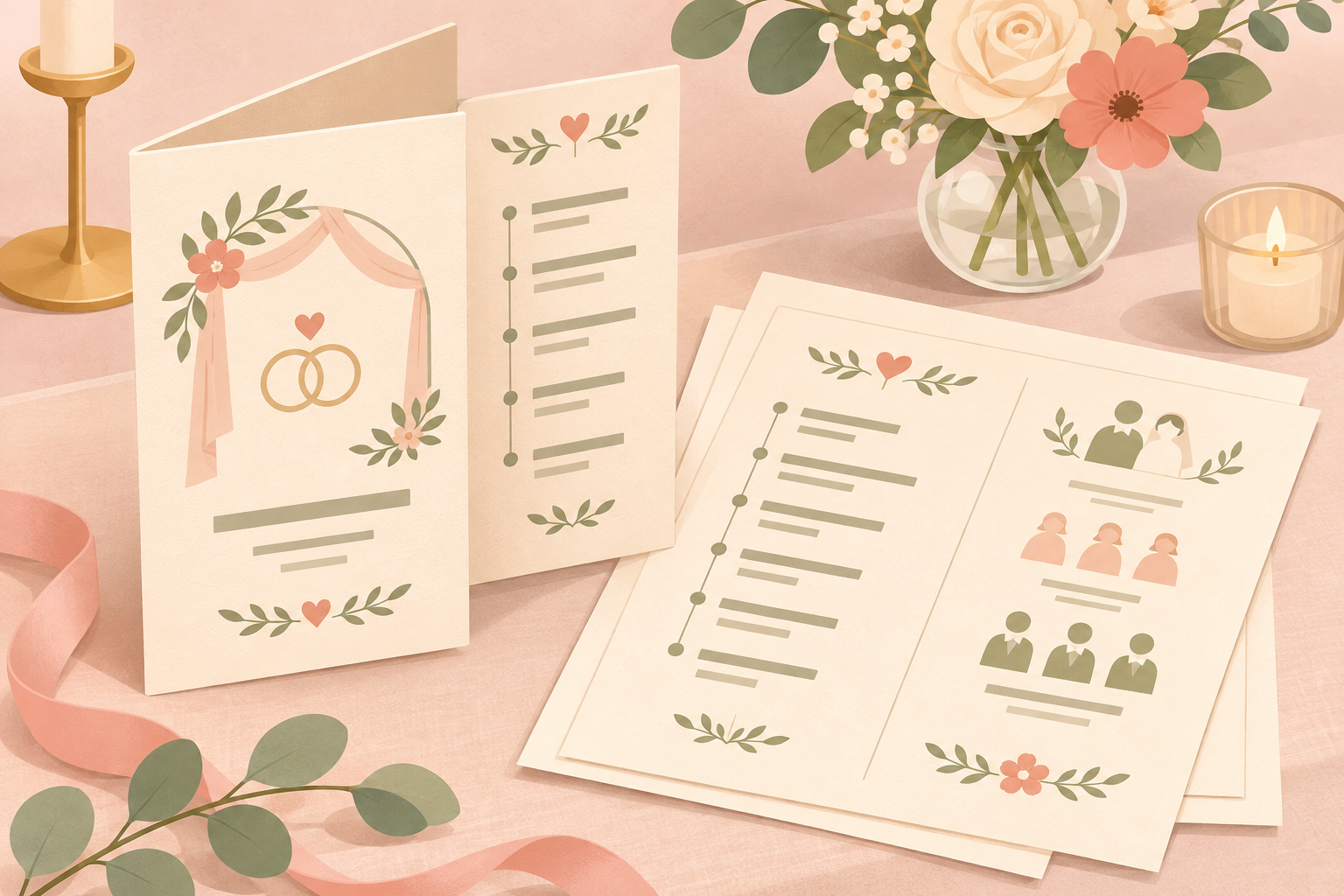
A wedding program is a printed guide handed to guests that lists the couple, the date and venue, the order of the ceremony and the people in the wedding party. This free wedding program template lets you fill those in once and print a folded or flat program, or save it as a PDF, without signing up. Everything you type stays in your browser.
Make your wedding program
How to use this wedding program template
Add the cover details
Enter your names, the date, the ceremony time and the venue. They go on the front cover. Leave the names blank and the cover reads "Our Wedding".
Set the order of ceremony
Rename, reorder, add or remove steps, up to 16. Put a reader, musician or officiant in each step's detail field. Quick add has 12 common moments, from the seating of grandparents to the signing of the register.
List your wedding party
Add each person with their role, up to 16. Quick add fills in roles such as Maid of Honor, Best Man or Ring Bearer. Leave the list empty and the program skips it.
Choose a layout and make it
Pick Folded or Flat, US Letter or A4, and one of three type styles. Click Make my program and the preview shows both sides of a folded program, or the two-up sheet for a flat one.
Print or save the PDF
Print on light card stock with Landscape selected. For the folded program, print double-sided and flip on the short edge, then fold in half. For the flat one, cut along the dashed line. Or download the PDF and take it to a print shop.
What to include in a wedding program
Most programs share the same few parts:
- Cover: your names, the date, the ceremony time and the venue.
- Welcome note: a line or two thanking guests for being there.
- Order of ceremony: each part of the ceremony in order, with the names of readers and musicians.
- Wedding party: who is standing with you, and their roles.
- In memory: a line for loved ones who can't be there. Quick add has a "Moment of Silence / In Memory" step for it.
- Reception note: where and when the celebration carries on.
A short civil ceremony might run: Processional, Welcome, Declaration of Intent, Exchange of Vows, Ring Exchange, Signing of the Register, Pronouncement & Kiss, Recessional. A longer traditional ceremony often adds a Prelude, the Seating of Grandparents, two Readings, a Musical Interlude, a Unity Candle or Handfasting, a Blessing and the Presentation of the Couple. Choose the folded layout when the list gets long.
Planning the reception too? Wedding bingo cards and couple trivia questions give guests something to do between courses, and the month-by-month wedding planning checklist keeps the rest of the list in order.
After the ceremony: one album for every guest's photos
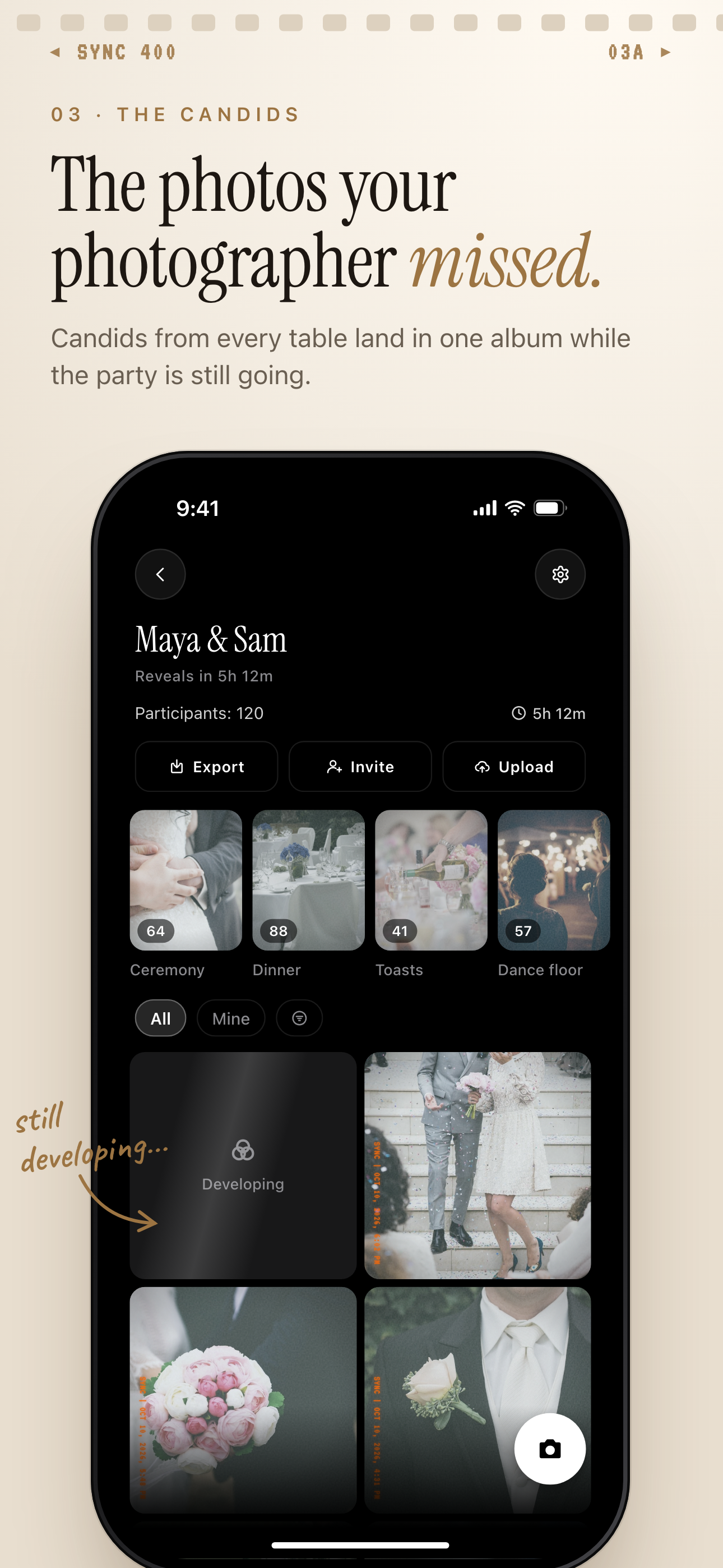
The program tells guests what happens at the ceremony. SYNC collects what they capture. Create one shared album for the day and guests join from a QR code or an eight-character invite, with no account required. They can join from any modern phone browser; the app is optional.
Moments split the event into stages, such as the ceremony and the reception, each with its own QR code, and you choose whether guests see photos live or once the event ends. It's free to start for up to 7 guest uploaders, with no credit card needed. For more ideas, read how to collect wedding photos from guests or see the shared album for weddings.
Frequently asked questions
What goes in a wedding program?
The cover carries your names, the date, the ceremony time and the venue. Inside, most couples add a short welcome note, the order of ceremony and the wedding party with their roles. Many also include a line remembering loved ones and a note about the reception.
Should I choose a folded or a flat wedding program?
A folded program is one sheet folded in half, so it has room for a longer ceremony and a bigger wedding party, and it feels like a booklet. A flat program prints two per sheet and you cut it in half. It is quicker to print and cut, and suits a short ceremony.
How many wedding programs should I print?
As a general guide, print one per guest or one per couple or household, plus a few spares for the wedding party and keepsakes.
What paper should I print wedding programs on?
Light card stock works in most home printers; check the heaviest paper yours accepts. For the folded layout, print double-sided and flip on the short edge so the inside lines up, then fold. You can also take the PDF to a print shop.
How do I remember loved ones in the program?
Use Quick add to insert "Moment of Silence / In Memory" into the order of ceremony and put the names in its detail field. You can also add a line to the welcome message or the closing note.
Is this wedding program maker free?
Yes. It runs in your browser and needs no sign-up. Nothing you type is saved or sent anywhere, and reloading the page clears it.