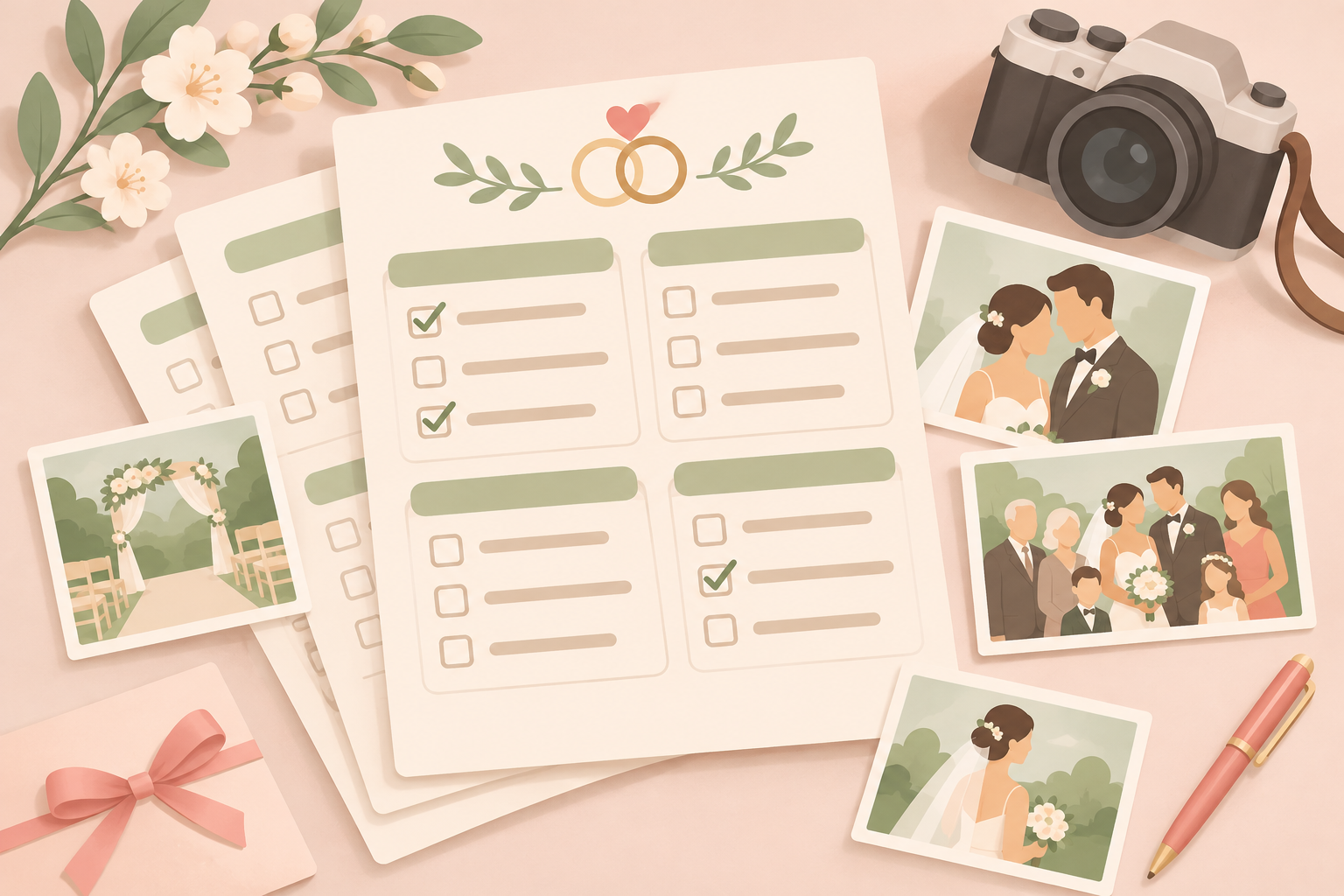
A wedding shot list is a checklist of the photos you want taken on the day, grouped by part of the day, that you hand to your photographer. It covers the moments that are easy to miss, like family groupings and small details. Make yours below by ticking shots and adding your own, then print it or save a PDF.
Make your wedding shot list
How to use the wedding shot list maker
Tick the shots you want
The must-haves are already ticked. Untick anything that does not fit your day, and tick any extras you want, like a first look.
Add family groupings and your own shots
Write each family group photo as its own row, with names if you like. Then add any custom shots to the part of the day they belong to.
Make, print or download
Click Make my shot list. Your wedding photo shot list appears with a tick box on every row. Print it, or download it as a PDF.
Share it before the day
Send it to your photographer a few weeks before, and give a copy to the person who will gather family for the group photos. Need the rest of the timeline? See the month-by-month wedding planning checklist.
The full wedding photo checklist
Here is every shot in the tool, so you can read the whole wedding day photo checklist without ticking anything. Use it as a starting point for your wedding photography shot list.
Getting ready
- Dress hanging up
- Rings, shoes and invitation flat lay
- Final touches: veil or buttonhole
- Hair and makeup in progress
- Doing up the dress or tying the tie
- Putting on shoes and jewellery
- Reading a letter or opening a gift
- A parent seeing the couple dressed
- Getting-ready group with attendants
- Bouquet and flowers close up
First look
- Waiting back to back before the reveal
- The turn and first reaction
- Close-up of faces at the first look
- The hug after the first look
- A private first look with a parent
Ceremony
- Ceremony space before guests arrive
- Guests arriving and being seated
- Waiting at the front of the aisle
- Processional entrance
- Reaction at the end of the aisle
- Wide shot of the couple and officiant
- Readings and readers
- Exchange of vows
- Exchange of rings
- First kiss
- Signing the register
- Walking back down the aisle
Family formals
- Couple with immediate family
- Whole extended family
- Each partner with their parents
- Each partner with their siblings
- Each partner with each parent, one by one
- Three generations together
- Couple with godparents
- Couple with nieces and nephews
Wedding party
- Full wedding party together
- Couple with each attendant
- Each partner with their own attendants
- Wedding party walking, candid
- Ring bearer and flower girl
- Couple with the officiant
- A fun or jumping group shot
- Attendants' bouquets and buttonholes
Couple portraits
- Golden hour portrait
- Walking together, candid
- Close-up of hands and rings
- Full-length portrait
- Foreheads touching, close up
- Portrait with the venue behind
- Laughing together, candid
- Outfit details from behind
- Night portrait with lights
- Portrait in the getaway car
Details and decor
- Venue exterior
- Ceremony aisle and decorations
- Table setting
- Centrepieces and flowers
- Seating chart or place cards
- Cake before cutting
- Guest book and favours
- Signs and welcome board
Reception
- Grand entrance
- Toasts and speeches
- Reactions during the speeches
- First dance
- Parent dances
- Cake cutting
- Bouquet toss
- Guests on the dance floor
- Couple at their table during dinner
- Send-off
- Last dance of the night
Guest photo checklist
A wedding guest photo checklist is for the candid shots guests are well placed to take from where they are. For more ideas, see wedding guest photo ideas.
- Your table laughing
- The dance floor from your seat
- A selfie with the couple
- Kids at the reception
- Your view of the ceremony
- Friends you haven't seen in years
- The couple arriving at the reception
- The send-off from the crowd
Your photographer has the list. Your guests catch the rest.
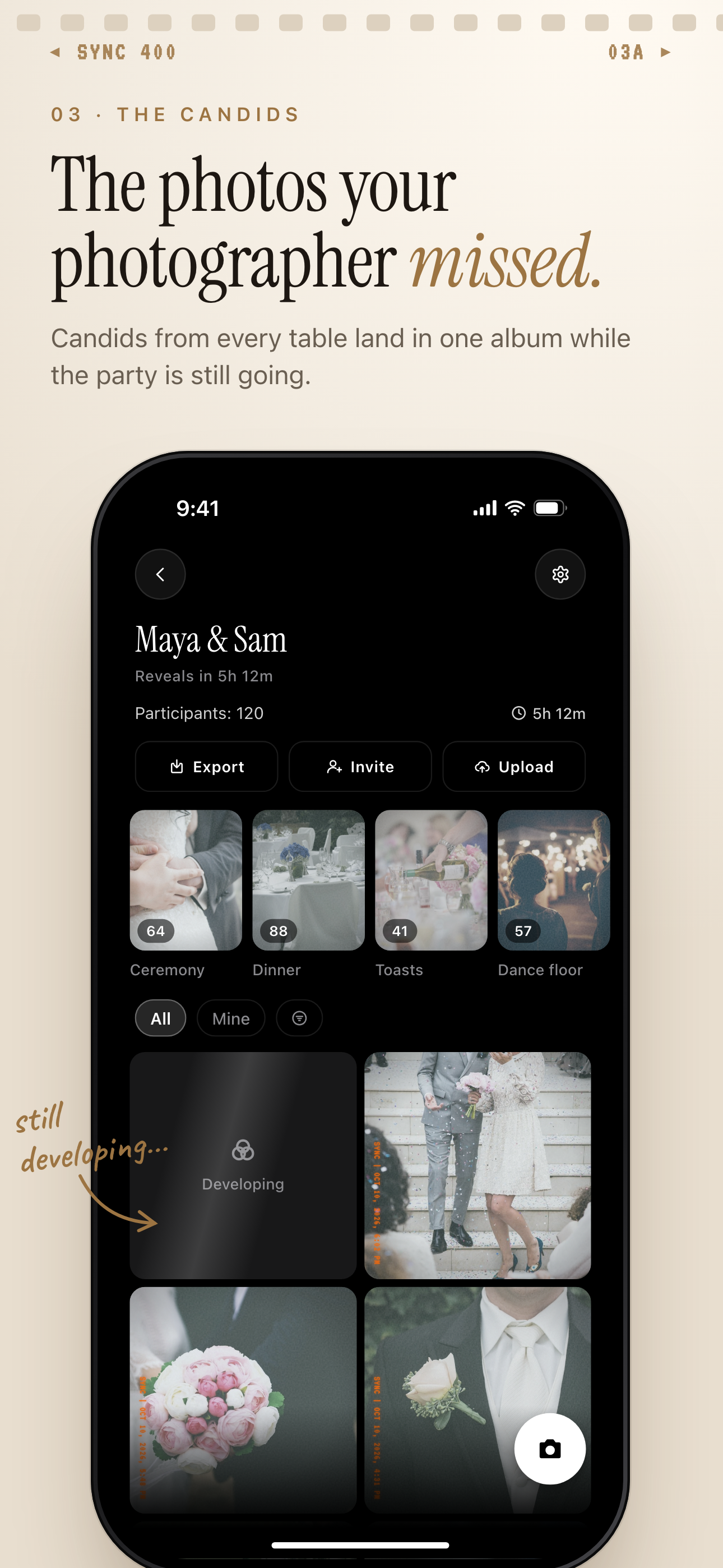
Your shot list covers what the photographer plans. Guests catch the moments in between, from their tables and the dance floor. With sync.camera, guests join from an eight-character invite or link in any modern phone browser, no account required, and their photos go into one shared album. Installing the app is optional.
- Moments split the day into stages, such as ceremony, reception and after-party.
- Reveal modes let you show photos live, after the event, or a set number of hours after it ends.
- Free to start: up to 7 guest uploaders per event, no credit card needed. SYNC PRO is a one-time upgrade per event, not a subscription, for larger weddings.
We don't sell your photos or your data. No ads. No cross-app tracking. See how it works for a wedding guest photo sharing app.
Frequently asked questions
What should be on a wedding shot list?
The key moments by part of the day: getting ready, the ceremony, family formals, the wedding party, couple portraits, details and the reception. Add your family groupings with names, since those are the shots a photographer cannot plan without you.
Do wedding photographers need a shot list?
Most photographers know the standard moments. A wedding photo list is most useful for family groupings, must-have people and personal details they cannot guess. Keep it focused, not exhaustive.
How many shots should a wedding shot list have?
Enough to cover what matters to you. This tool starts with 62 of its 80 shots ticked, plus three example family groupings. A very long list can pull the photographer away from candids, so put family groupings and personal moments first.
Who should handle the family photo list on the day?
Ask a relative or friend who knows both families. Give them the printed list so they can gather each group in order, and the photographer is not left hunting for people.
What is a wedding guest photo checklist?
A short list of candid shots guests can take from where they are: their table, the dance floor, a selfie with the couple. It fills gaps the photographer cannot cover. Switch the section on or off in the tool.
Is the shot list maker free, and is my list saved?
It is free, runs in your browser and needs no sign-up. Nothing is stored or uploaded, so the list is gone when you reload the page. Print it or download the PDF before you leave.