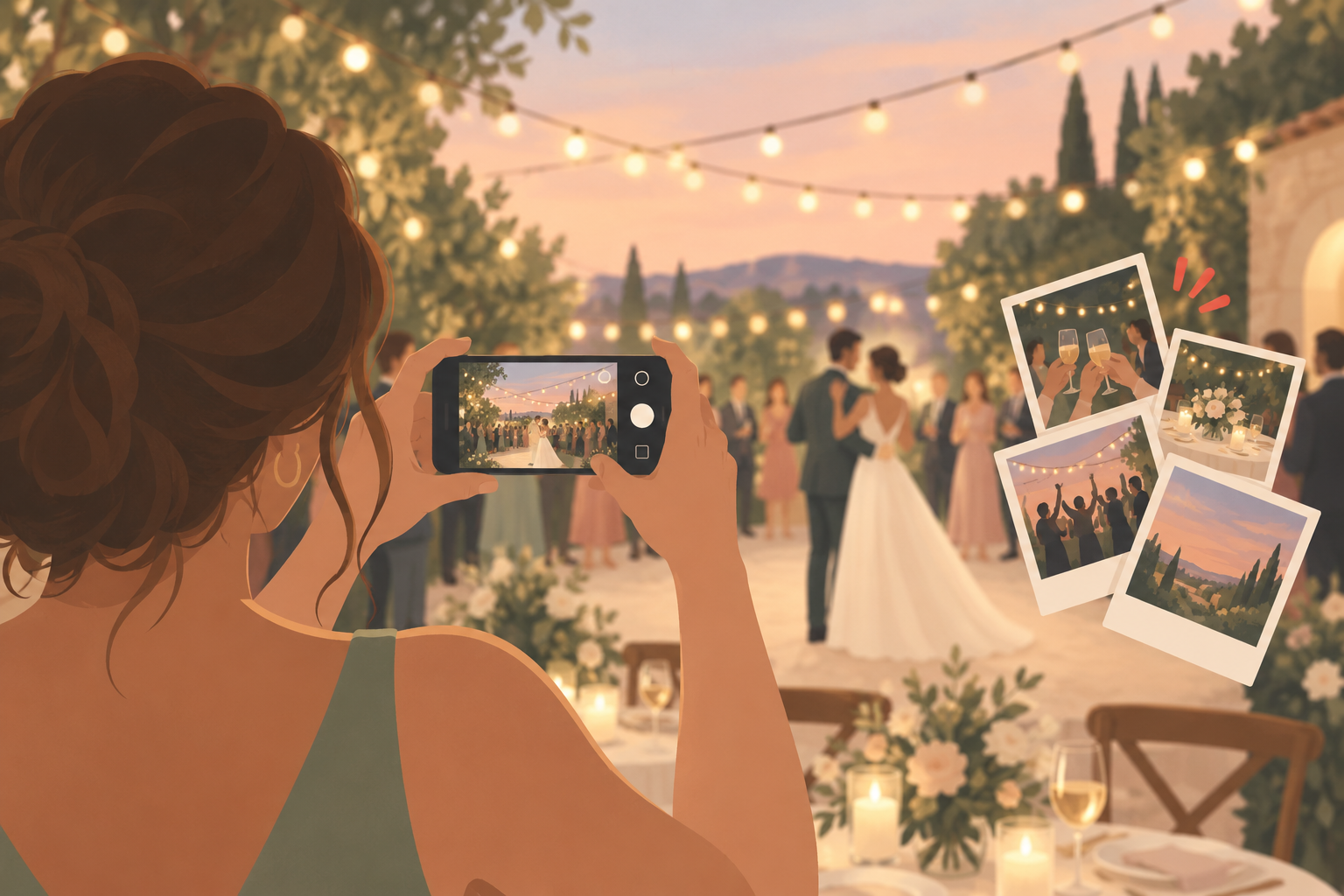
You're planning a wedding and you want more than what your official photographer catches — the candid, guest's-eye-view shots from every table, every corner of the dance floor, every quiet moment your photographer's lens happens to miss. You don't want to manage a pile of physical disposable cameras, pay to develop rolls of film, or spend weeks after the wedding messaging cousins one by one for 'that video from the first dance.' What you want is simple: give every guest an easy way to shoot photos the instant they happen, have those shots land automatically in one place you control, and decide for yourself when the whole gallery gets revealed.
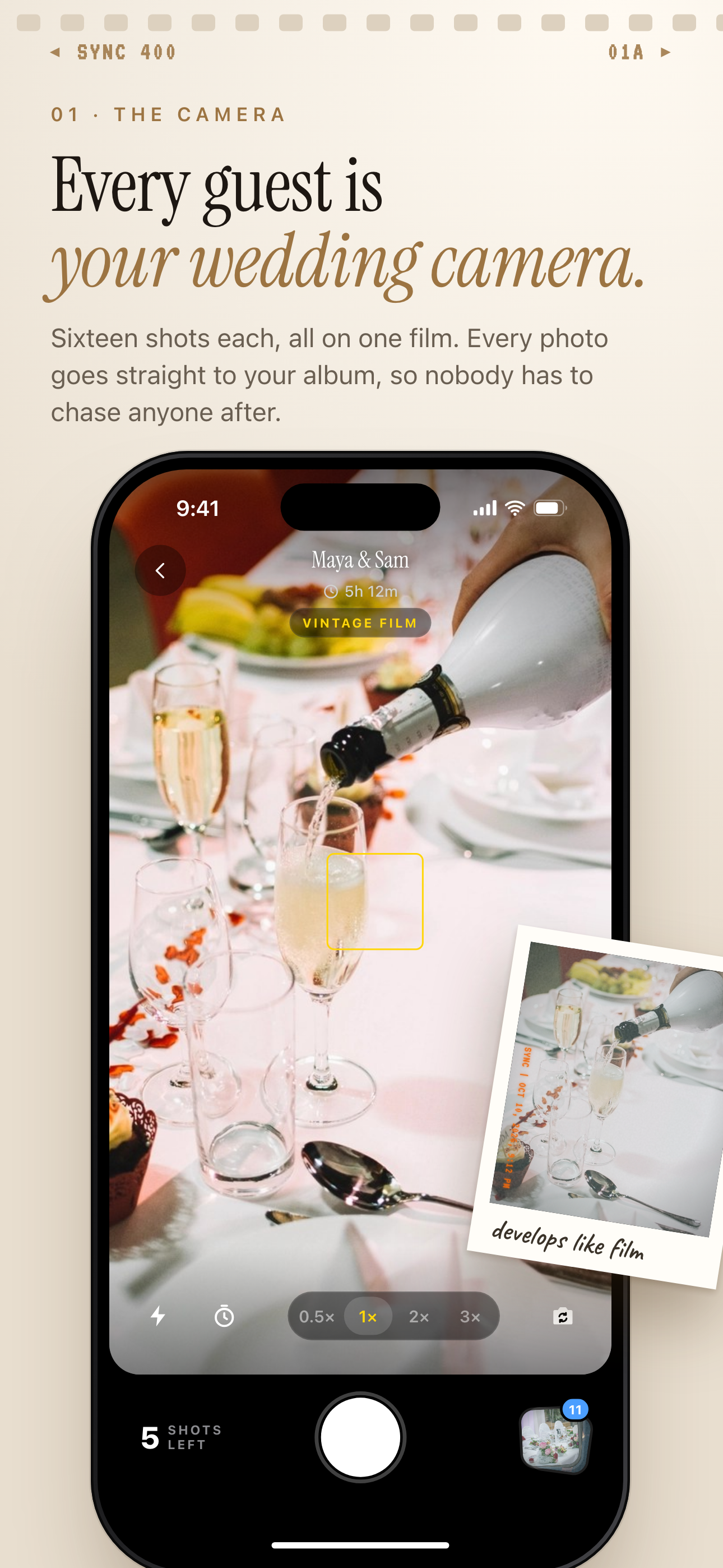
Each guest shoots on the same film, and every photo goes straight to the couple's album.
What is hard right now
- You want candid, guest's-eye-view shots from every corner of your wedding, but a dozen disposable cameras means hoping people actually pick them up, use them, and don't burn through the roll on blurry shots before the ceremony even starts.
- The photos guests do take on their own phones scatter across group texts, AirDrop transfers, and Instagram stories, so you spend weeks after the wedding messaging relatives asking them to send over 'that one photo from the toast.'
- You don't want your reception looking like everyone's huddled over their phone screens comparing shots all night, but you also don't want to wait weeks for a lab to develop physical film before you see any of it.
Scenarios
Getting ready and the ceremony
Your maid of honor is photographing you getting ready down the hall, while a groomsman catches your partner's reaction the moment you appear at the end of the aisle. On a normal wedding day, both of those shots sit trapped on personal camera rolls until someone remembers, weeks later, to send them over.
With sync.camera, each of them scans a QR code once — on a card in the getting-ready suite, on the ceremony program — and every photo they take from that point forward syncs straight into your shared wedding album. There's no app to download and no account to create; the QR code opens straight in their phone's browser, so even relatives who've never used a photo-sharing app before can keep shooting without breaking their focus on the actual moment.
By the time you're signing the marriage license, the getting-ready shots and the aisle reaction are already sitting in the same private album, not stranded on two different phones.
Reception tables and the dance floor
Your guests want the same disposable-camera fun their parents had at weddings decades ago — the low-stakes, one-shot feel of pointing, shooting, and not knowing what you got until later. You don't want to buy a dozen physical disposable cameras, keep track of which table has which one, and then pay to develop rolls that come back half blurry.
A QR code on each table sign gives every guest that same throwback feel through the phone already in their pocket. They shoot candids of the toasts, the first dance, the cake smash, and the aunt who always ends up on the dance floor by 10pm — no app switching, no stopping to post anywhere, no interrupting the reception to ask 'can you text me that.'
While the party keeps moving, the photos quietly stack up in your private album in the background, so by the time the night winds down you already have a shared record of the reception from a dozen different vantage points, not just your photographer's.
The morning after
Instead of collecting undeveloped film canisters from your venue coordinator or hoping guests remember to email you their photos, you wake up the morning after the wedding to a synced gallery that already has everyone's guest shots sitting in one place.
If you turned on reveal timing to unlock the gallery after the event, none of your guests peeked at it mid-reception — the full album drops at once, the way a roll of film used to come back from the lab all together instead of trickling in one text at a time. For more on pulling every guest's photos into one place without the usual follow-up messages, see how to collect wedding photos from guests without the chaos.
You get to decide when the whole day is ready to relive, instead of piecing it together from a dozen separate group chats over the following month.
Features that make this work
Digital disposable camera
Gives your guests the same one-shot, no-app disposable-camera feel they already know from other weddings, but every photo syncs into your shared album automatically instead of sitting undeveloped in a drawer.
QR code photo sharing
One QR code on a table sign or program is all a guest needs to start shooting — no app download and no account, so even your least tech-savvy relatives can contribute.
Reveal timing
Delay the gallery until after the reception so guests shoot candidly instead of performing for an instant feed, then reveal the full album to everyone at once.
Private event albums
Keeps every guest photo in one gallery tied to your wedding instead of scattered across texts, AirDrops, and separate social posts you'd otherwise have to track down individually.