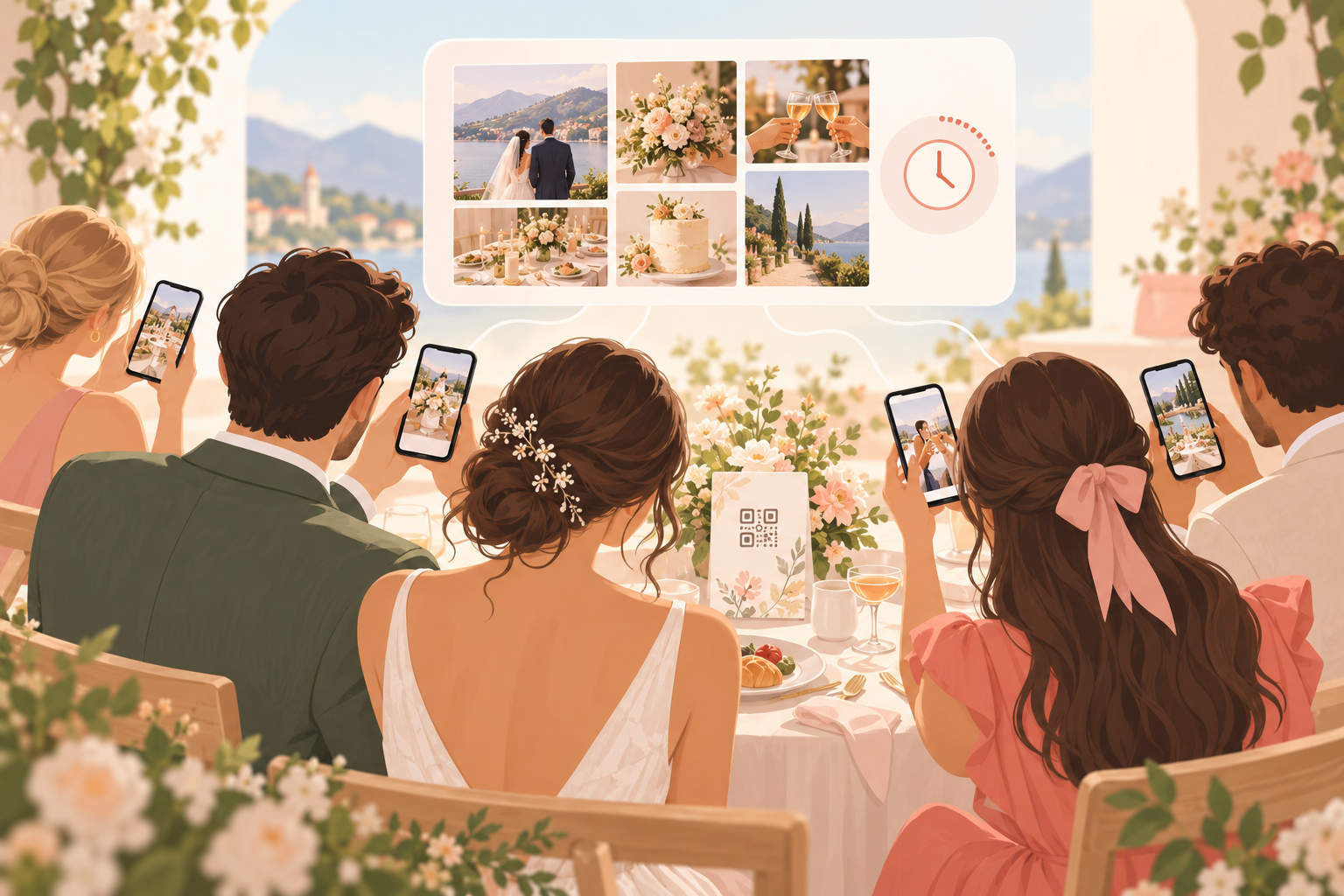
You are planning a wedding, and you want the photos your guests take, not just the ones your photographer takes. You are watching the budget, so you are looking at wedding picture apps that are free. You do not want to chase 80 people for photos afterwards, and you do not want to ask older relatives to install an app or make an account just to upload one picture.
What is hard right now
- "I want the candid shots from the guests, but I don't want to spend the week after the wedding texting people to send them."
- "Half my guests will not install an app or sign up for an account. If joining takes more than a minute, they won't."
- "Photos end up scattered across group chats, email threads and random cloud links, and some of them are lost."
- "I'm not sure I want our wedding photos sitting in an ad-funded service that tracks people across apps."
- "Free sounds good, but I don't want to find out at the wedding that the free plan is not enough."
Scenarios
Before the day: set up in a few minutes
You create an event, name it and pick an end time. That is the whole setup. Then you print the QR code on your table cards or the order of service, so every guest has a way in sitting right in front of them.
You start free. The free tier allows up to 7 guest uploaders per event, which fits a small gathering or a core group of friends and family. If your wedding is larger, SYNC PRO is a one-time purchase, not a subscription, that expands the guest and photo limits for a single event. Upgrade again only when you create a larger event. Knowing this before the day means you can decide calmly, not at the reception.
The QR code photo album for weddings is what lets you skip the follow-up texts entirely. For a step-by-step walkthrough, see how to collect wedding photos from guests without the chaos.
At the ceremony and reception: guests just scan
A guest sits down at their reception table, scans the QR code or types the eight-character invite, and joins from their phone browser. No account required. Installing the iOS or Android app is optional; it adds better camera controls and push notifications for new photos, but nobody has to do it to take part. That is how your older relatives can add a photo without a setup lecture, through guest upload in a browser.
If your day has stages, use Moments to split it into ceremony, reception and after-party. Each Moment has its own QR code and reveal timing, so guests move between stages without switching apps.
After the wedding: reveal, filter and keep your favorites
You choose a reveal mode. During means guests see photos live as they are taken. After the event unlocks the gallery when the event ends. Additional delay unlocks it a set number of hours after the event ends, so the first look can be yours. Reveal modes put you in charge of that moment.
Later, you can narrow the album to one contributor's shots with Filter by photographer, and export your favorites. Photos are encrypted in transit and stored in event-scoped buckets, with access enforced by per-event row-level security.
The privacy question couples ask
You may wonder who sees the album and what happens to the photos. Here is what sync.camera says: we don't sell your photos or your data. No ads. No cross-app tracking. It does not collect advertising identifiers, and it embeds no third-party advertising or marketing SDKs.
To be straightforward about what it does use: product analytics (PostHog, pseudonymous usage events), a third-party crash reporter, and Firebase Cloud Messaging for Android push notifications. And if you delete your account, it removes your profile, the events you own and their photos within 30 days. More on this is in privacy controls.
Features that make this work
QR code photo album for weddings
One QR code on a table card or invitation gets guests into your album with no account, so you do not have to collect photos afterwards.
Reveal modes
You decide whether guests see photos live, after the event, or after an extra delay, so the first look at the album can be yours.
Guest upload
Guests contribute from their own phones in a browser, so older relatives and non-app people can still add their photos.
Privacy controls
Your wedding album stays scoped to your event, with no ads and no cross-app tracking.