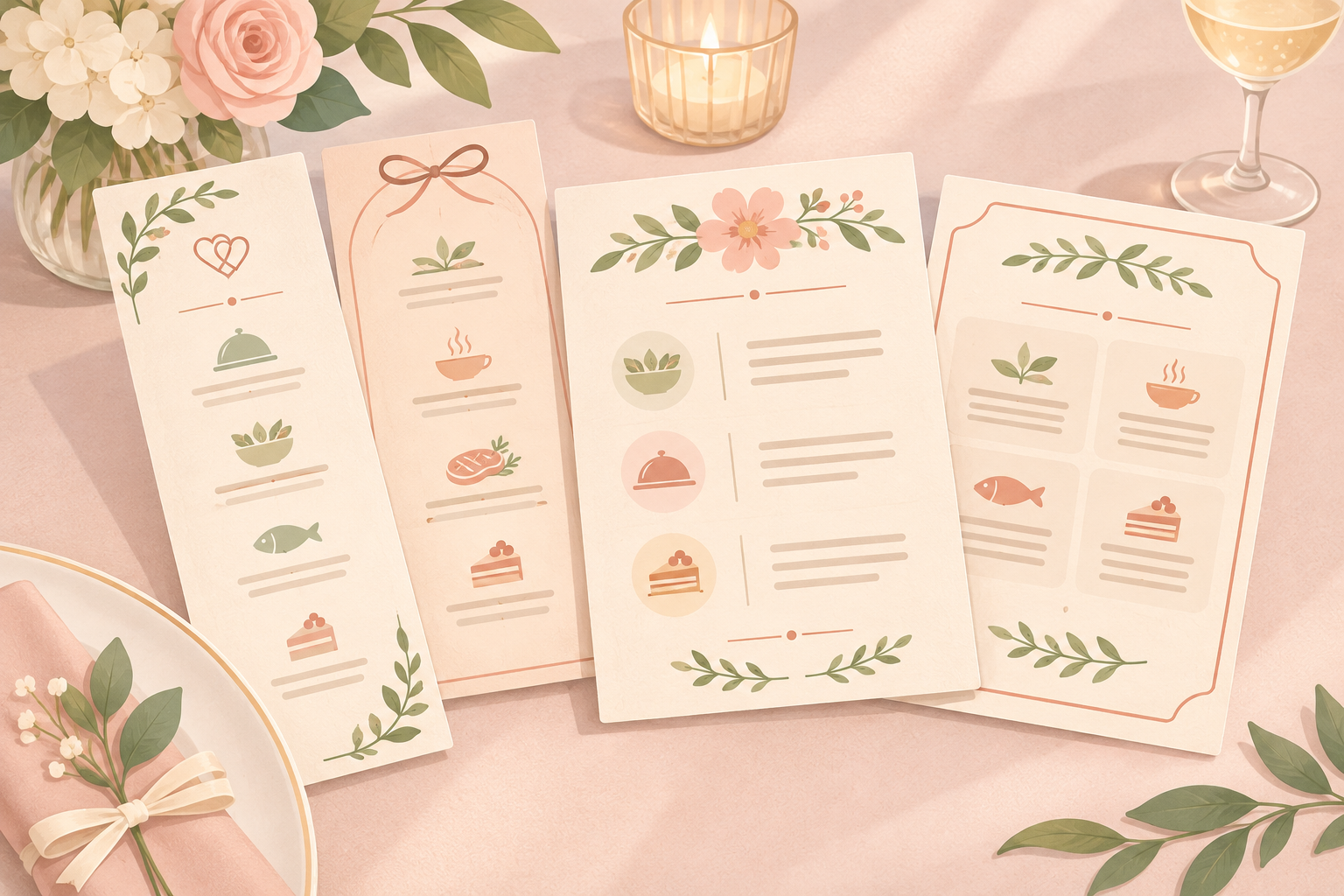
A wedding menu template is a fill-in layout for the card that tells guests what they will eat, course by course. This free wedding menu maker turns your names, date and courses into printable 4x9 or 5x7 menu cards that you can print or save as a PDF, all in your browser. Nothing you type is saved or uploaded.
Make your wedding menu cards
How to make your wedding menu cards
Add your names, date and heading
Type the couple's names, the date or an event line, and a heading such as Dinner Menu. Or keep the sample text and change it later.
List your courses in serving order
Add up to 6 courses, each with a label, the dish and a short description. Tick dietary tags where useful, and use the 'or' field when guests choose between two dishes. Move courses up or down until the order is right, so the tool doubles as a simple wedding menu planner.
Pick a card size, style and paper
Choose a tall 4x9 in card or a 5x7 in card. Then pick Classic, Modern or Script accent, and US Letter or A4 paper.
Make, check and print
Click Make my menu and check the preview. Print on cardstock at 100% scale, or download the PDF. Each sheet holds two identical cards.
Trim and set the tables
Cut along the crop marks. Place one card at each setting, or a few on each table.
Wedding menu ideas
- Name every course. Labels like To Start, Main and Dessert help guests follow the meal. Keep them short.
- One line per dish. Two or three key ingredients read better than a paragraph, and short descriptions keep the card easy to scan.
- Mark dietary options. Tag vegetarian, vegan, gluten-free, dairy-free and nut dishes, and print the key so nobody has to ask.
- Make it personal. Name a course or a drink after a shared memory, like the city where you met or your first date.
- Give snacks and drinks their own card. A late-night snack or signature drinks menu works well as a second small card. Make it here with its own heading.
- Per setting or per table. One card at each place looks formal. One or two per table saves paper.
- End with thanks. A short thank-you line in the footer closes the card.
Planning the rest of the reception? Make wedding bingo cards or a round of couple trivia questions, and keep the month-by-month wedding planning checklist close.
After dinner, collect every guest's photos
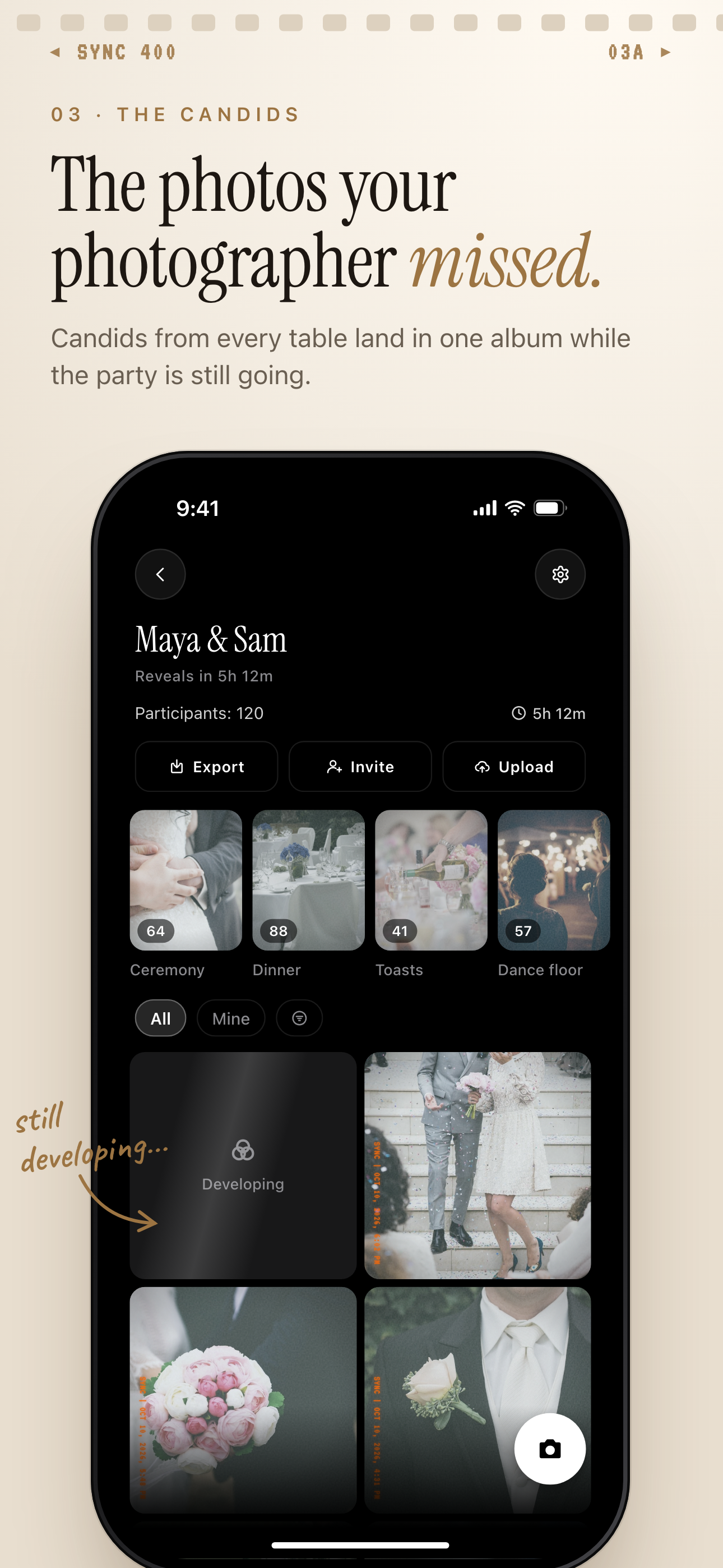
Your menu sits on every table, and guests take photos there all night: the toasts, the cake, the first dance. SYNC collects them in one shared album.
- Easy to join. Guests join from an invite link in any modern phone browser. No account required.
- You choose when photos unlock. Reveal modes show photos during the event, after it ends, or after a delay you set.
- Moments for each part of the day. Split the wedding into stages, such as the ceremony and the reception, each with its own reveal timing.
- Private by design. We don't sell your photos or your data. No ads. No cross-app tracking.
Free to start. Upgrade per event. Read how to collect wedding photos from guests, or see how a shared album for your wedding works.
Frequently asked questions
What should a wedding menu include?
A heading, the couple's names and the date, then each course in serving order with the dish and a short description. Add dietary markers with a key at the bottom, and an optional thank-you line. Used as a wedding menu planner, the tool lets you add, remove and reorder courses until the order matches the meal.
What size is a wedding menu card?
Common sizes are 4x9 in, a tall card that fits on a plate or napkin, and 5x7 in. This maker does both and fits two cards on each US Letter or A4 sheet, with crop marks for trimming.
Do I need one menu per guest?
No. One per place setting looks formal; one or two per table saves paper and cost. Each sheet holds two identical cards, so print as many sheets as you need. For more ways to save, see how to do a cheap wedding without making it feel cheap.
How do I show vegetarian or gluten-free options?
Tick the dietary tags on each course (V, VG, GF, DF or N). The letters print next to the dish, and the dietary key at the bottom explains only the tags you used. For a choice of mains, type the second dish in the 'or' field.
Is this wedding menu maker free, and is my menu saved?
It's free, with no sign-up. It runs in your browser and nothing you type is stored or uploaded, so download the PDF before you close the page. Reloading resets the tool to the sample menu.
What paper should I print on?
White or cream cardstock, if your printer takes it. Print at 100% scale with margins set to None (not 'Fit to page') so the cards keep their exact size, or print the PDF at Actual size. Then trim along the crop marks.