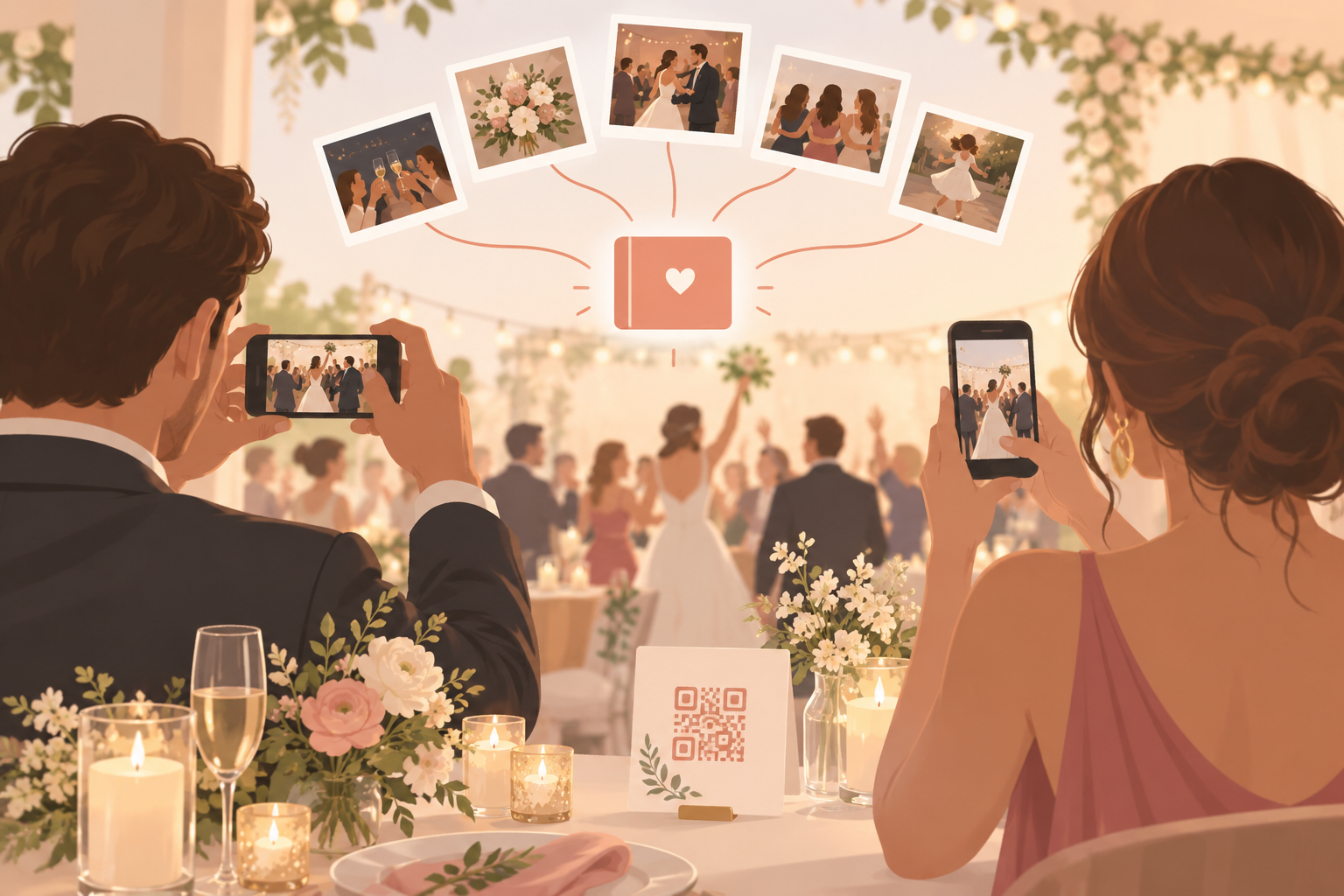
You are planning a wedding and you love the idea of disposable cameras on every table. Guests snap the moments your photographer never sees: the dance floor, the kids under the tables, the toast from the back row. But real film cameras get left in bags, run out of shots, and take weeks to develop, and a lot of guests simply forget to hand theirs back. You want the same candid, unposed feel with every photo in one place you own, and without chasing 100 people afterwards. That is what a digital disposable camera is for.
What is hard right now
- I bought 30 disposable cameras and half of them walked out the door in someone's handbag.
- I will wait weeks to get film developed, and I will not know what is on the rolls until then.
- Guests keep saying they will send me their photos, and then they never do.
- I do not want my wedding photos in a public feed or sitting in a group chat nobody can search.
- Half my guests are on Android and half are on iPhone, and I do not want to ask anyone to make an account first.
Scenarios
The reception tables
A card with a QR code sits at every place setting. During cocktail hour, your guests scan it and start shooting. Guests can join from a QR code or an eight-character invite, and no account is required.
Your cousin on Android and your college friend on iPhone both end up in the same album. They join from any modern phone browser through the invite link, so nobody has to install anything first. Installing the app is optional.
The card does the work, so you are not collecting email addresses or chasing sign-ups. See how the QR code photo album for weddings works.
Ceremony, reception, after-party
Use Moments to split the wedding into stages. The ceremony, the reception and the after-party each get their own QR code and their own reveal timing.
Guests move from one stage to the next without switching apps, and the after-party shots do not get mixed in with the vows. When you open the album later, each part of the day is already sorted.
The morning after
Set the reveal to After the event, and nobody scrolls through photos mid-dance. The gallery unlocks when the event ends. If you would rather open it after a night's sleep, add a delay of a set number of hours after the event ends.
There are three reveal modes: During, After the event, and an additional delay on top of After the event. Pick the one that fits how you want to experience the photos.
Once the album opens, everyone's shots are in one shared event album through guest upload. You can filter by photographer to see what one friend caught, then export your favorites.
Your larger-than-seven-guest wedding
The free tier covers up to 7 guest uploaders per event, which suits a micro-wedding or a rehearsal dinner. It is free to start, and you upgrade per event.
For a bigger guest list, SYNC PRO is a one-time purchase, not a subscription, that expands the guest and photo limits for a single event. You upgrade again only when you create a larger event.
Still comparing options? Read about the best disposable camera app for a wedding, or the digital disposable camera app for a wedding.
Features that make this work
QR code photo album for weddings
Guests join from a QR code or an eight-character invite, so the table card does the work and you never collect email addresses or chase sign-ups.
Reveal modes
Choose During, After the event, or After the event with an additional delay, so the album opens when you want it to and not before.
Guest upload
Everyone's shots land in one shared event album, and you can filter by photographer to see what one friend caught.
Privacy controls
Photos are encrypted in transit and stored in event-scoped buckets with per-event row-level security. sync.camera does not sell your photos or your data, has no ads, and does no cross-app tracking.