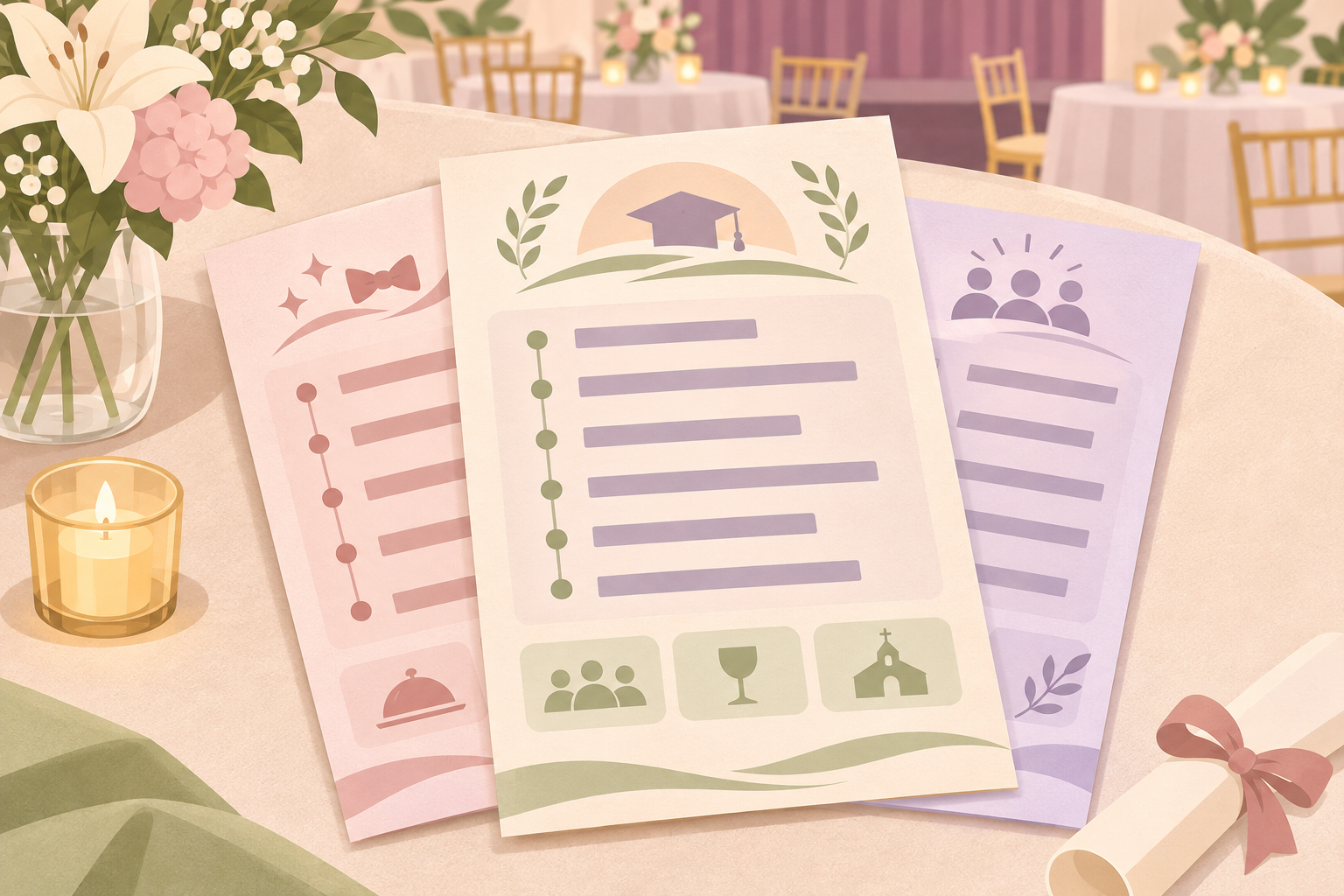
An event program is a one-page printed guide that tells guests what is happening and when: the event name, date and place, a running order of times and items, and a short welcome. Use the free maker below to build one for a gala, conference, church service, graduation or any other event, then print it or save it as a PDF. It runs in your browser, so nothing you type is uploaded.
Make your event program
How to make an event program
Pick your event type
Choose a general event, church service, gala / fundraiser, graduation, conference or award ceremony to load a sample title and schedule, or keep the general one.
Edit the details and the running order
Change the title, date line and venue, then edit each schedule row. Add, delete or reorder items, up to 16 on one page. Time and detail are optional on every row.
Choose a style and paper size
Pick Classic, Modern or Minimal and US Letter or A4, then press Make my program to see the finished page.
Print it or download the PDF
Print straight from the page, or download the PDF and send it to a print shop.
What to put in an event program
The essentials. Every program needs the event title, the date and start time, the venue, and the running order: what happens, in order, with a time for each item when you have one.
Useful extras. Speaker or performer names in the detail line, a short welcome note, a thank-you line at the bottom, and a line thanking sponsors or volunteers.
Tips by event type:
- Church service: put hymn and reading titles in the detail line, such as the hymn name under Opening Hymn.
- Graduation: keep the front for the order of ceremony and print a graduate list on the back of the sheet.
- Conference: use the detail line for room names so attendees can find each session.
- Gala or fundraiser: give the auction and the awards their own rows with times, so guests know when to be in their seats.
Printing tip: print on card stock, then fold each program or place one on every seat before guests arrive.
From the running order to the photos
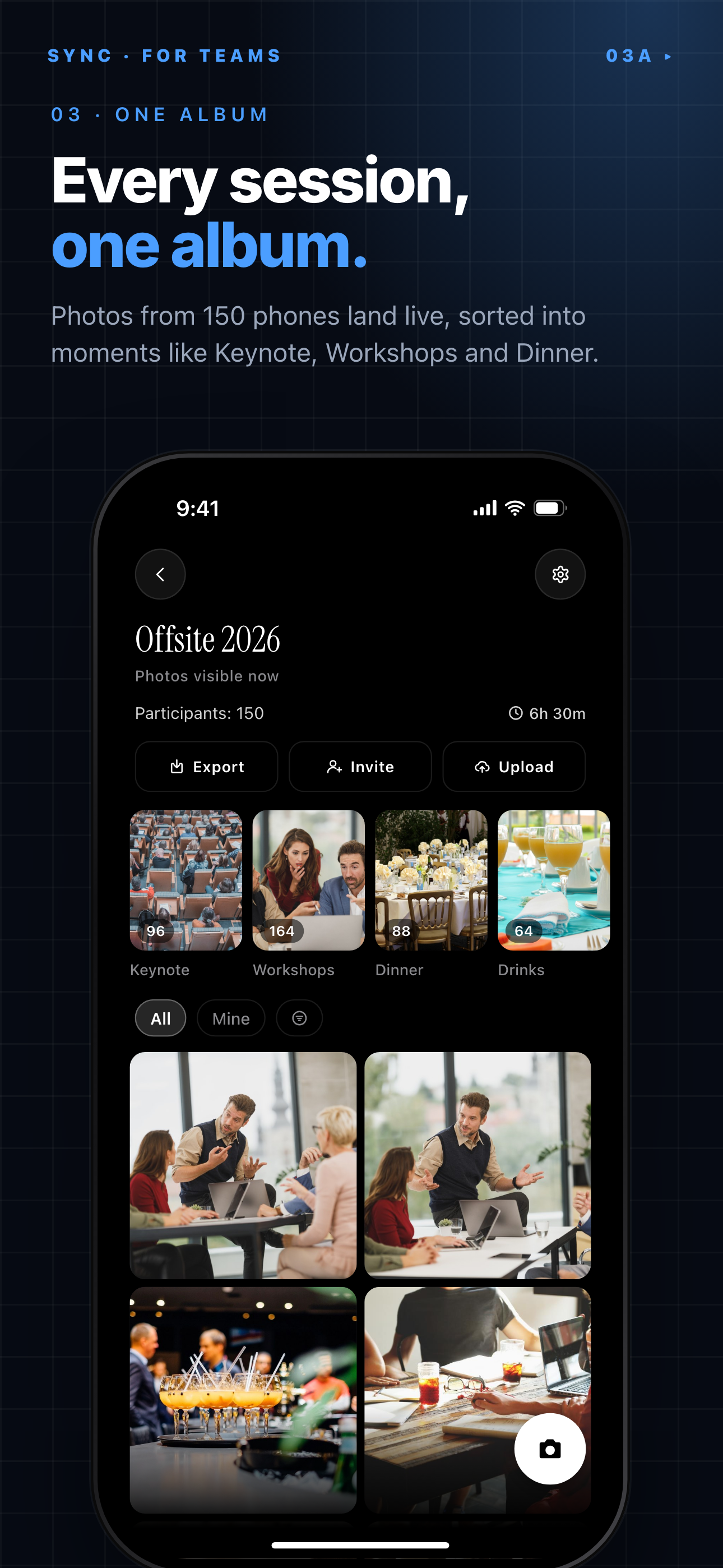
The program gives guests the running order. SYNC collects the photos from it. Create one shared event album and guests join from an invite link or a QR code, with no account required. It suits a conference, a corporate event or a graduation party.
Moments split an event into stages, such as a keynote, workshops and dinner, each with its own QR code and reveal timing, so the stages in your program can become the stages of your album. Pick a reveal mode: during the event, so guests see photos live as they are taken; after the event, when the gallery unlocks at the end; or after an additional delay of a set number of hours.
Free to start. Upgrade per event. The free tier covers up to 7 guest uploaders per event, with no credit card needed.
Frequently asked questions
What should an event program include?
The event name, the date and time, the venue and a running order of items, with a time for each one if you have it. Many programs add speaker names, a short welcome note and a closing thank-you.
Is this event program template free?
Yes. It runs in your browser, needs no sign-up, and you can print the program or download it as a PDF at no cost.
Can I use it for a church service, gala or graduation?
Yes. Church service, gala / fundraiser, graduation, conference and award ceremony each load their own sample schedule, and every line is editable. The general event type works for anything else.
How long should an event program be?
One page is enough for most events. This maker fits up to 16 schedule items on one sheet and shrinks the text to fit, so the program never spills onto a second page.
What paper should I print event programs on?
US Letter or A4, whichever your printer uses. Heavier card stock holds up better when programs sit at each seat, and the PDF can go to any print shop.
Is my program saved anywhere?
No. Everything stays in your browser and nothing is uploaded. Download the PDF before you close the page, because a reload clears it.