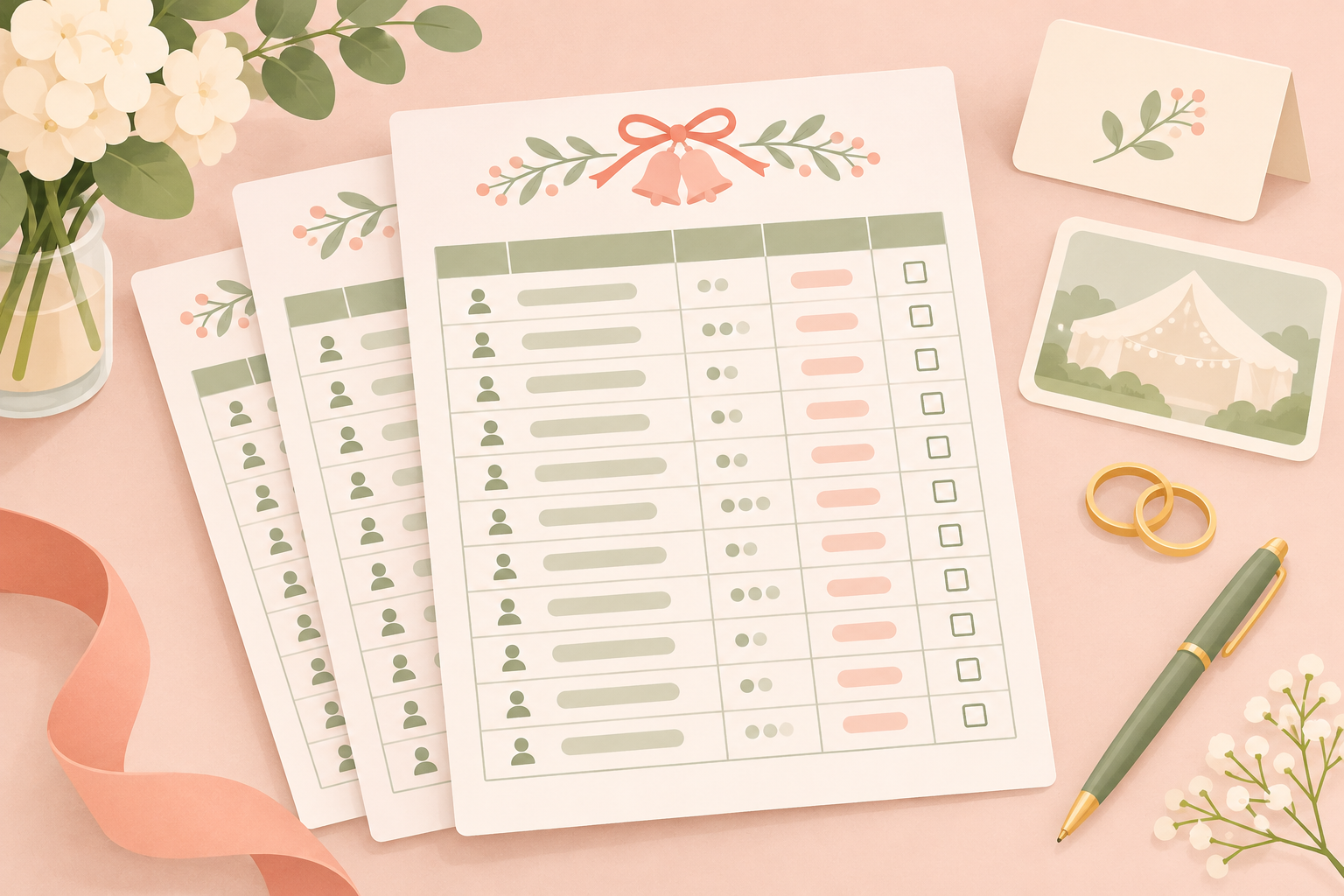
A wedding guest list template is a table that tracks everyone you invite, with columns for side, contact details, plus-ones, RSVPs, meal choices and table numbers. This free builder makes one in your browser: print it, save it as a PDF, or download a CSV that opens in Excel or Google Sheets. Paste your names to get a live headcount, or leave the box empty for a blank sheet you fill in by hand.
Build your wedding guest list
How to make your wedding guest list
Name your list and add your guests
Type a title and paste your guests, one guest or household per line. Start a line with A: or B: to mark whose side they are on, and end it with +1 for a plus-one. Or leave the box empty for a blank template.
Pick your columns and blank rows
Untick any columns you do not need, add up to two of your own (a gift column, for example), and choose how many blank rows to add for late additions.
Build it and check the headcount
Click Build my guest list. The summary shows guests listed, plus-ones, your total headcount and, if you used sides, how many guests each side has.
Print it, save a PDF or download the CSV
Print the sheet (choose landscape), save a PDF, or download the CSV to keep editing in Excel or Google Sheets. Nothing is saved on this page, so download a copy before you close it.
What to track on a wedding guest list
Every column in the template earns its place for a reason:
- Side helps you balance the two families' lists and spot where cuts are fair.
- Relationship (cousin, colleague, school friend) makes trimming decisions easier later.
- Address is what you need when the invitations and save-the-dates go out.
- Email / Phone is for reminders and last-minute logistics.
- Plus-one keeps your headcount honest: each one is an extra seat and an extra meal.
- RSVP and Meal are the two numbers your caterer will ask for.
- Table turns the list into your seating plan.
- Thank-you sent is for after the day, so nobody is missed.
Pair it with the free month-by-month wedding planning checklist so the list is ready when the invitations are due, and if the budget is tight, read how to do a cheap wedding without making it feel cheap.
Wedding guest list in Excel or Google Sheets
If you would rather keep your guest list in Excel, build it here and click Download CSV. The file has one header row and one row per guest, with sides and plus-ones already filled in, and it keeps accented names intact. Open it in Excel, or import it into Google Sheets, then add filters, sorting or colour as you like. Account-based wedding planners keep a list for you; this page does not save anything, so the CSV is your copy to keep and update.
Your guest list says who is coming. sync.camera collects what they capture.
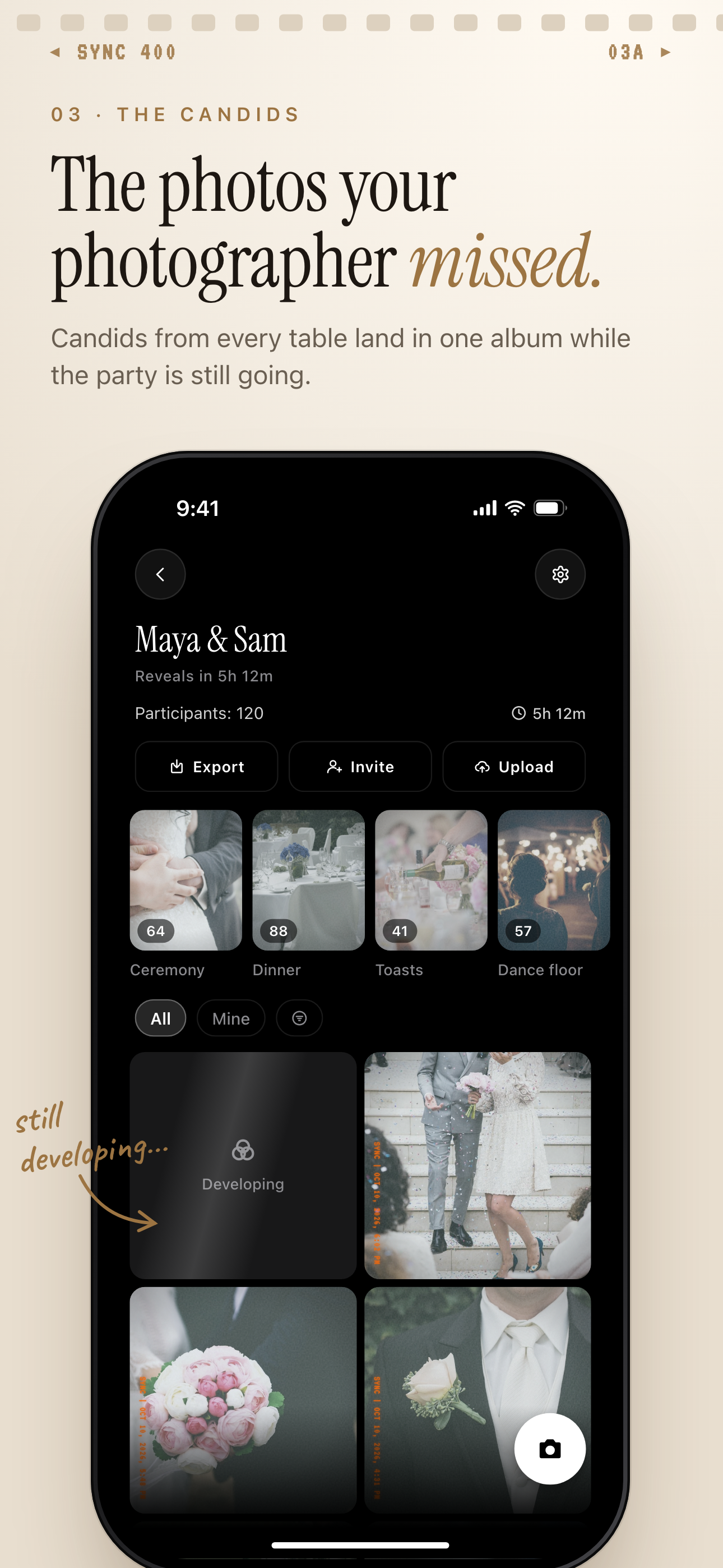
Once the RSVPs are in, the same guests will take hundreds of photos on the day. With sync.camera, everyone's shots go into one shared album for your event:
- Guests join from an invite link in any modern phone browser. No account required, and installing the app is optional.
- Reveal modes let you choose when photos appear: live during the event, after it ends, or a set number of hours later.
- Moments split the day into stages, such as ceremony and reception, each with its own reveal timing.
- Export your favorites when it is over.
It is free to start, with up to 7 guest uploaders per event and no credit card needed. For a bigger event, SYNC PRO is a one-time purchase for that event, not a subscription. See how guest upload works, or read how to collect wedding photos from guests without the follow-up chase.
More free tools for the day: wedding bingo cards and couple trivia questions.
Frequently asked questions
How do I make a wedding guest list in Excel?
Build the list on this page, click Download CSV and open the file in Excel, or import it into Google Sheets. The columns and headers are already set up, so you only need to add sorting or filters there.
What should a wedding guest list include?
Each guest's name, which side they are on, your relationship, their address, an email or phone number, plus-one, RSVP, meal choice, table number and a thank-you tick. Drop any column you do not need.
Is my guest list saved on this page?
No. Everything runs in your browser and nothing is stored or uploaded, so reloading the page clears it. Download the CSV or the PDF to keep your list.
How do I count my total headcount with plus-ones?
Add +1 to the end of a guest's line to mark a plus-one. The summary adds plus-ones to the named guests and shows the total headcount.
How do I trim a wedding guest list?
Set a target headcount before you start cutting. Group the list by side and relationship so the cuts feel even, and decide your plus-one rule once, then apply it to everyone.
Can I print a blank wedding guest list?
Yes. Leave the names box empty and click Build my guest list. You get a numbered sheet with 50 blank rows and tick boxes for RSVP, plus-one and thank-you, ready to print or save as a PDF.