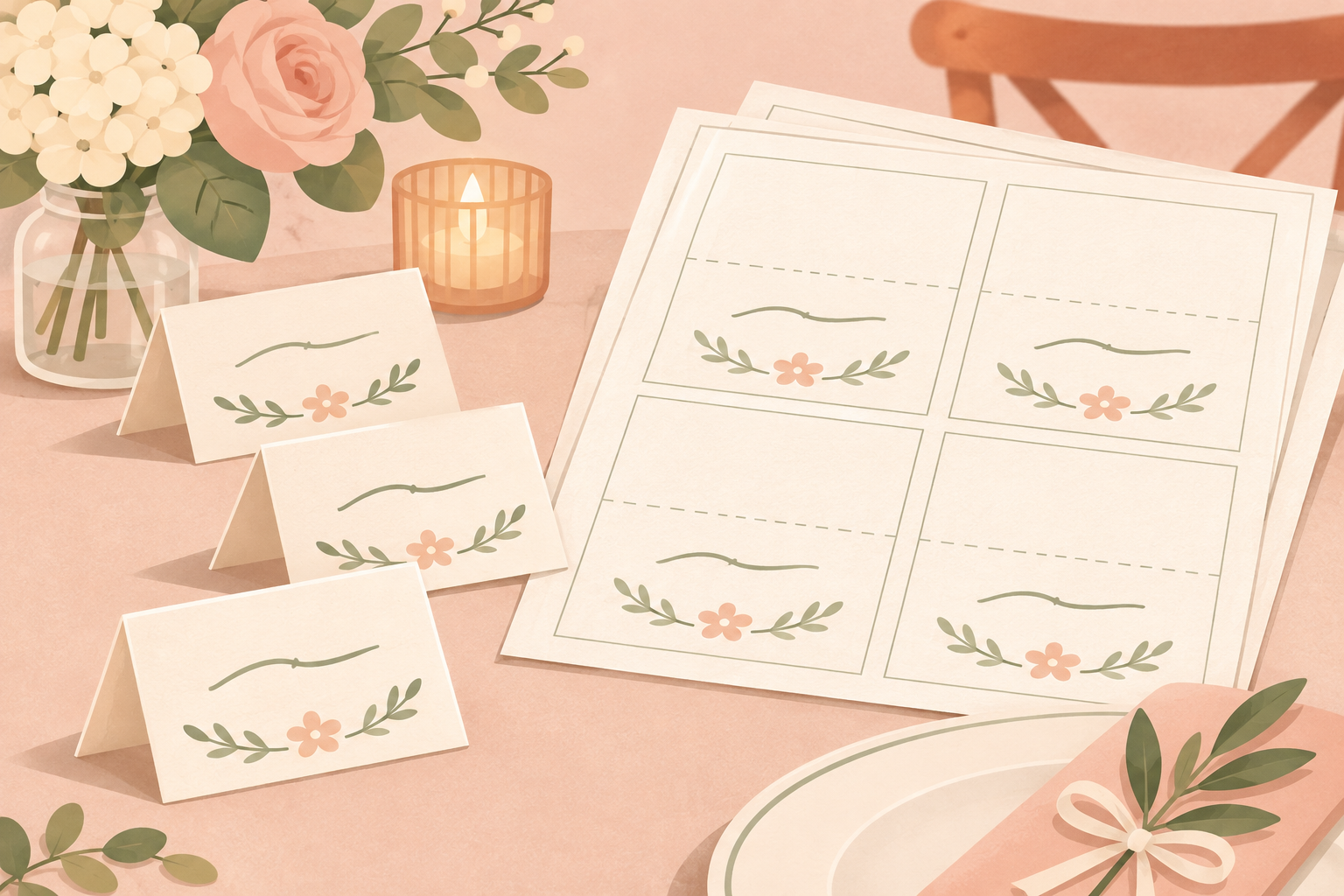
Wedding place cards are small name cards set at each seat so guests know exactly where to sit. Most show the guest's name, and many add the table number or meal choice. Paste your guest list into the free maker below to print folded or flat place cards on Letter or A4 paper, or save them as a PDF.
Make your wedding place cards
How to make and print wedding place cards
Paste your guest list
One guest per line. Add a table number and a meal choice if you want them, separated by a vertical bar: Ava Martin | Table 1 | Chicken. You can also paste a name column and a table column straight from a spreadsheet.
Choose the card and what it shows
Pick folded tent cards or flat cards, US Letter or A4, and a font style. Switch the table number and meal choice on or off, and add a footer line with your names and date if you like.
Make the cards and check the preview
Click Make place cards. The preview shows every sheet, plus a note for any name that was trimmed and any line that was skipped.
Print at 100% or download the PDF
Print on cardstock at 100% (Actual size), not Fit to page, so the cards come out true to size. Or download the PDF and take it to a copy shop.
Cut, fold and set them out
Cut along the light grey lines, fold tent cards on the dashed line, and set them out table by table. Sorting the list by table first makes this part quicker.
Wedding place card ideas: what to write and what to use
What to write on place cards
- First and last name for a formal dinner.
- First names only for a relaxed, family-style wedding.
- Family titles such as 'Grandma Rose' or 'Uncle Joe'.
- 'Mr. & Mrs.' on one card, or each guest on their own card. One card per seat is easier for the caterers and for you.
- The table number, so the card doubles as a guide when guests arrive.
- The meal choice, as a word, for caterers serving a plated dinner.
- A short personal note on the back, written by hand after printing.
- Kids' cards with the first name only.
- A card for the two of you, with your names or 'Bride' and 'Groom'.
- Plus-ones whose names you don't know yet: 'Guest of Ava Martin'.
Place card ideas beyond paper
- Names written on leaves or magnolia leaves.
- Small mirrors or tiles lettered with a paint pen.
- Tags tied to napkins or cutlery.
- Mini frames that guests can take home.
- Stones or shells for a beach wedding.
- Wooden slices for a rustic table.
- Cookies or macaron boxes with the name on a tag.
- Seed packets or mini plants in pots.
- Place cards that double as favors.
Quick tips
- Place cards or escort cards? Escort cards point guests to a table; place cards mark the exact seat.
- Card stock: use the heaviest cardstock your printer accepts so tent cards stand up straight.
- Outdoors: small holders or clips keep cards upright in the wind.
Planning the rest of the day? Try the wedding planning checklist, ideas for a cheap wedding that doesn't feel cheap, our free wedding bingo cards and couple trivia questions, or these reception games for guests.
Place cards get guests to their seats. SYNC gets their photos into one album.
Every guest at those tables will take photos. With SYNC, they all land in one shared album.
- Easy to join: guests join from a QR code or an eight-character invite. No account required. Any modern phone browser works, and the iOS or Android app is optional.
- You choose when photos reveal: during the event, after it ends, or after an additional delay. See reveal modes.
- Moments: split the day into stages, such as ceremony, reception and after-party, each with its own QR code and reveal timing.
- Free to start: up to 7 guest uploaders per event on the free tier, no credit card needed. Upgrade a single event with SYNC PRO when you need more.
More on collecting wedding photos from guests without the chaos and QR codes for wedding guest photos.
Frequently asked questions
What do you write on wedding place cards?
At minimum, the guest's name as they'd like to be addressed. Many couples add the table number, and the meal choice if the caterers need it. Formal weddings often use full names and titles; relaxed ones use first names. See the ideas list above for more.
What is the difference between place cards and escort cards?
Escort cards sit at the entrance and tell guests which table they're at. Place cards sit on the table and mark the exact seat. Many couples use one or the other. This maker can do either: keep the table number switched on and set the cards out at the entrance, or put them at each seat.
What size are wedding place cards?
A common size is 3.5 x 2 in when folded, which is 3.5 x 4 in flat. That is what this maker prints, 4 to a sheet. Flat cards are the same 3.5 x 2 in, 10 to a sheet. Both layouts are centred on US Letter and A4.
How do I print place cards at home?
Use cardstock your printer accepts and print at 100% (Actual size), not Fit to page, so the cards are true to size. Test one sheet on plain paper first. Then cut along the light lines and fold tent cards on the dashed line.
Can I add a QR code to place cards?
This maker does not add QR codes. Many couples put one QR sign on each table instead of a code on every card.
Is this place card maker free, and is my guest list saved?
It's free, with no sign-up. Your list is processed in your browser only: nothing is uploaded, and it's gone when you reload the page, so keep your own copy of the list.
Do I need place cards at my wedding?
Not always. They help most with a plated dinner, assigned seats or a large guest count. Buffets and open seating can skip them or use table numbers only.