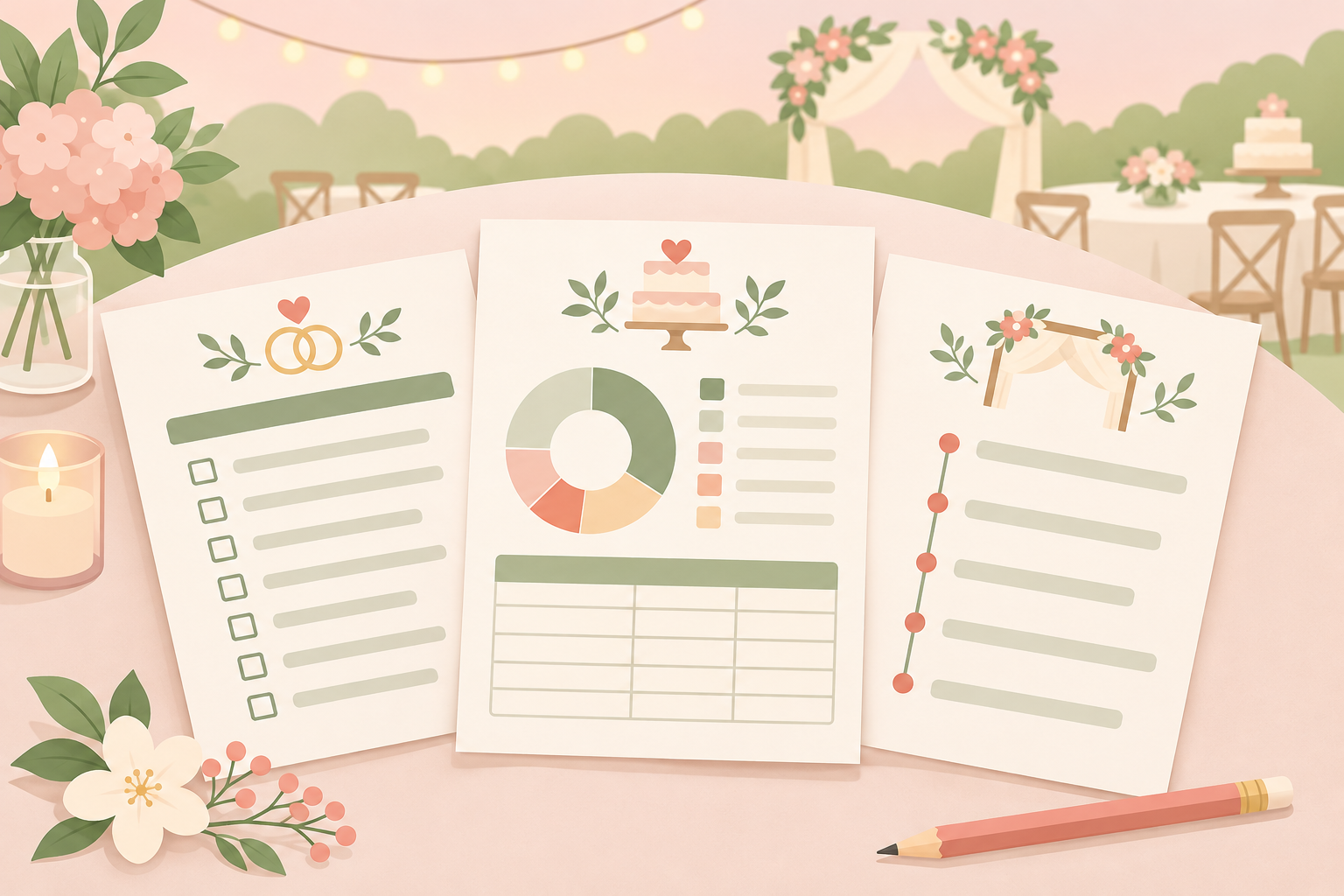
A wedding planning template is a ready-made planner that keeps your to-do checklist, budget and day-of schedule in one place. This free builder fills one in from your wedding date, budget and ceremony time, so every task has a real due date and every budget line has a starting amount. Print it or save it as a PDF; it runs in your browser and needs no sign-up.
Build your wedding planning template
How to use this wedding planning template
Enter your date, budget and ceremony time
Type your wedding date, total budget and ceremony start time, or keep the defaults: a date 12 months from today, a $20,000 budget and a 4:00 PM ceremony. Add your names if you want them on the cover.
Adjust the budget split and add your own tasks
Change any budget percentage; the running total turns red when the split isn't 100%. Add up to 10 tasks of your own to the right time bucket, and untick any section you don't need.
Build the planner and check the preview
Click Build my planner. The cover, checklist, budget sheet and day-of timeline appear below the form, with every due date and clock time already worked out.
Print it or download the PDF
Print it, or download one PDF in US Letter or A4. Then tick tasks off and fill in quotes and payments as you go.
How to use your planner
A printed planner only helps if you keep it current. Three habits make it work:
- Update the budget sheet after every vendor call. Write each quote in the Quoted column when it arrives and the amount in Paid when you pay, so you always know where you stand against the plan.
- Share the day-of timeline a week before. Send it to your venue, photographer and wedding party so everyone works from the same times, and use the Notes column for names and places.
- Add a "collect guest photos" task to the 1 week bucket. Decide how guests will share their photos before the day, not after it. Here's how to collect wedding photos from guests.
For the reasoning behind each task and when to do it, read our month-by-month wedding planning checklist. Planning the reception too? Make free wedding bingo cards or a couple trivia quiz for your guests.
Your guests take photos all day, too
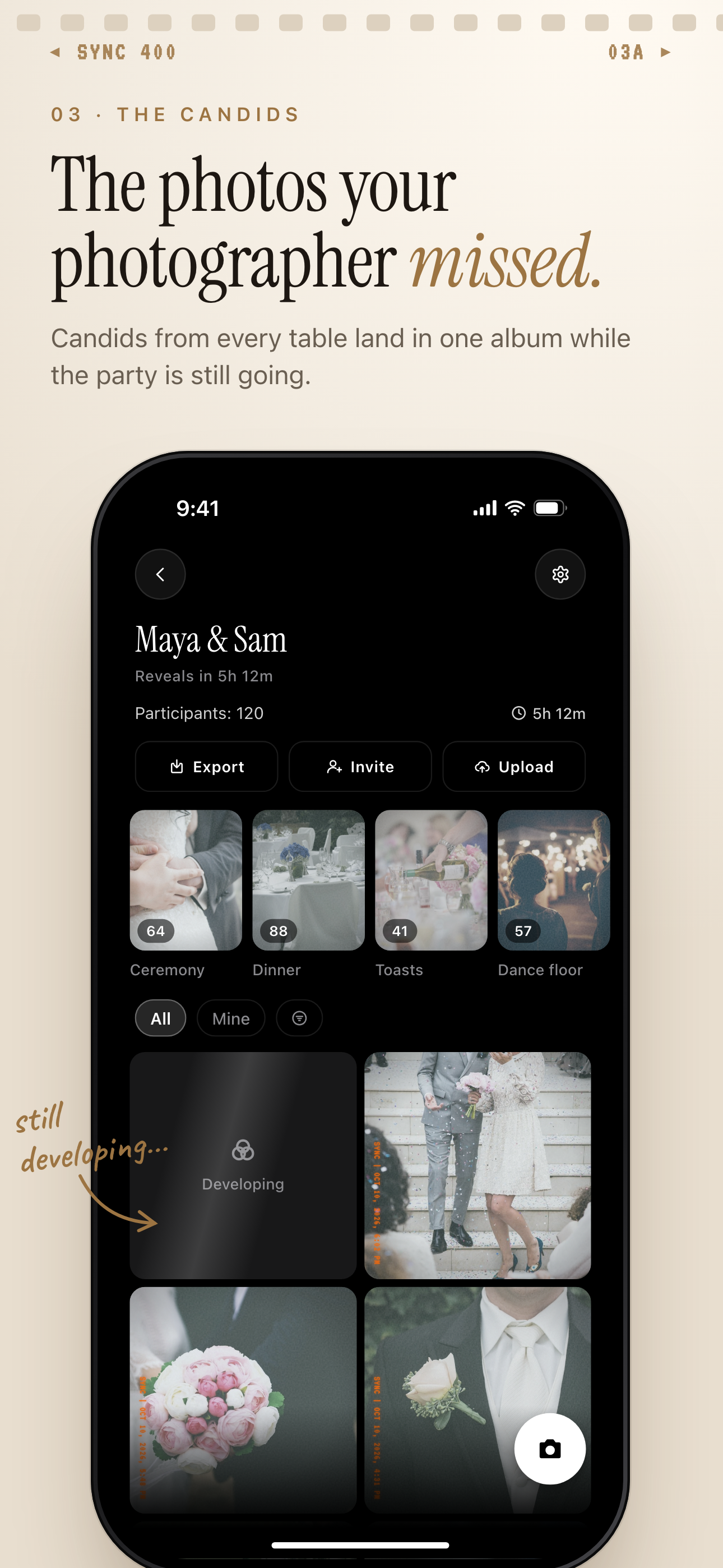
Your day-of timeline schedules the photographer, but guests take photos all day too: getting ready, during the toasts, on the dance floor. sync.camera gives your wedding one shared album.
- Create the event. Name it and pick an end time, then share the invite link.
- Guests join from their phone. The invite link works in any modern phone browser, and no account is required. Installing the iOS or Android app is optional.
- Choose when photos appear. Reveal modes show photos live as they're taken, when the event ends, or a set number of hours after it ends.
- Split the day into Moments. Stages such as the ceremony and the reception each get their own QR code and reveal timing.
It's free to start with up to 7 guest uploaders, no credit card needed. SYNC PRO is a one-time purchase, not a subscription, that expands the guest and photo limits for a single event. We don't sell your photos or your data. No ads. No cross-app tracking. See how a shared wedding album works.
Frequently asked questions
What should a wedding planning template include?
At minimum, a checklist with deadlines, a budget sheet that tracks planned, quoted and paid amounts, and a day-of timeline. Many couples also keep a guest list and a page of vendor contacts. This builder makes the first three, filled in from your own date, budget and ceremony time.
How far in advance should I start planning a wedding?
Many couples start about 12 months out, which is why the builder suggests a date a year from today. It works with any date: if yours is closer, tasks whose due dates have already passed are grouped into a "Do now" list at the top, so you can see what to catch up on first.
How should I split my wedding budget?
Venue and catering usually take the largest share, so the default split gives them 45% and keeps 9% as a contingency line. Treat those numbers as a starting point, not a rule: change any percentage to match your priorities and every planned amount updates. For ways to spend less, see how to do a cheap wedding without making it feel cheap.
Is this wedding planning template free? Do I need an account?
Yes, it's free, and there's no account or sign-up. The planner is built in your browser, and nothing you type is uploaded or saved. Download the PDF or print it if you want to keep it.
Can I edit the planner after I print it?
Yes, by hand. The budget sheet has blank Quoted and Paid columns, and the day-of timeline ends with four blank rows for your own items. To change the generated content, edit the inputs and click Build my planner again. The page doesn't keep your entries after a reload, so download the PDF once you're happy with it.
Will it print on US Letter and A4 paper?
Yes. Print uses your printer's paper size, and the PDF comes in US Letter or A4. A full planner is 5 or 6 pages: a cover, then the checklist, budget sheet and day-of timeline, each starting on a new page so you can hand the timeline out on its own.