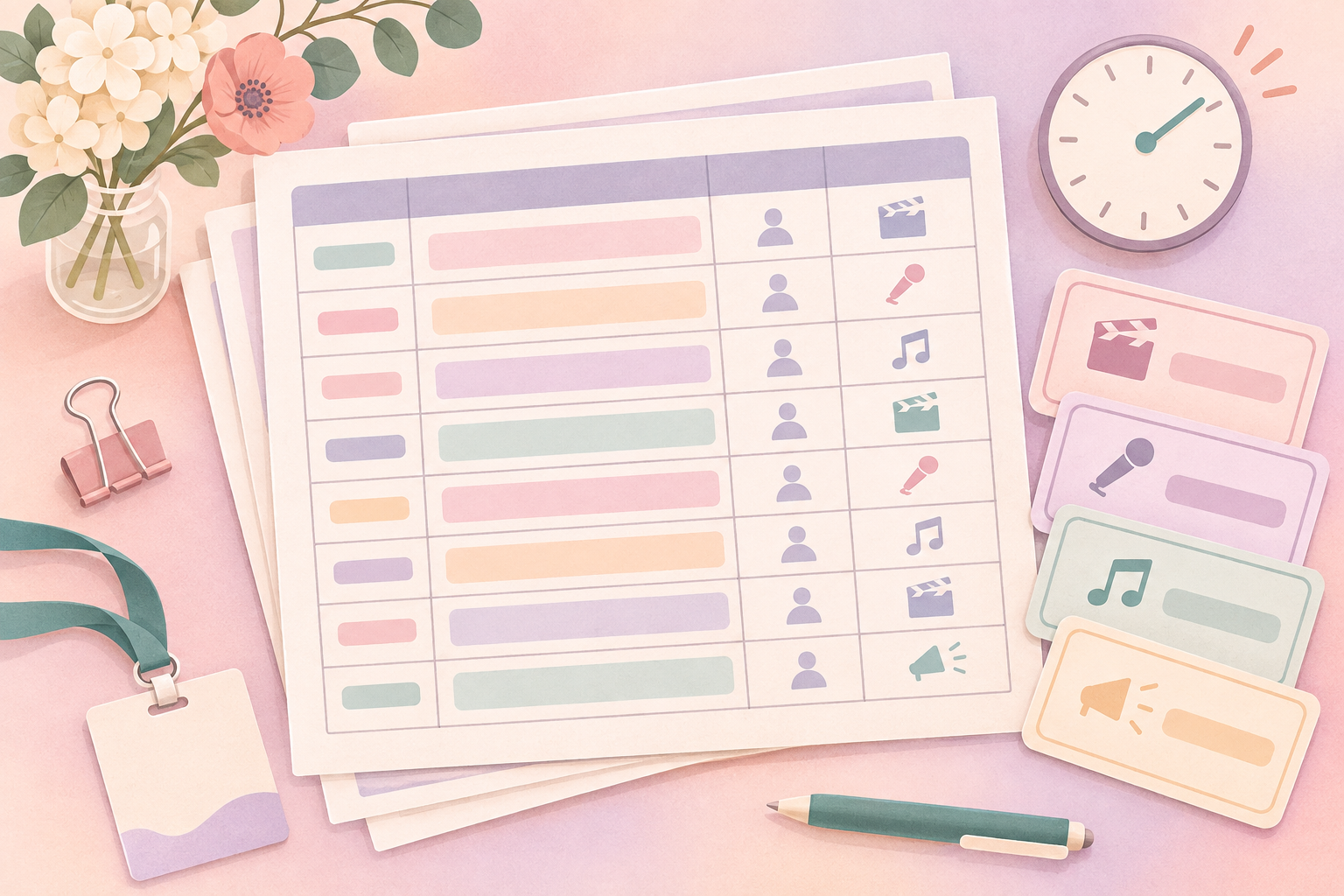
A run of show is a minute-by-minute schedule of an event: every segment, when it starts and ends, who owns it and what cues it needs. Producers, hosts and venue crews work from the same sheet, so everyone knows what happens next. This free run of show template builds one in your browser and works out every start time, end time and the finish time for you.
Build your run of show
How to use the run of show template
Set the event basics
Give the event a name, add the date if you want it on the sheet, set the start time and choose 12-hour or 24-hour times.
Edit the segments
Rename the sample segments and give each one a duration in minutes, an owner and the cues it needs: mics, lights, slides or music. Use the arrows to reorder rows, the cross to delete one and Add segment for more, up to 40.
Add a buffer if transitions run long
The buffer adds the same number of minutes after every segment except the last, so changeovers have room without editing each row.
Build the run of show
Click Build run of show. Every start and end time is calculated from your start time, along with the finish time and the total runtime. Change anything and click it again to rebuild.
Print it or download the CSV
Print a cue sheet for the crew, with the header repeated on every page, or download the CSV to share and edit in a spreadsheet.
What to put in a run of show
Start with the shape of the event, then fill in the detail:
- The segments, in order. Doors and arrivals, the welcome, the main segments, breaks, awards or toasts, closing remarks and load-out. Transitions count too: if the stage has to change, give it its own row.
- One owner per segment. A name or a role, so there is never a question of who calls it.
- Cues written as actions. "Lights down", "mic 1 live", "walk-in music", "slides on screen". Someone reading the sheet mid-event should know exactly what to do.
- Buffers before key moments. A few minutes before a keynote, a first dance or an award gives you room if the previous segment overruns.
- Notes the stage manager needs. Which mic, which chairs, which file. Keep them short so the sheet stays readable.
The same structure adapts to most events. A conference day might run registration, opening keynote, breakout sessions, lunch, panel and closing. A corporate party might run arrivals and drinks, a welcome from the host, dinner, awards, and music until close. A wedding reception might run the guest arrivals, the couple's entrance, dinner, speeches, cake and first dance; pair it with a month-by-month wedding planning checklist and wedding bingo cards for the tables.
Collect the photos from every segment
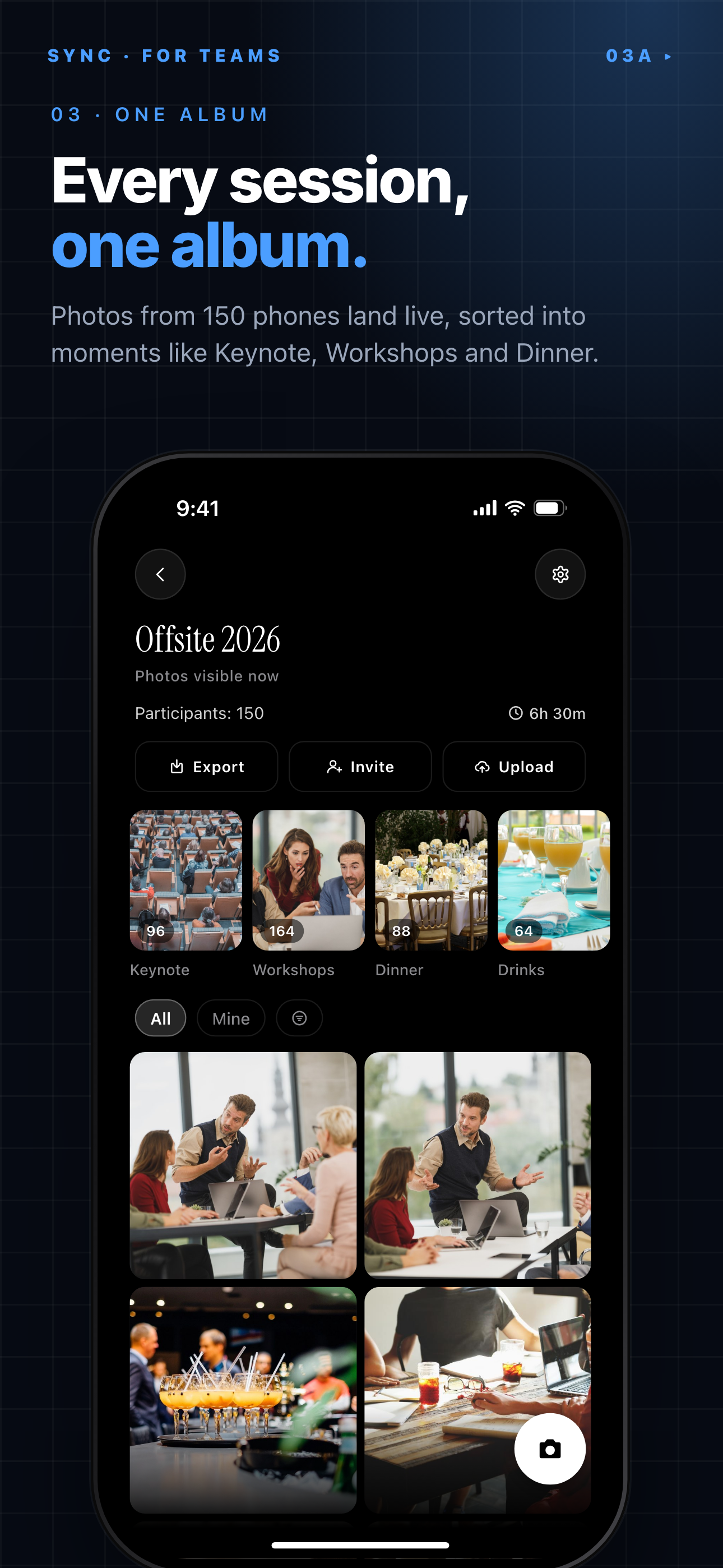
Your run of show splits the event into segments. SYNC's Moments do the same for photos: split an event into stages, such as a keynote, workshops and dinner, each with its own QR code and reveal timing. Guests move between them without switching apps, and their photos come together in one shared event album.
Guests join from a QR code or an eight-character invite. No account required. Choose one of three reveal modes: During, so guests see photos live as they are taken; After the event, so the gallery unlocks when it ends; or Additional delay, which unlocks a set number of hours after the event ends. Later you can filter the album by photographer and export your favorites. Working with a photographer as well? See SYNC for event photography.
Free to start. Upgrade per event. The free tier covers up to 7 guest uploaders per event, and no credit card is needed.
Frequently asked questions
What is a run of show?
A run of show is a timed, segment-by-segment schedule for an event. It lists each segment's start and end time, who owns it and the technical or staging cues it needs, and it is the shared reference for producers, hosts and crew.
What is the difference between a run of show and an agenda?
An agenda tells attendees what happens. A run of show tells the team how it happens, with exact times, an owner and the cues for every segment and transition.
How detailed should a run of show be?
Detailed enough that someone stepping in could run the event from it: every segment and transition, who is responsible and the cues needed. Add a buffer where transitions tend to overrun.
Can I edit this run of show in Excel or Google Sheets?
Yes. Download CSV gives you a file that opens in Excel, Numbers or Google Sheets with the same columns as the sheet, including the calculated start and end times and each duration in minutes.
What happens if my event runs past midnight?
The times carry on past midnight and are marked +1 day, and the total runtime stays correct. The marker appears in the printed sheet and in the CSV.
Is my run of show saved?
No. The run of show is built in your browser and what you type stays on your device: nothing is stored, and your segments, names and notes are never uploaded. Print it or download the CSV before you close or reload the page, because a reload starts again from the sample.
Can I save it as a PDF?
Yes. Click Print and choose Save as PDF in your browser's print dialog.