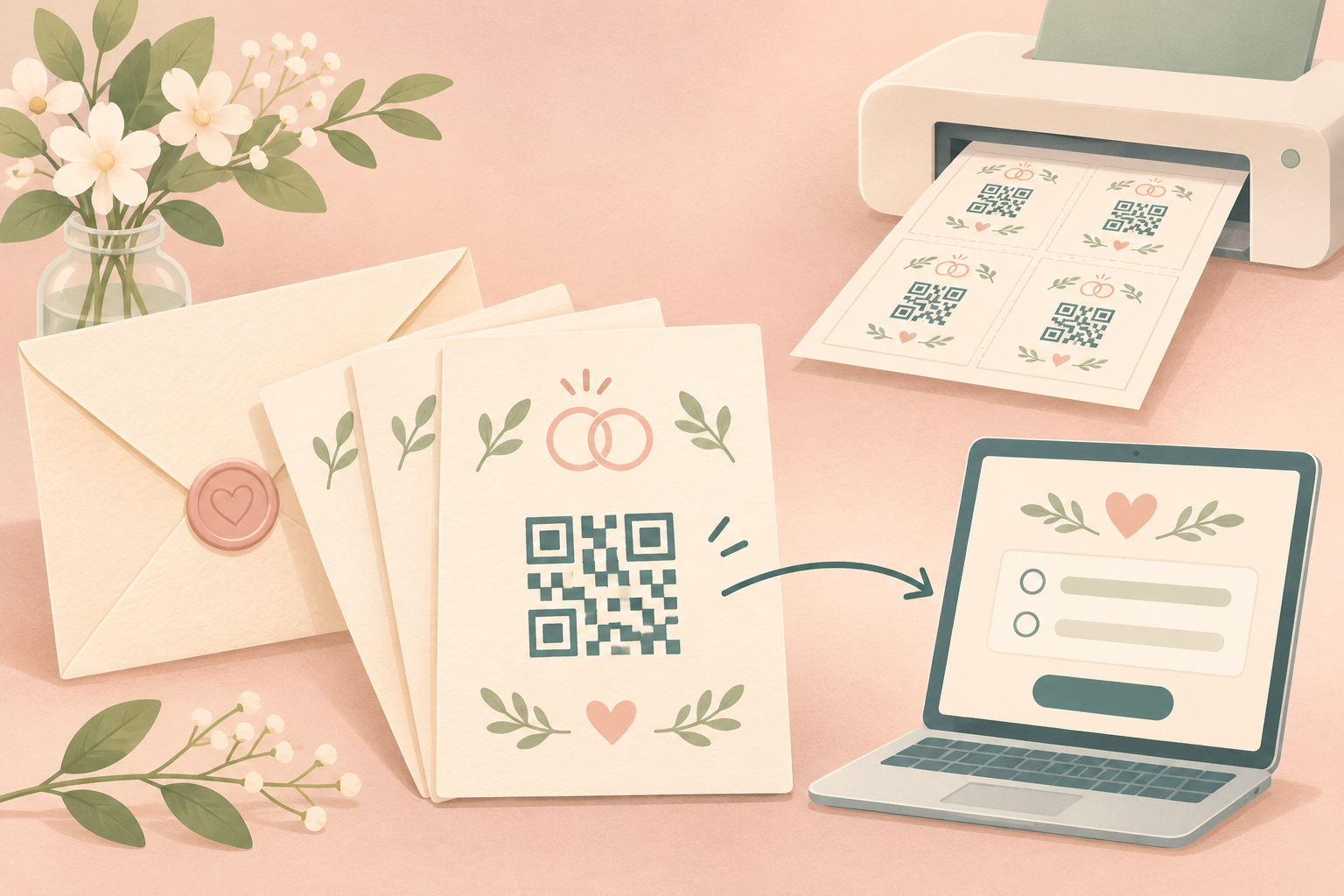
An RSVP QR code is a small printed square that opens your RSVP page when a guest points a phone camera at it, so they can reply in seconds instead of posting a card back. Paste the link to your RSVP form below to make a free wedding RSVP QR code, then download it or print it on insert cards for your invitations. The code holds exactly the link you paste, with no redirect in between, so it keeps working for as long as your RSVP page does.
Make your RSVP QR code and insert cards
How to make and print your RSVP QR code
Copy your RSVP link
Open your RSVP page (your wedding website's RSVP page or your online form) and copy the full link from the browser's address bar or the site's share button. The full link starts with https.
Paste it and choose your wording
Paste it into the RSVP link box, then choose a wording line and add your names and a reply-by date if you like. A backup line, such as your wedding website address, helps guests who would rather type.
Make the code and test it
Click Make my RSVP QR code and scan the code with your own phone to check it opens the right page. If you can, test with a second phone too.
Download it or print the cards
Download the PNG or SVG to place on your own invitation design, or print the card sheet or save it as a PDF. Set the number of copies in the print dialog and cut along the lines.
Where to put your RSVP code and what to say
What to say on the card. Keep the wording short so guests know what the code does. The preset lines cover the usual choices, from Scan to RSVP to Scan to RSVP and choose your meal. For a warmer tone, write your own, such as Scan to reply, we can't wait to see you or Tell us you're coming with a quick scan. For the invitation itself, see these wedding invitation wording ideas.
Where the code works. On an insert card tucked into the invitation envelope, on the back of the invitation, or on the save-the-date if your RSVP page is already live. A code on your wedding website also lets guests reading it on a laptop reply from their phone. Still planning the invitation itself? Try the wedding invitation maker.
Add a reply-by date. Printing the date on the card is common practice, so guests don't have to look it up on the invitation.
Give guests a backup. Some guests would rather type or call. A backup line such as Or reply at our wedding website, or a phone number, covers them.
A second QR code for the photos on the day
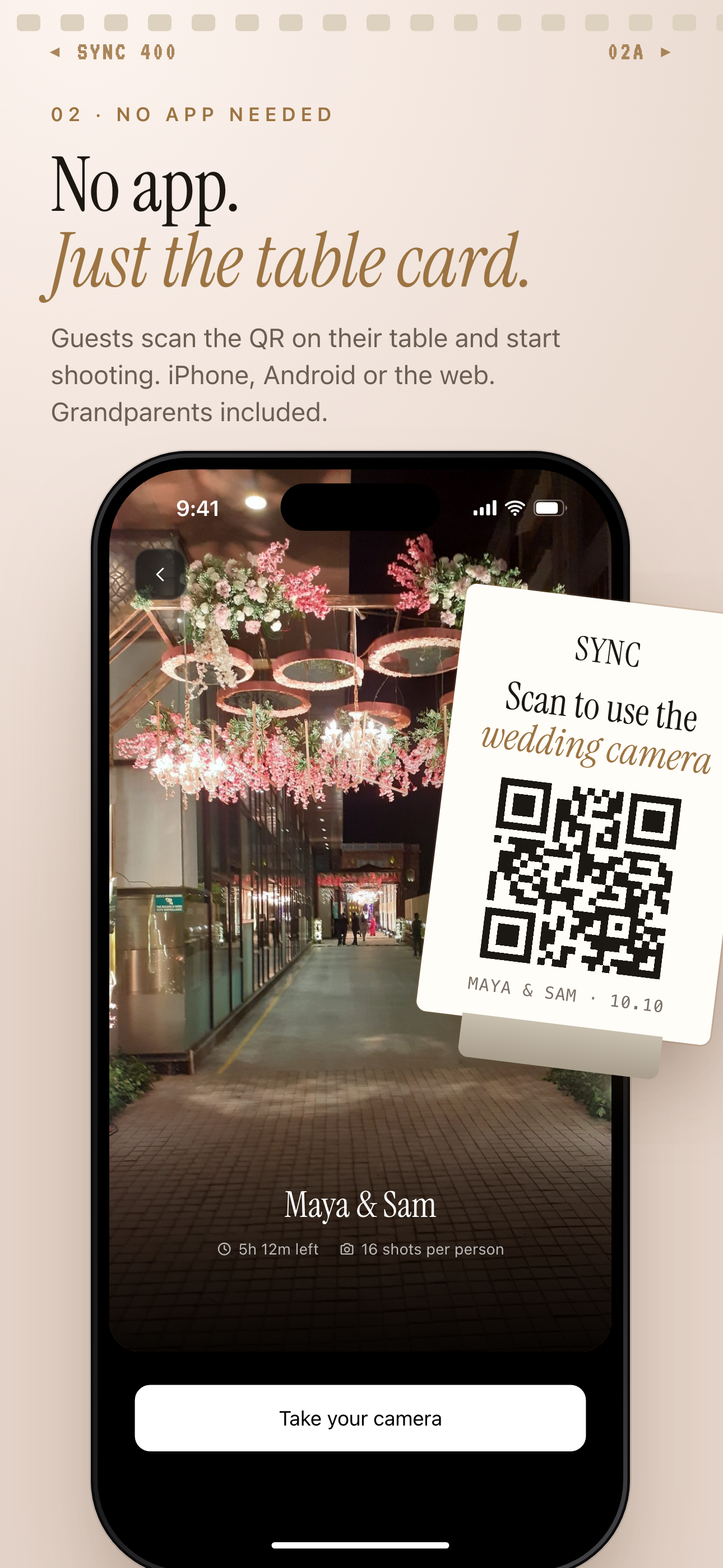
Your RSVP code collects replies before the wedding. On the day, a second QR code on the tables can collect the photos. With sync.camera, hosts create an event, name it and pick an end time. Guests join from a QR code or an eight-character invite, with no account required, from any modern phone browser; installing the iOS or Android app is optional. Read more about wedding QR code photo sharing and QR code invites, or make a table code with the free QR code generator for wedding photos.
The RSVP code you make above is separate: it points only to your own RSVP page and has nothing to do with sync.camera.
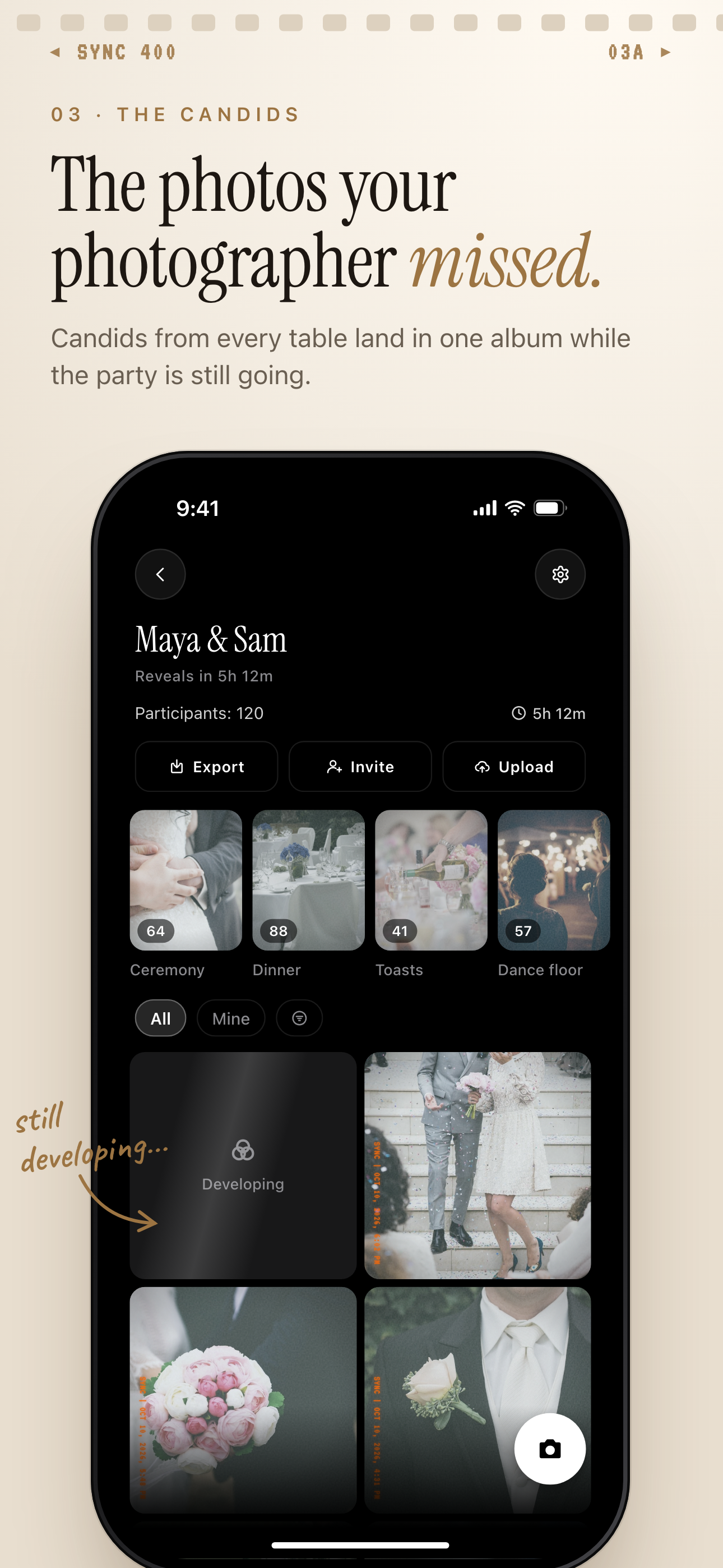
Every guest's photos in one album
Reveal modes decide when guests see the photos: live as they are taken, when the event ends, or a set number of hours after it ends. Moments split the day into stages such as the ceremony and the reception, each with its own QR code and reveal timing, and guests move between them without switching apps. The album can be narrowed to one guest's shots, and you can export your favorites.
sync.camera is free to start for up to 7 guest uploaders per event, no credit card needed. For a bigger event, upgrade that event with SYNC PRO, a one-time purchase rather than a subscription.
Frequently asked questions
How do I make a wedding RSVP QR code?
Copy the link to your RSVP page, paste it into the tool above and click Make my RSVP QR code. Scan the code with your phone to test it, then download it as a PNG or SVG, or print it on insert cards. It is free and runs in your browser.
Do RSVP QR codes expire?
Codes made here are static: the link itself is inside the code, with no redirect or shortener, so the code keeps working as long as your RSVP page does. If you move or delete that page, make a new code.
What size should an RSVP QR code be on an invitation?
At least 2 cm (about 0.8 in) wide. This tool prints it 45 mm wide on 3.5 × 5 in RSVP cards and 30 mm wide on small inserts. Keep it black on white with a clear margin, don't print it over a photo or recolour it, and test a printed copy before you print them all.
Can I put the QR code on my own invitation design?
Yes. Download the PNG (about 1024 px) or the SVG and place it in your design tool. Don't stretch, crop or recolour it, and keep the white border around it.
Will every guest be able to scan it?
Most modern iPhone and Android phones read QR codes in the built-in camera app. Use the full link starting with https, test with two phones, and add a backup line, such as your wedding website address or a phone number, for guests who would rather type or call.
Is the link I paste stored or sent anywhere?
The code is made on this page, in your browser. Your link is not uploaded or saved, and it is gone when you reload the page. The page records which options are used, such as card size and paper, but never your link or the text on your cards.
When should the RSVP deadline be?
Common practice is to ask for replies a few weeks before the wedding, which leaves time to confirm final numbers and plan the seating. The wedding planning checklist shows where the deadline fits, and once replies come in, the guest list template and seating chart template help you finish the plan.